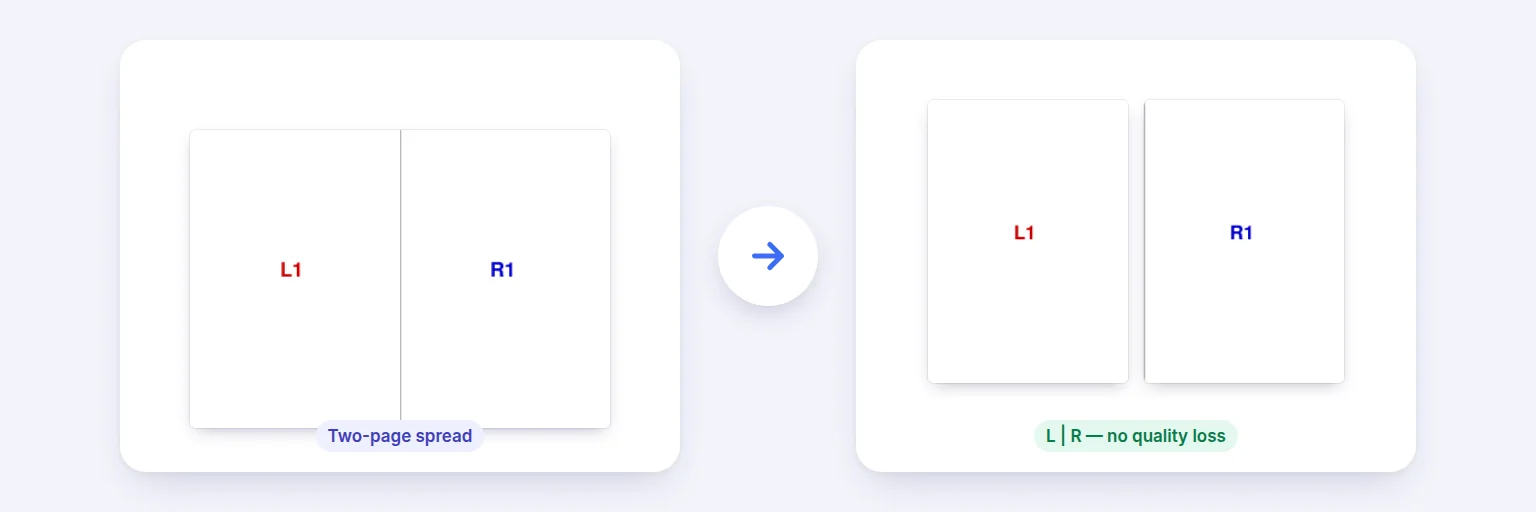
A scanned two-page spread → separate left and right pages, without re-rendering.
Scanned a book or magazine two pages at a time? Split every spread into separate left and right pages — or top and bottom — in reading order. Covers can stay whole, right-to-left books are supported, and nothing is redrawn: each half is the original page, just trimmed.
Pages keep their text and vector drawings — nothing is turned into pictures.
↔️ Drop a PDF with two-page spreads, or tap to choose
Several PDFs are combined in order first
The preview is the real result.
Each half becomes its own page, in reading order.
🔒 Prepared on your device. Nothing is uploaded.
Up to about 1,500 pages on a computer, less on phones. Links and form fields inside the pages don’t survive N-up, booklet and fit-to-paper layouts (the pages are placed as drawings); splitting in half keeps them. Password-protected PDFs need the password removed first.
A scanned two-page spread → separate left and right pages, without re-rendering.
Add the PDF with the spreads.
Choose Left | right (book spreads) or Top / bottom. Keep “Only split pages that are wider than tall” on so single pages are left alone.
Tick “Keep the first page whole” for a front cover, and “Right-hand half first” for right-to-left books. Check the preview.
Press Split pages and download.
💡 Tip: If the gutter (the middle of the spread) cut off a few letters, add 2–3 mm of overlap so each half keeps a little of the other side.
Most splitters re-render pages as pictures, which blurs text and makes files bigger. Here, each half is a copy of the original page with its visible area (the crop box) set to that half — the text, images and drawings inside are untouched, so there is no quality loss and text stays selectable. Page rotation is respected, so sideways-scanned spreads split correctly.
A scanned book often starts with a single front cover and ends with a back cover; tick the options to keep them whole. Pages that are taller than wide are left as they are when “Only split wide pages” is on. If you need to reorder afterwards, continue in Organize PDF.
Add the PDF, choose Left | right and press Split pages. Each page becomes two pages, left half first.
No. Nothing is redrawn — each half is the original page with its visible area trimmed.
Yes — tick “Keep the first page whole” (and the last page for a back cover).
Yes — tick “Right-hand half first”.
No. Pages are arranged in your browser on your device.
Free tools that pair well with this one.