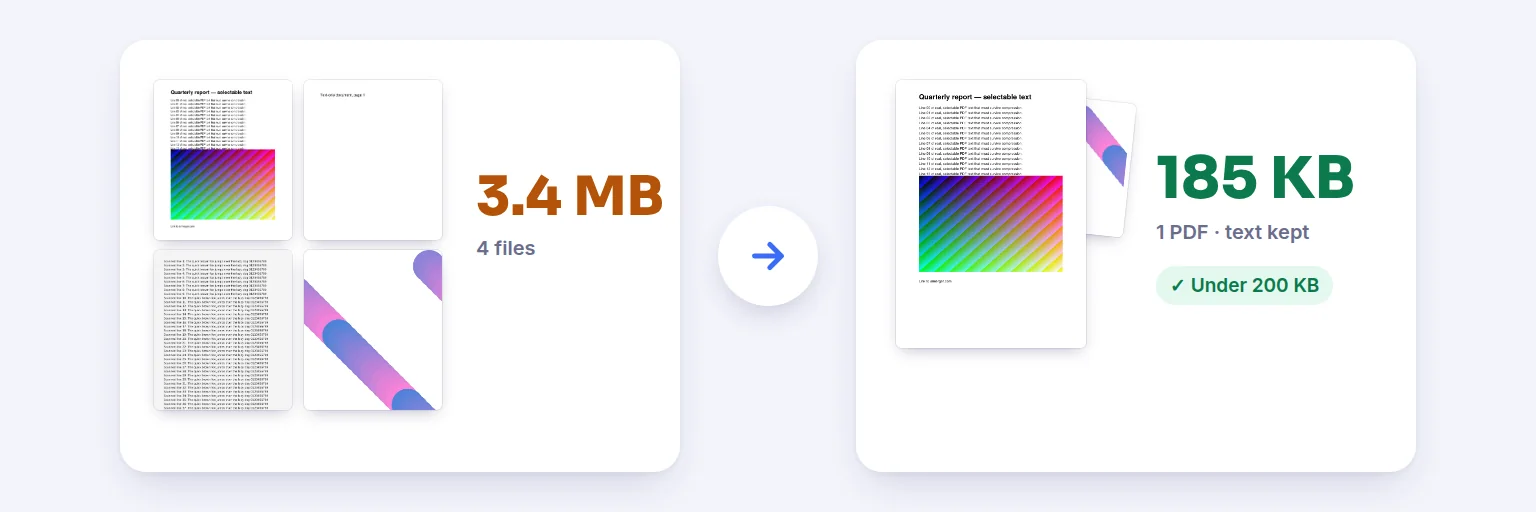
Four files, 3.4 MB in total → one 185 KB PDF, with the text still selectable.
Combine PDFs, JPGs, PNGs and WebP photos into one PDF that fits an upload limit. You choose the maximum size; we keep text selectable, shrink only the photos and scans inside, and show you the real result before you download — including when a target can’t be reached.
They are combined in the order shown. Pages from every file appear below as thumbnails.
🗜️ Drop PDFs and images here, or tap to choose
PDF · JPG · PNG · WebP · iPhone HEIC — up to 50 files
🔏 One of your PDFs is digitally signed. Merging or compressing creates a new file, so that signature will not be valid in the result (any visible signature image stays).
Every page, in order. Drag a page, or use ◀ ▶, to reorder · ↻ rotates · ✕ removes.
We use the gentlest compression that fits. Text stays selectable unless you choose image-only mode.
Image-only mode removes selectable text, links and accessibility information. Use it only if the size limit matters more than those.
You see the real size, a side-by-side preview and what was changed — before you download.
🔒 Combined and compressed on your device. No upload, no account, no watermark.
Up to 50 files and 1,500 pages at once; roughly 500 MB in total on a computer and less on phones and tablets. Password-protected PDFs need the password removed first. Very image-heavy documents can take a minute — you can cancel at any time.
Four files, 3.4 MB in total → one 185 KB PDF, with the text still selectable.
Tap the box and choose your PDFs and photos (or drop them in). Every page appears as a thumbnail — drag pages, or use ◀ ▶, to put them in order. ↻ rotates a page.
Pick the maximum size the form or portal accepts: 100 KB, 200 KB, 500 KB, 1 MB, 2 MB, or type your own.
Press Merge & compress. The tool first saves the combined PDF without changing anything; only if that is too big does it re-compress the photos and scans inside, as gently as possible.
Check the result: the exact size, what was changed, and a side-by-side preview (zoom in to check small print). Then press Download PDF.
💡 Tip: Government and job portals often allow 200 KB or 500 KB per document. If a scanned form won’t fit, scan it at 150–200 DPI in black-and-white or grayscale before adding it — small, clean scans compress far better than phone photos.
Most PDF compressors run every page through the same aggressive setting. This one works in steps and stops at the gentlest one that fits:
Add the PDF above, choose 200 KB and press Merge & compress. The tool keeps the text sharp and shrinks only the photos and scans inside until the file is under 200 KB. If 200 KB isn’t reachable without making small print unreadable, it tells you the real size and offers options instead of pretending.
Yes — that is what this tool is for. Add PDFs, JPGs, PNGs, WebP or iPhone HEIC photos, reorder the pages with thumbnails, set a maximum size and download one PDF.
Yes, in the default mode. Only pictures are re-compressed; text, fonts and vector graphics are copied as they are. Image-only mode, which turns pages into pictures, is clearly labelled and only used if you choose it.
Either the PDF is mostly text and fonts (which are kept exactly), or reaching the target would make the pictures too blurry to read. You’ll see the actual size and can allow lower quality, try image-only mode, or pick a larger target.
No. Everything — combining, compressing and the preview — runs in your browser on your device. You can disconnect from the internet after the page loads and it still works.
Up to 50 files and 1,500 pages at once on a computer, less on phones. There is no daily limit, no account and no watermark.
Free tools that pair well with this one.