HomeWedding photos
💍 Made for weddingsRealistic light & shadowFree to try

Merge Wedding Photos Into One Picture by AIMerger

Someone was in the car park, the photographer left before the cousins arrived, the two families never stood together. AIMerger fixes the photo you wish you had.

Free tools run locally — nothing uploaded · AI blending sends photos securely to generate your result, never stored
1

Add your photos

Drop in 2–8 pictures — merged instantly on your device, never uploaded.

📸 Drop 2–8 photos here, or click to choose

JPG, PNG or WebP · merged instantly in your browser · nothing is uploaded anywhere

2

Choose your layout

Side-by-side, grid or collage — tweak spacing, corners and size live.

3

Preview & download

Full quality, no watermark — the button turns green when ready.

Free forever. Unlimited merges. Your photos never leave this page.

👉 Keep going — try these next

Your free daily tries and your credit key work on every one of them.

How to merge wedding photos — 4 steps

  1. 1

    Under Add 1–4 photos, drop your photos onto the box or click to choose. The main wedding photo first, then pictures of the relatives who were missing.

  2. 2

    The ✨ AI Photo Blend tab opens automatically with the 👨‍👩‍👧 Group photo style already selected. Keep the Scene on auto so everyone is placed into the real wedding backdrop.

  3. 3

    Press ✨ Blend with AI. The result appears in about 10–20 seconds; failed generations are never counted.

  4. 4

    Press ⬇️ Download result (no watermark) or 📤 Share. Not quite right? Change one thing and blend again.

💡 Tip: Ask for their photo in similar clothing (formal, traditional) so the group looks natural.

The three wedding photos everyone wishes they had

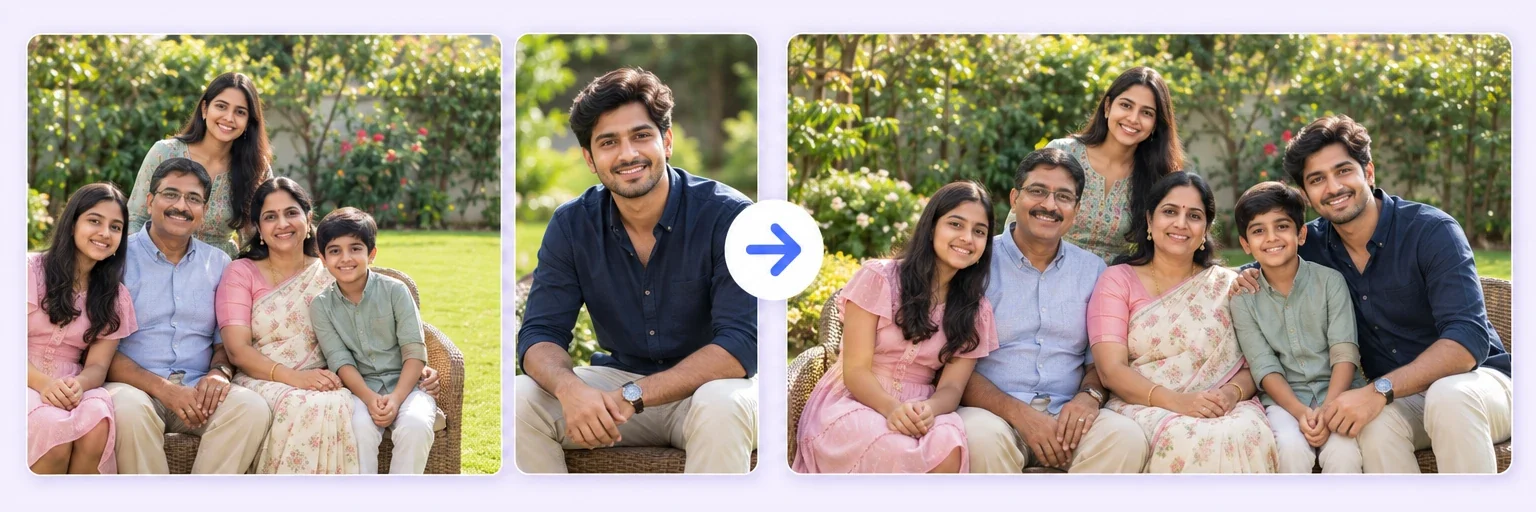
The complete group shot. Upload the group photo plus one clear photo of the person who missed it. Choose Group photo, and AIMerger places them into the line-up with the same light, the same scale and a shadow on the same side as everyone else. It works best when the missing person is photographed standing, facing roughly the same direction as the group.

Both families together. If the bride's side and the groom's side were photographed separately, upload both photos and pick Group photo again. The AI builds one wider frame rather than pasting one picture onto the other, so the floor, the wall and the light stay continuous.

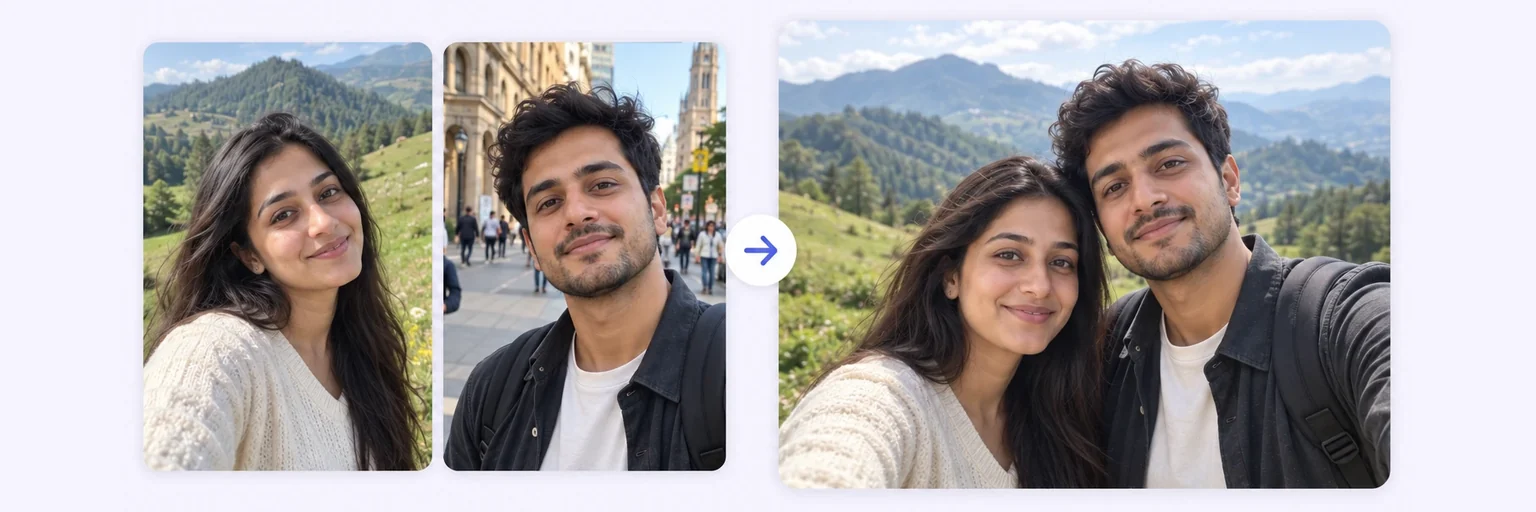
The couple with a grandparent who could not travel. Upload the couple's photo and a recent photo of the grandparent, choose Add a person, and describe where they should stand. This is the most-shared result on the site, and the most gently handled — nothing is invented about the person, only the setting.

What makes wedding merges look real

  • Match the formality. A person photographed in a t-shirt will look wrong in a sherwani line-up. Use a photo from the same day if you have one.
  • Match the direction of light. Outdoor afternoon photos and indoor hall photos blend poorly with each other. Pick inputs shot in similar light.
  • Give the AI room. Group photos with empty space at one end merge more naturally than tightly cropped ones.
  • Try twice. Every generation is different. The second attempt is often the keeper, and failed generations are never charged.

Privacy for the most personal photos you own

Wedding photos are sent to the AI engine only for the seconds needed to generate the result, then discarded. They are never stored, never used for training, and never visible to anyone at AIMerger. The free layout merger, if you only want photos side by side, never leaves your browser at all.

Frequently asked questions

Can it add someone who was not at the wedding at all?

Yes, from any clear photo of them. Say where they should stand and the AI matches the light and scale. Ask before you share the result — some family members prefer to be asked.

Will the photographer's original be changed?

No. You upload a copy; the original file on your device is untouched. The result is a new image you download.

Does it work on old, printed wedding photos?

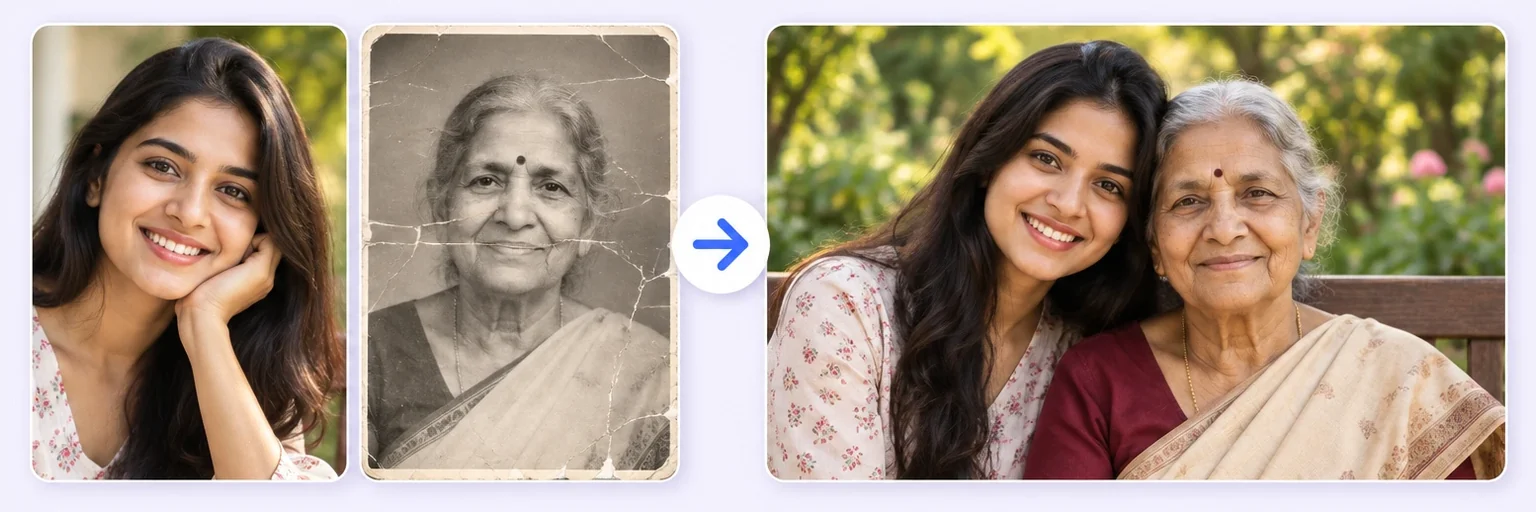
Scan or photograph the print first, then use the Restore & Merge tool to repair it before merging.

How many people can be in the group?

Up to four photos per AI merge. For larger groups, merge in passes — merge four, then add the next people to the result.

Related merge tools

Everything on AIMerger brings things together — here is what pairs with this one.

🧰 Browse all 30+ merge tools →