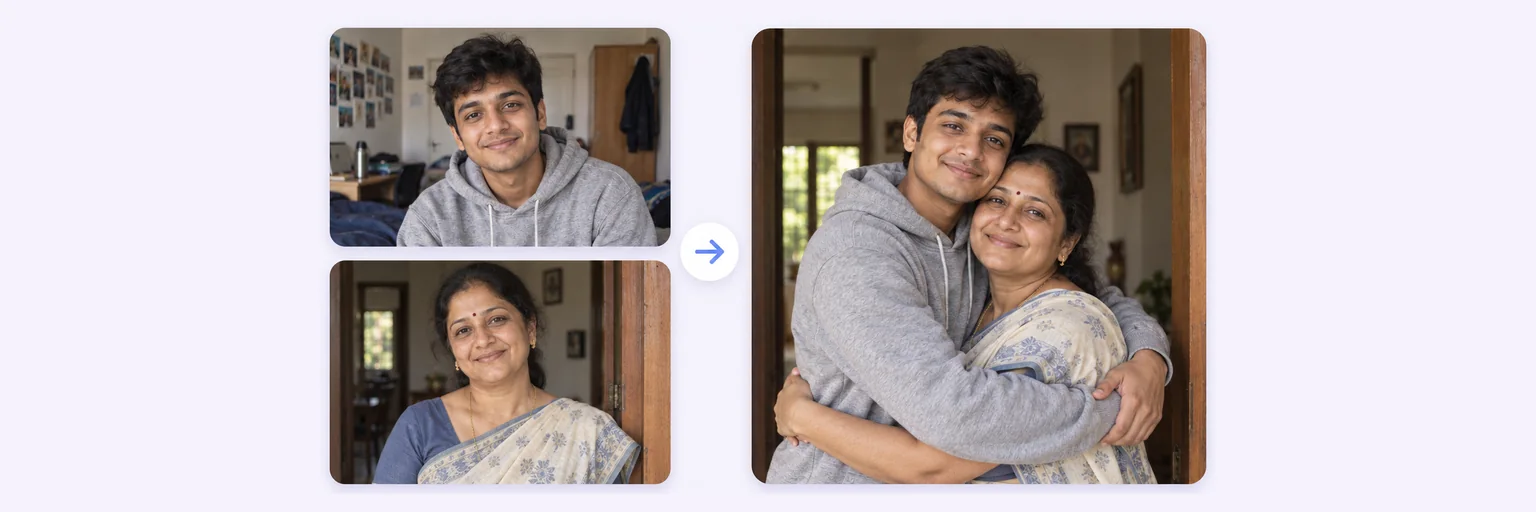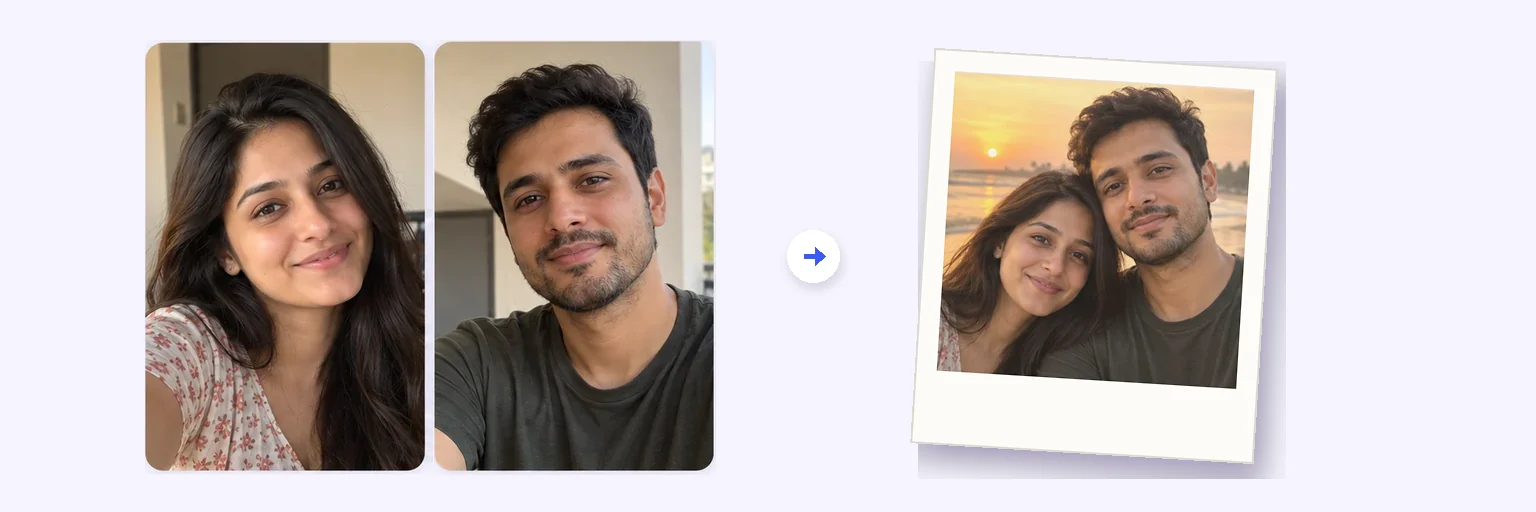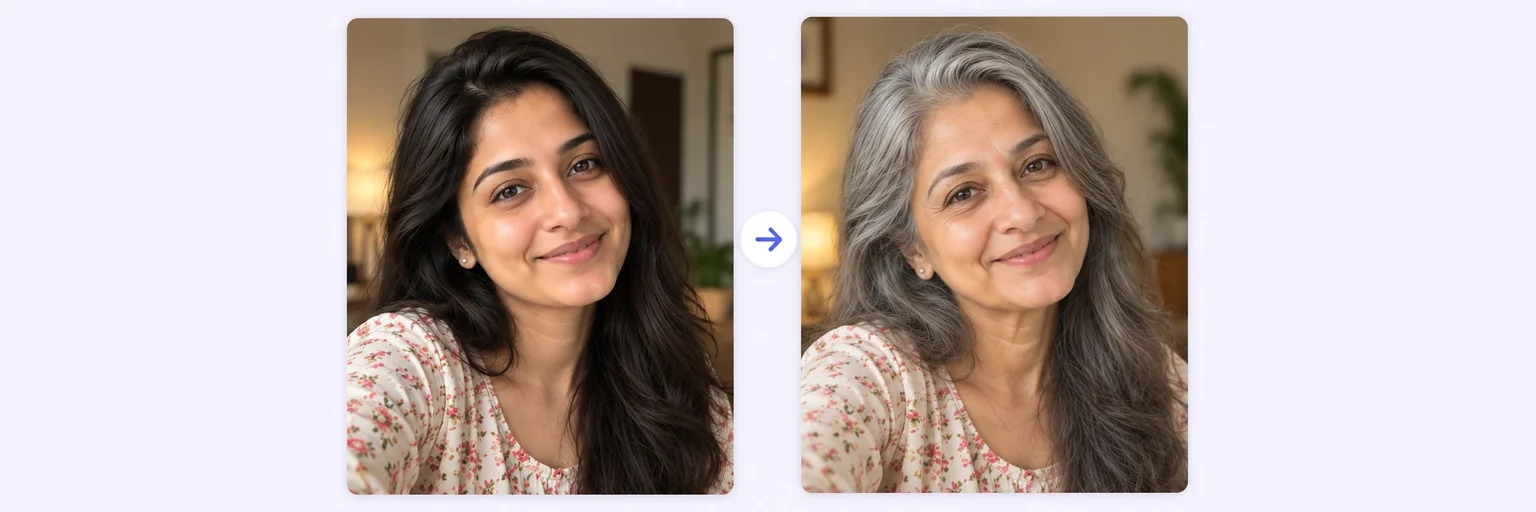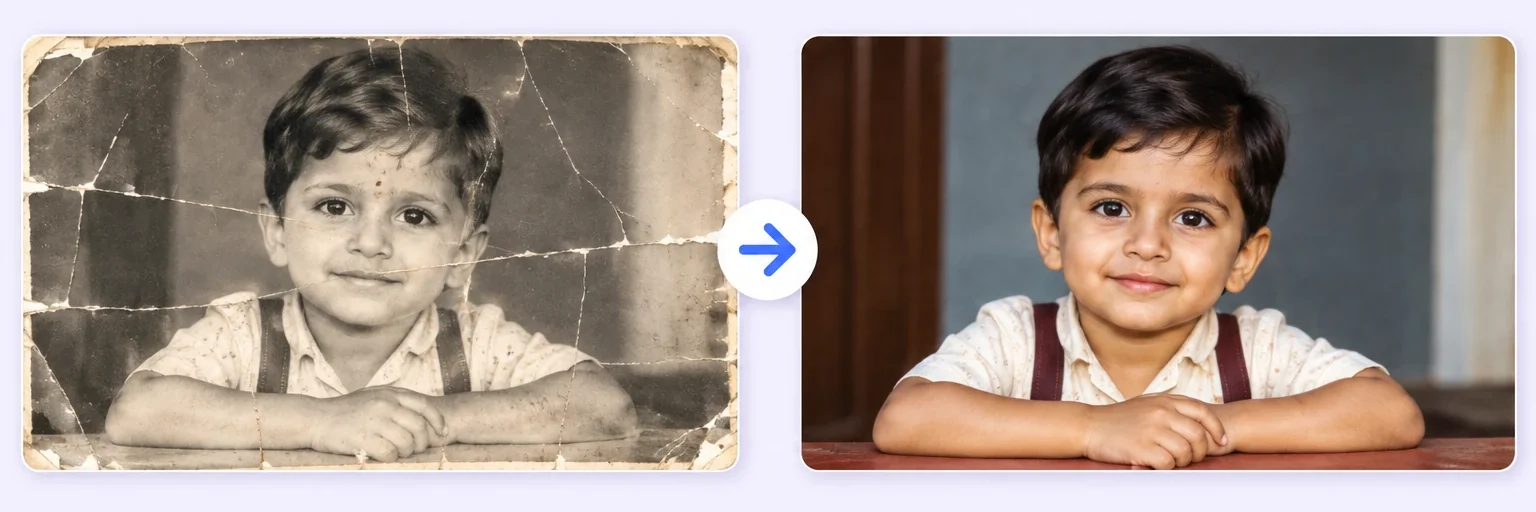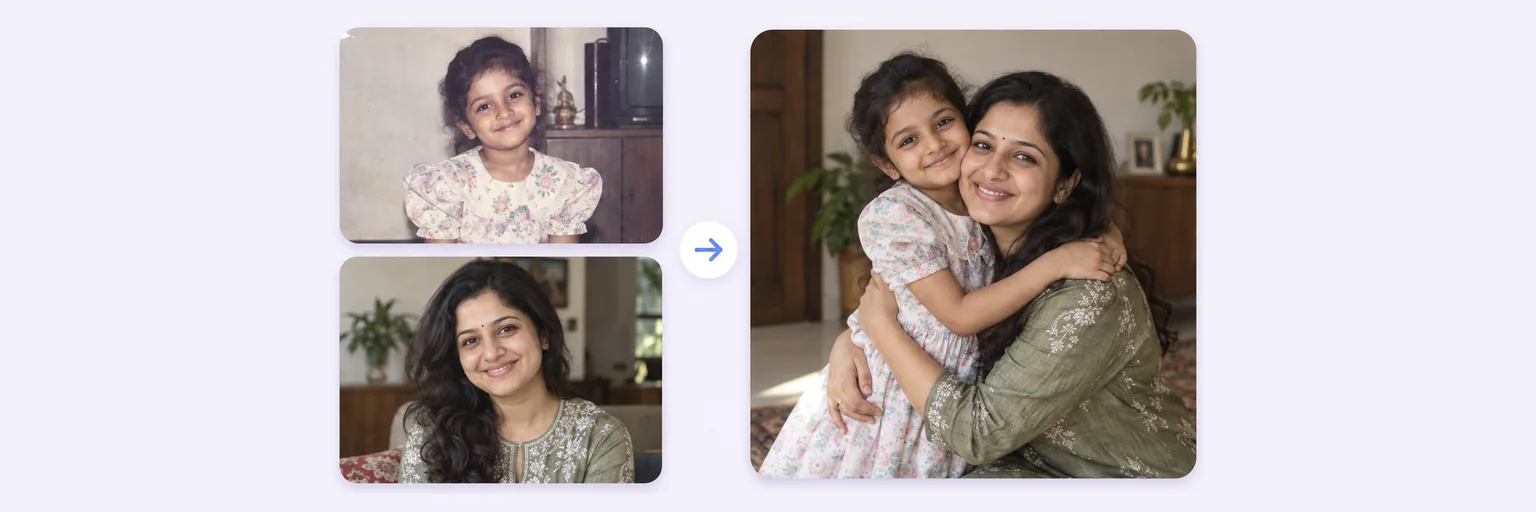
Your childhood photo and today, in one real hug.
The “meet your younger self” trend without the prompt-wrangling: drop in a childhood photo and a photo of you today, choose a hug, the black-and-white studio or the birthday-cake table, and AI makes one real-looking photo of the two of you.
Your childhood photo and today, in one real hug.
Drop in 2–8 pictures — merged instantly on your device, never uploaded.
📸 Drop 2–8 photos here, or click to choose
JPG, PNG or WebP · merged instantly in your browser · nothing is uploaded anywhere
Side-by-side, grid or collage — tweak spacing, corners and size live.
Full quality, no watermark — the button turns green when ready.
One photo + the options below works great — add 2+ when you want to truly merge people or images.
✨ Drop 1–4 photos here, or click to choose
Photo 1: you as a child · Photo 2: you today — add a third for the person you want beside you
One tap sets everything up — 23 styles, each with its own quick options.
Pick a scene, lighting and quality — or just describe what you imagine.
Standard 1K costs 1 credit. 2K costs 2 credits and 4K costs 4 — you’ll be asked to confirm before a bigger image is generated.
10–40 seconds. Failed merges never cost a try or a credit.
No key yet? Get a credit pack — your key is shown on screen the moment you pay (and emailed as a backup). Credits never expire.
Your free daily blend and your credit key work on every one of them.
Under Add 1–4 photos, drop a childhood photo (a phone photo of an old print is fine) and a recent photo of you.
The 🧒 Younger self style is selected for you. Pick the moment — hug, side by side in black and white or the birthday-cake table — and type the age you were in the old photo.
Press ✨ Blend with AI. Your picture appears in 10–40 seconds; a failed blend never costs a try.
Press ⬇️ Download result or 📤 Share. Want it as a Polaroid or in 4K? Change one option and blend again.
💡 Tip: Choose a childhood photo where your face is clear and lit from the front. The AI keeps the child’s face as it is in the print — the better the scan, the more it looks like you.
It started as a two-photo prompt in ChatGPT Images 2.0 in spring 2026 and never really stopped: people upload one childhood picture and one recent portrait and ask for a single photo in which the adult meets the child. The best versions are quietly emotional — an adult kneeling to hug a five-year-old who is, unmistakably, them.
On AIMerger the whole prompt is prewritten. You only choose the moment and the age, and the same engine that merges couples and group photos keeps both faces exactly as they are in your originals.
You can also write your own moment in the prompt box: “walking away holding hands, seen from behind” or “reading a book together on the floor”.
Free forever. No watermark. No account. It just works.
Start merging →A two-photo AI edit: you upload a childhood photo and a current one and get a single realistic picture of the adult you with the child you — hugging, side by side or across a birthday-cake table. AIMerger has the prompt prewritten as the Younger self style.
Ideally yes — that is what makes the result truly you. With only a recent photo the AI recreates a child version from your own features, which is fun but less accurate. Any phone photo of an old print works.
Yes — one free AI blend every day without signup, plus the unlimited free layout merger. Credit packs, which never expire, unlock more blends and 2K/4K output.
The AI keeps the child’s face from your old photo rather than inventing one, so the likeness comes from your own print. Sharper scans give closer results; a blurry 1990s snapshot will be restored a little as part of the blend.
Yes — upload their childhood photo and a recent one instead of yours. It makes a memorable birthday or anniversary gift, especially printed.
Everything on AIMerger brings things together — here is what pairs with this one.