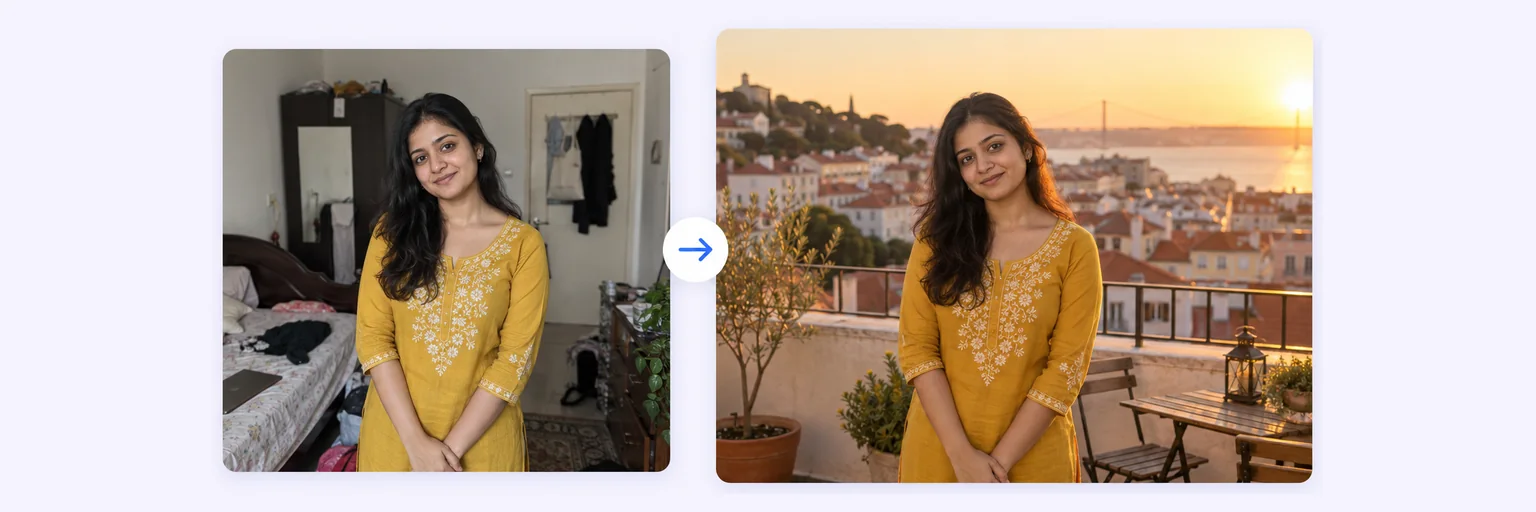
Same you, same pose — a whole new place.
Not a cut-out dropped on a stock image. Upload your photo — and, if you like, a photo of the place — and AI rebuilds the scene around you with matched perspective, shadows and colour, so it looks like you were there.
Same you, same pose — a whole new place.
Drop in 2–8 pictures — merged instantly on your device, never uploaded.
📸 Drop 2–8 photos here, or click to choose
JPG, PNG or WebP · merged instantly in your browser · nothing is uploaded anywhere
Side-by-side, grid or collage — tweak spacing, corners and size live.
Full quality, no watermark — the button turns green when ready.
One photo + the options below works great — add 2+ when you want to truly merge people or images.
✨ Drop 1–4 photos here, or click to choose
Photo 1: you · Photo 2 (optional): the place — or pick a background from the gallery below
One tap sets everything up — 23 styles, each with its own quick options.
Pick a scene, lighting and quality — or just describe what you imagine.
Standard 1K costs 1 credit. 2K costs 2 credits and 4K costs 4 — you’ll be asked to confirm before a bigger image is generated.
10–40 seconds. Failed merges never cost a try or a credit.
No key yet? Get a credit pack — your key is shown on screen the moment you pay (and emailed as a backup). Credits never expire.
Your free daily blend and your credit key work on every one of them.
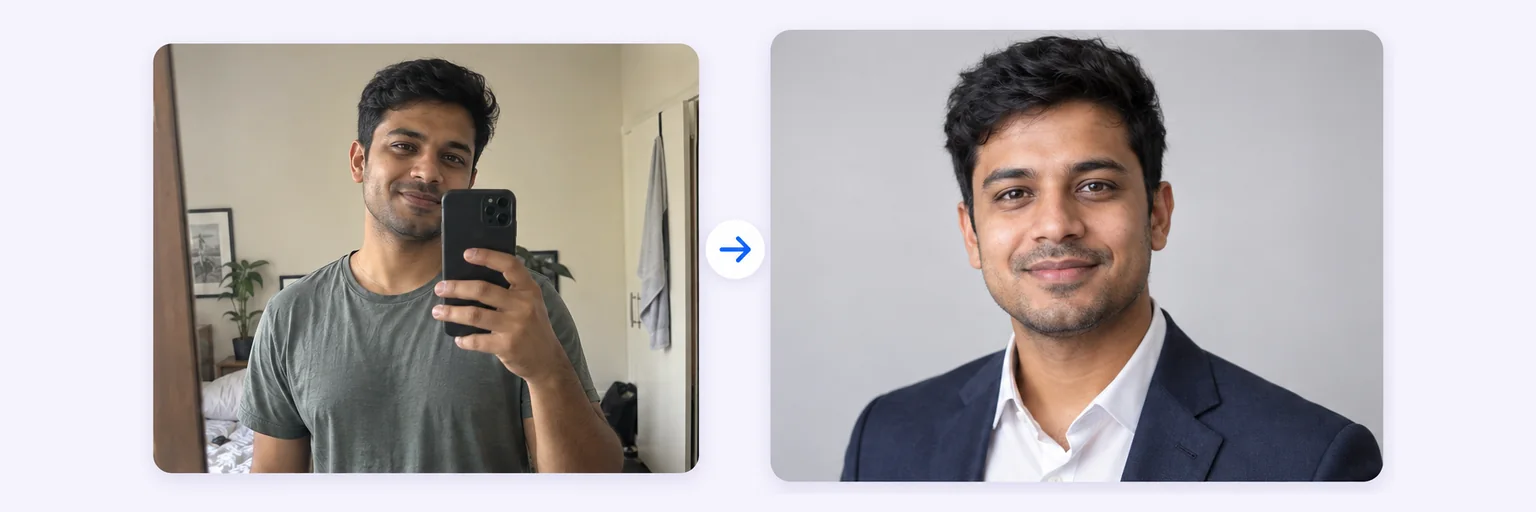 AI Headshot GeneratorOne selfie → a professional headshotTry it free →
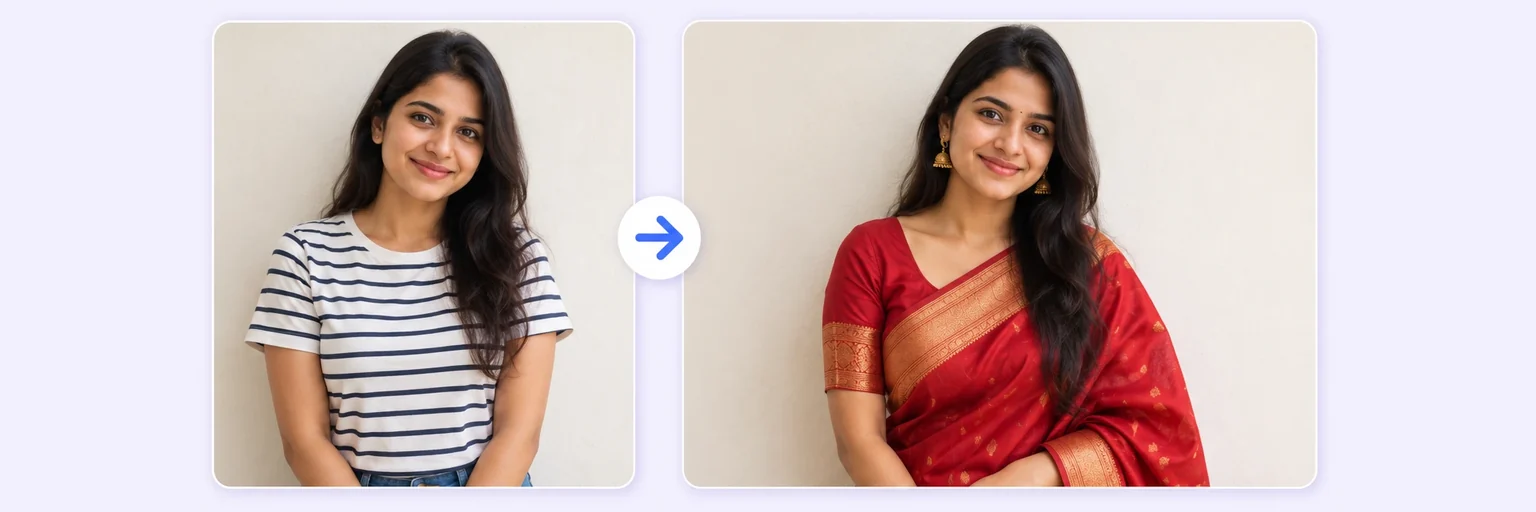 AI Clothes ChangerSwap outfits, hair or beard — your face stays youTry it free →
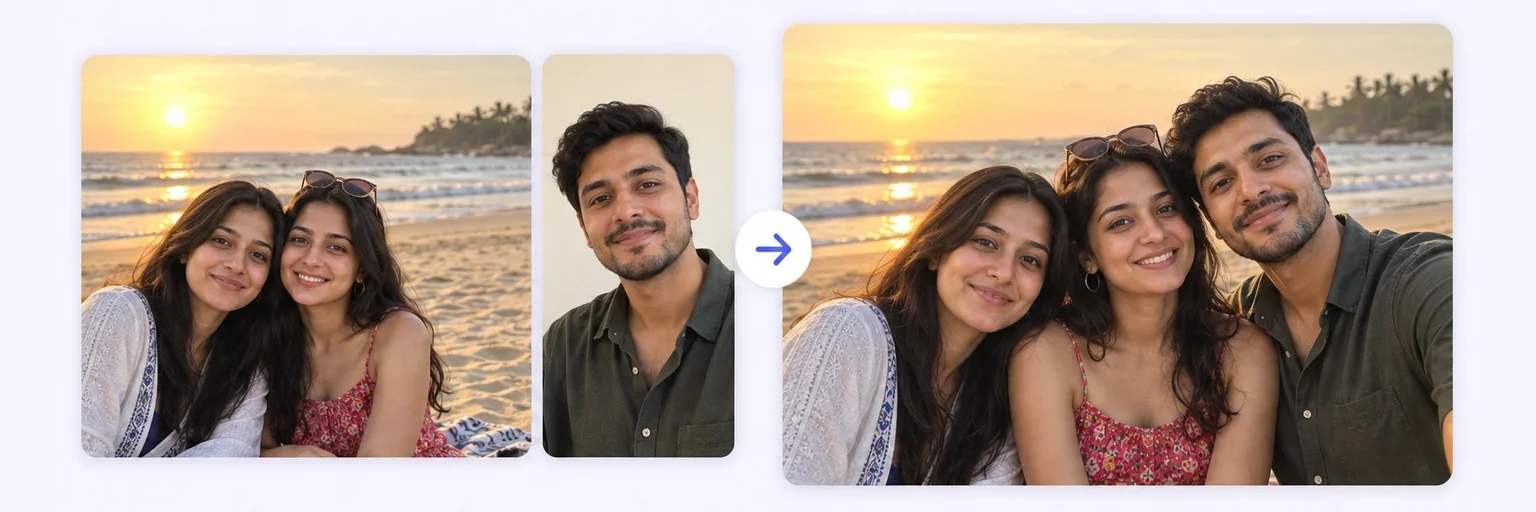 Add Person to PhotoDrop someone into an existing photo, lighting matchedTry it free →
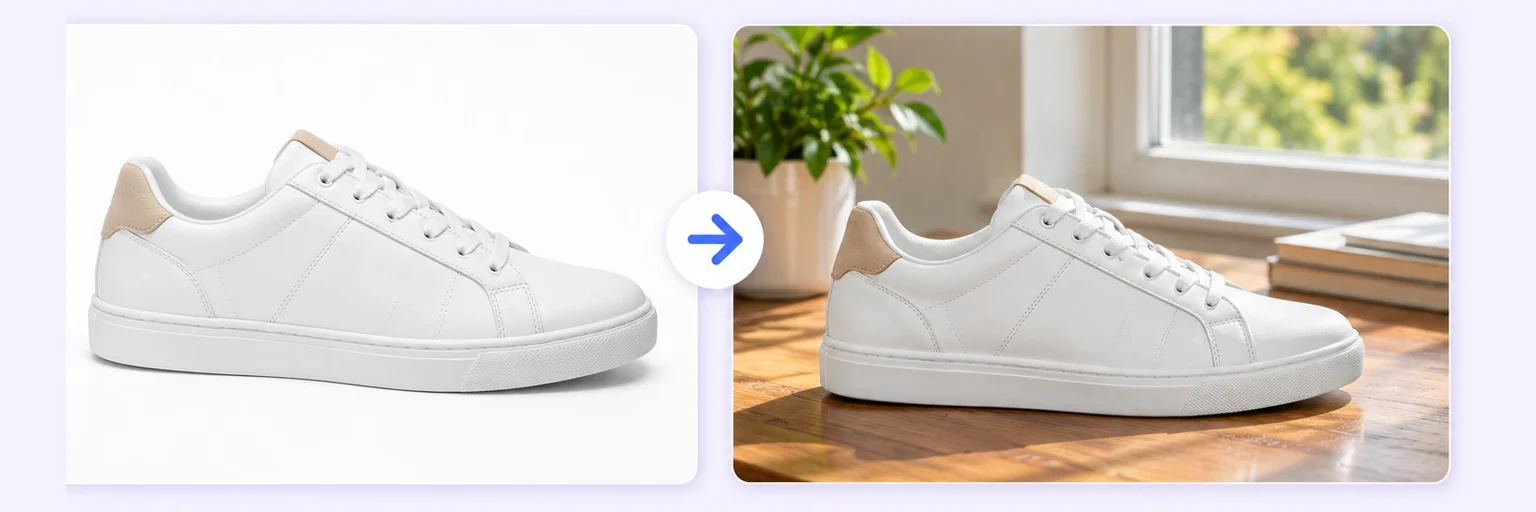 AI Product MockupPut your product into any listing sceneTry it free →
Under Add 1–4 photos, drop your photo. Add a second photo of the place if you have one — a hotel, a street, the office.
The 🏝️ Background swap style is preselected. Tap a background from the gallery (beach, mountains, studio, office…) or describe your own in the prompt box.
Press ✨ Blend with AI. The new scene appears in 10–40 seconds.
Press ⬇️ Download result. Not quite right? Change the Lighting menu — golden hour, soft window light — and blend again.
💡 Tip: Say where the light should come from (“sun behind me, low on the left”) and the AI will cast your shadow to match the new place.
Background removers cut you out and paste you on a new image. Your face still carries the old light — warm on one side, blue on the other — and the eye spots the fake instantly. AIMerger re-renders the scene around you instead: the direction and colour of light, your shadow on the ground, reflections in glasses. Your face, hair and clothes are kept exactly as they are; everything else is rebuilt.
Free forever. No watermark. No account. It just works.
Start merging →A remover gives you a cut-out on a transparent or flat background. The AI background changer rebuilds the whole scene around you — perspective, light direction, shadows and colour — so the result looks like a real photo taken in that place.
Yes. Upload your photo first and the place photo second; the AI puts you into that exact location.
No. The Background swap style keeps the main subject exactly as in the photo and only changes what is behind and around you, plus the lighting on you to match.
One free AI blend a day with no signup, and the free layout merger is unlimited. Credit packs (which never expire) unlock more blends and 2K/4K output.
Not from this tool — it produces a finished photo, not a cut-out. Describe “plain white studio background” if you need a clean, flat backdrop for a passport-style or catalogue photo.
Everything on AIMerger brings things together — here is what pairs with this one.