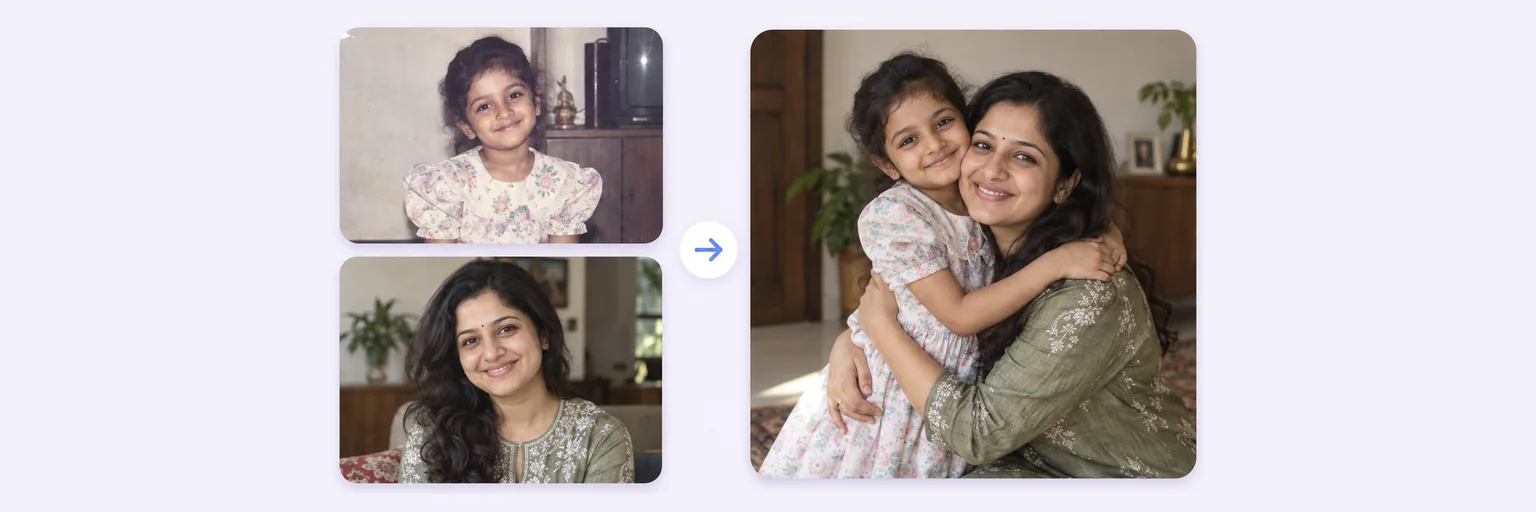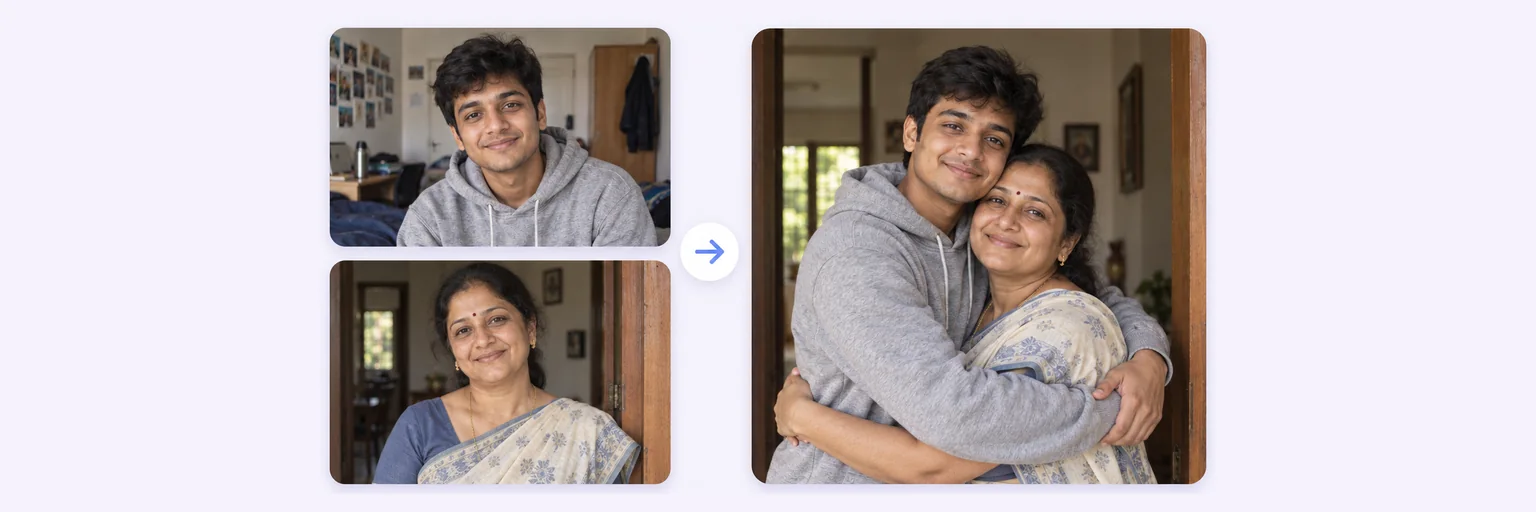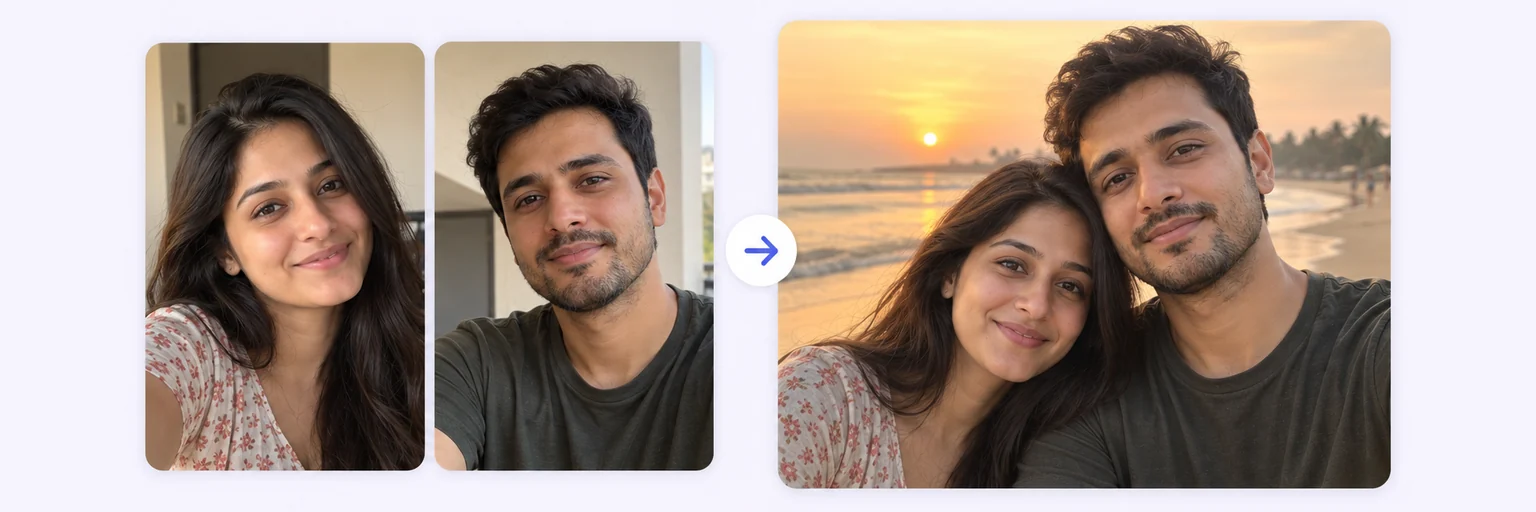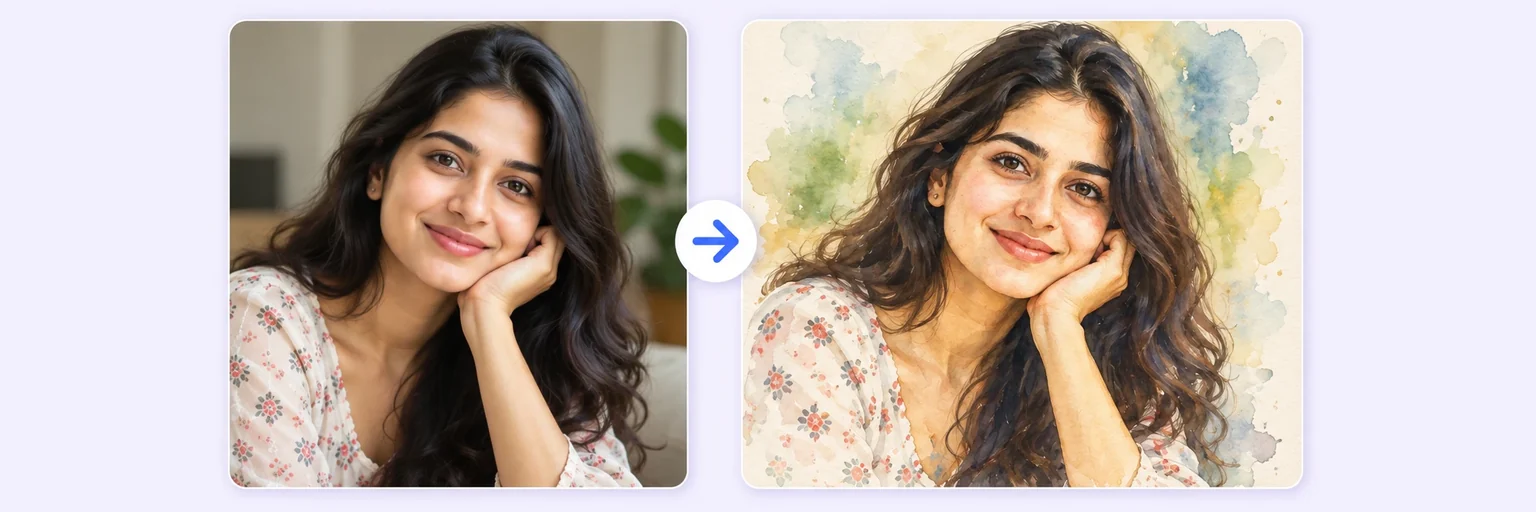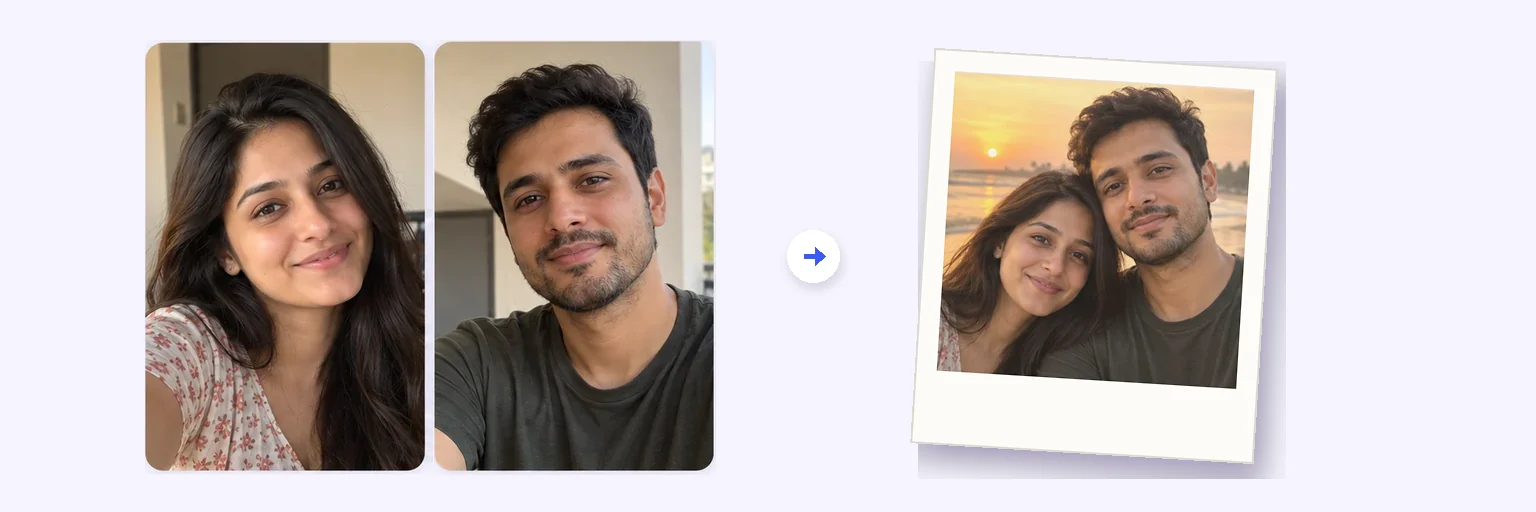
Two selfies. One instant-camera memory.
The Polaroid trend that took over Instagram, made simple: two photos in, one casual instant-camera shot out — arm around the shoulder, direct flash, a curtain behind you, the white frame with the wide bottom edge.
Two selfies. One instant-camera memory.
Drop in 2–8 pictures — merged instantly on your device, never uploaded.
📸 Drop 2–8 photos here, or click to choose
JPG, PNG or WebP · merged instantly in your browser · nothing is uploaded anywhere
Side-by-side, grid or collage — tweak spacing, corners and size live.
Full quality, no watermark — the button turns green when ready.
One photo + the options below works great — add 2+ when you want to truly merge people or images.
✨ Drop 1–4 photos here, or click to choose
One photo of each person · or one photo of a group plus one more person · any background — the AI adds the curtain
One tap sets everything up — 23 styles, each with its own quick options.
Pick a scene, lighting and quality — or just describe what you imagine.
Standard 1K costs 1 credit. 2K costs 2 credits and 4K costs 4 — you’ll be asked to confirm before a bigger image is generated.
10–40 seconds. Failed merges never cost a try or a credit.
No key yet? Get a credit pack — your key is shown on screen the moment you pay (and emailed as a backup). Credits never expire.
Your free daily blend and your credit key work on every one of them.
Under Add 1–4 photos, drop a photo of yourself and one of the person you want in the Polaroid — a friend, your partner, a parent from an old print, your younger self.
The 📸 Polaroid with anyone style is preselected. Pick the pose (arms around each other, heads together, peace signs), the backdrop and the frame — or a three-shot photo-booth strip.
Press ✨ Blend with AI. The snapshot appears in 10–40 seconds.
Press ⬇️ Download result or 📤 Share. Add a caption like “Goa, 2019” handwritten on the frame in the prompt box and blend again.
💡 Tip: Flash-lit Polaroids look most real when both source photos have similar, even light on the face. Avoid strong side shadows in the originals.
The trend started when Google’s “Nano Banana” image model showed it could put two people into one convincing instant-camera snapshot — direct flash, a slightly blown-out face, a plain curtain, the tell-tale white frame. Within days it was everywhere, and “AI Polaroids of imagined memories” is still on every 2026 trend list.
AIMerger has the whole recipe in one preset: the flash, the grain, the faded warm colours and the frame, applied around your faces and clothes, which are kept exactly as in your photos.
Anything you type in the prompt box is added to the preset. Popular additions: “handwritten caption ‘summer 2016’ on the bottom border”, “slightly crooked, held up in a hand”, “pinned to a corkboard with a red pin”, or “black-and-white film” for a vintage look.
Free forever. No watermark. No account. It just works.
Start merging →A viral edit where two separate photos become one instant-camera style snapshot of the two people together — flash-lit, grainy, inside a white Polaroid frame. It began with Google Gemini’s Nano Banana model and is now a standard preset on AIMerger.
No. Upload your photos in the browser, keep the Polaroid style selected and press Blend. The frame, flash and film look are generated as part of the image.
Yes — type it in the prompt box, for example: with the caption “Manali 2018” handwritten in blue ink on the bottom border.
Please use photos of people who have agreed to be in the picture — friends, family, your partner or your younger self. Photos of real people are their own likeness, and AIMerger is built for the people in your life.
One free AI blend a day without signup, plus the unlimited free layout merger. Credit packs (which never expire) unlock more blends and 2K/4K output for printing.
Everything on AIMerger brings things together — here is what pairs with this one.