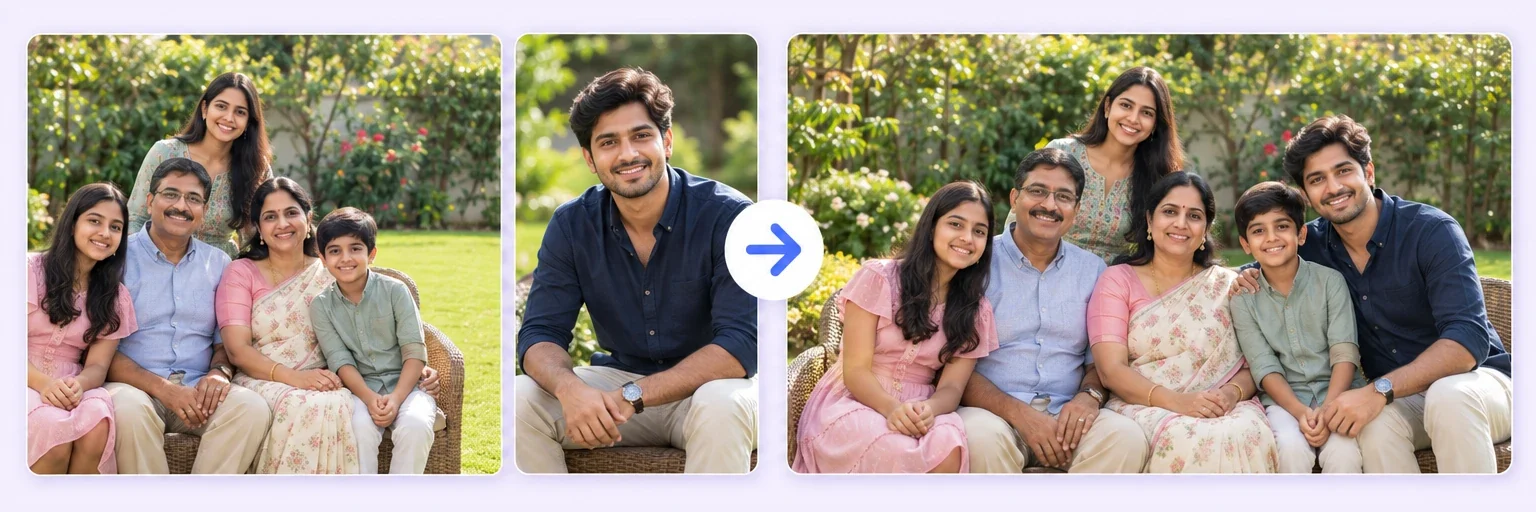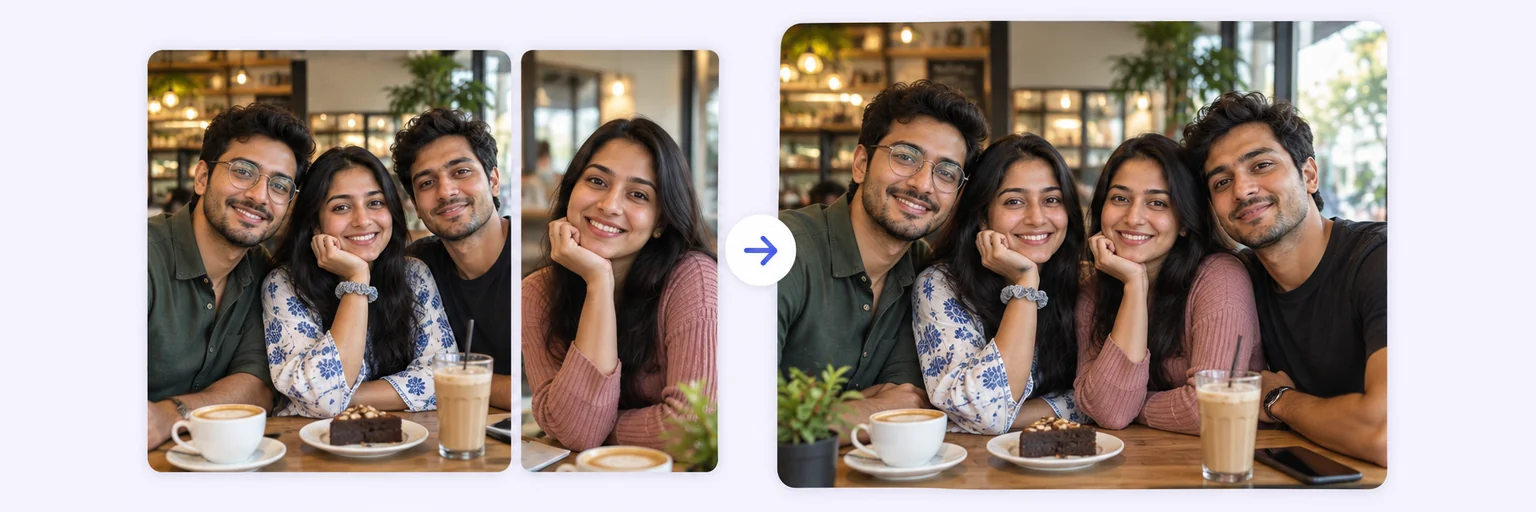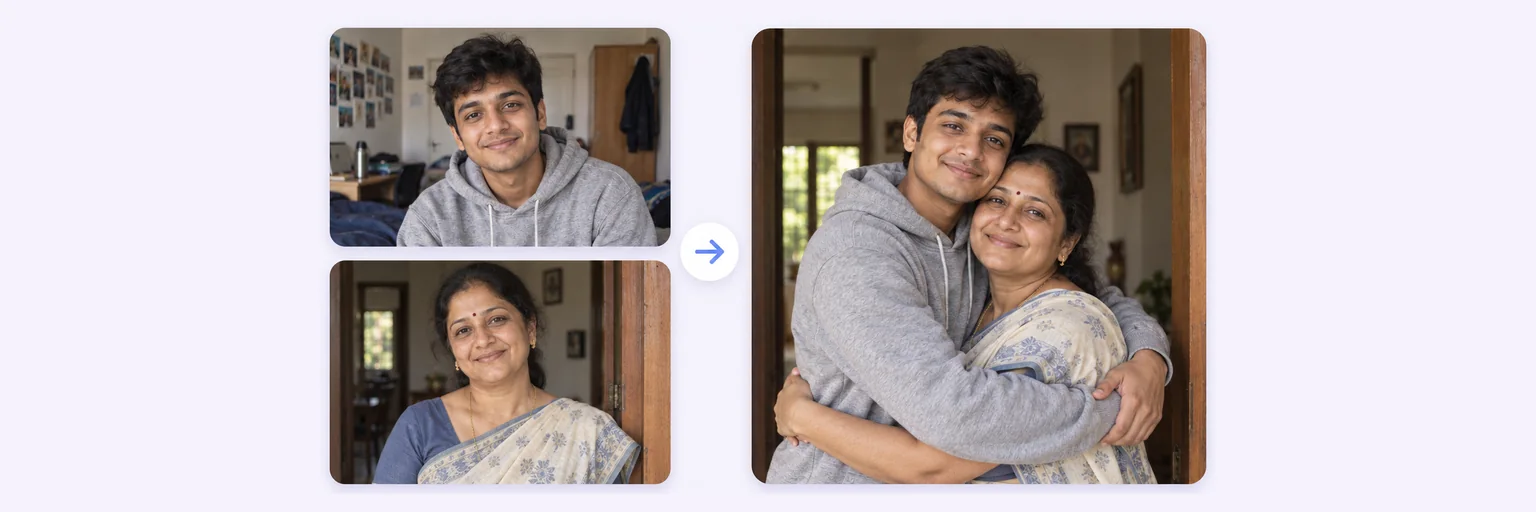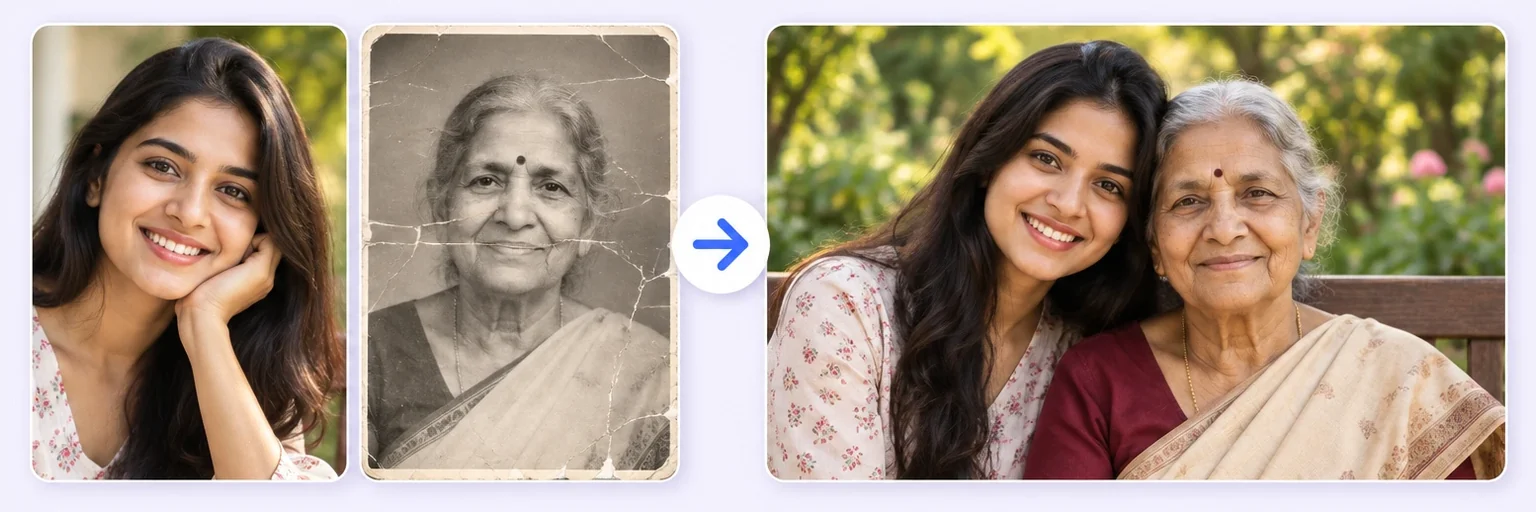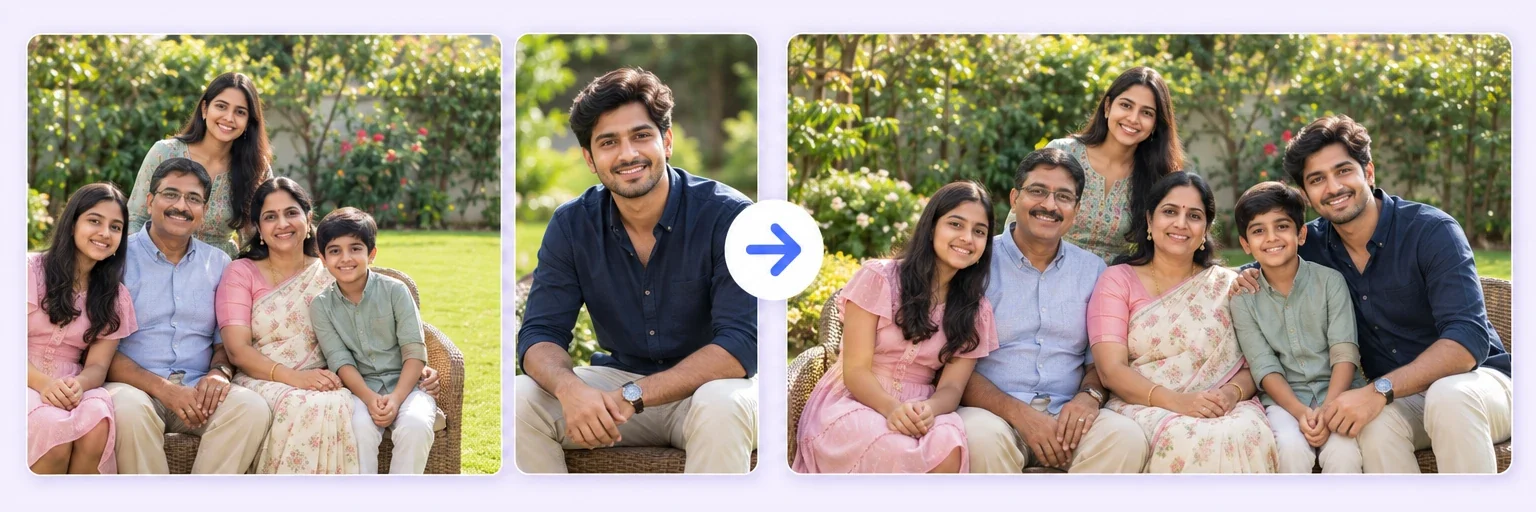
Four cities. One family photo.
Everyone lives in a different city, but the family photo doesn’t have to wait. Upload 2–4 photos — each can hold several people — and AI arranges the whole family into one natural portrait with matching light, real shadows and every face exactly as it is.
Four cities. One family photo.
Drop in 2–8 pictures — merged instantly on your device, never uploaded.
📸 Drop 2–8 photos here, or click to choose
JPG, PNG or WebP · merged instantly in your browser · nothing is uploaded anywhere
Side-by-side, grid or collage — tweak spacing, corners and size live.
Full quality, no watermark — the button turns green when ready.
One photo + the options below works great — add 2+ when you want to truly merge people or images.
✨ Drop 1–4 photos here, or click to choose
Up to 4 photos · each photo can contain several people · mix old prints and new selfies
One tap sets everything up — 23 styles, each with its own quick options.
Pick a scene, lighting and quality — or just describe what you imagine.
Standard 1K costs 1 credit. 2K costs 2 credits and 4K costs 4 — you’ll be asked to confirm before a bigger image is generated.
10–40 seconds. Failed merges never cost a try or a credit.
No key yet? Get a credit pack — your key is shown on screen the moment you pay (and emailed as a backup). Credits never expire.
Your free daily blend and your credit key work on every one of them.
Under Add 1–4 photos, drop the photos — the ones at home, the son abroad, grandparents from the album. Each photo may contain more than one person.
The 👨👩👧👦 Family portrait style is preselected. Choose the setting (living room by the tree, Diwali diyas, formal studio, garden), the style and the arrangement.
Press ✨ Blend with AI. The portrait appears in 10–40 seconds; failed blends never count.
Press ⬇️ Download result. For a printed card, blend again at 2K or 4K quality.
💡 Tip: Put the photo with the most people first — the AI treats it as the anchor and adds everyone else around it.
Getting a whole family into one room in the same week is the hard part of a family photo. The AI family photo generator skips it: everyone sends one clear photo, and the AI places them together — the same way it merges couples and group shots — with consistent light and real shadows so nobody looks pasted in.
It is built for the photos families actually want: the card everyone gets in December, the reunion picture with the cousin who could not fly, the anniversary portrait with grandparents from a 1980s print restored in the same step.
Matching pyjamas by the Christmas tree. Everyone in traditional wear on a Diwali evening with diyas along the wall. A formal black-and-white studio portrait for the anniversary. A “1990s family photo” with film colours and the sofa. Pick the setting from the gallery or describe your own in the prompt box.
Free forever. No watermark. No account. It just works.
Start merging →Up to four photos per blend, and each photo can contain several people — six to eight people in one portrait is routine. For bigger families, create two portraits and merge them in a second blend.
Yes, gently. Upload their photo — an old print works, and it is restored as part of the blend. The Memorial Photo Merge page has calmer defaults for exactly this.
Yes — choose the festive setting in the options, blend at 2K or 4K, and use the free Images to PDF tool to lay the result out for printing.
One free AI blend every day with no signup. Credit packs, which never expire, unlock more blends and print-quality 2K and 4K output.
No — this is a scene rebuild, not a cut-and-paste collage. Light, shadows, scale and skin tones are matched across everyone. For the fastest result, use photos with similar lighting.
Everything on AIMerger brings things together — here is what pairs with this one.