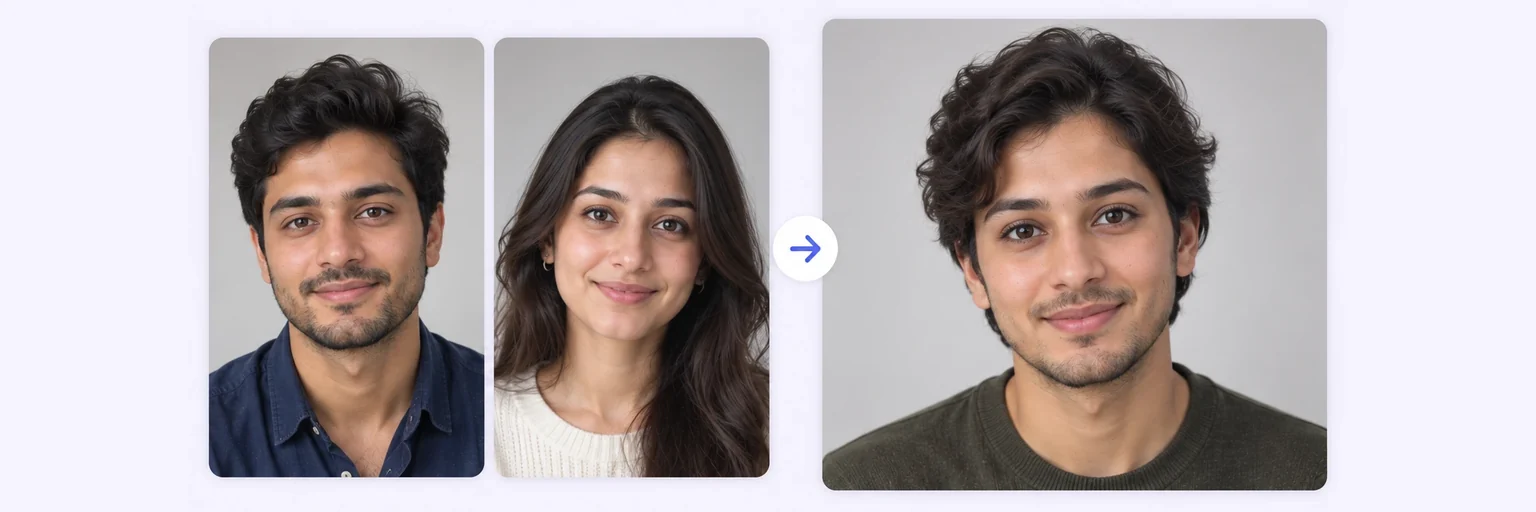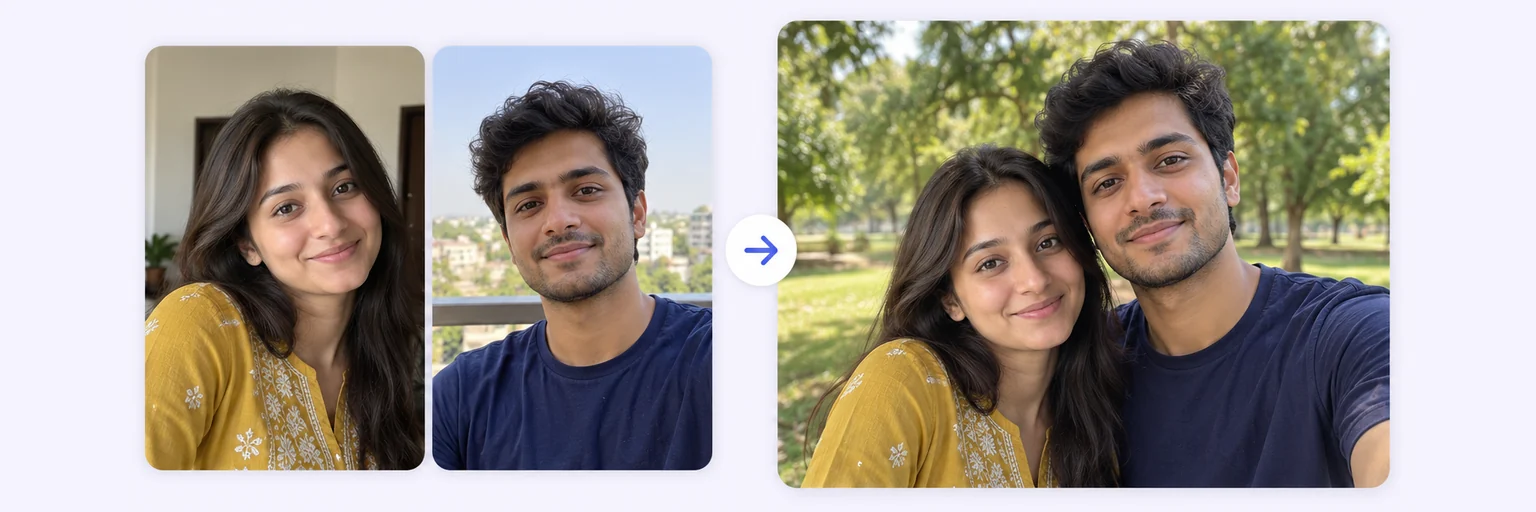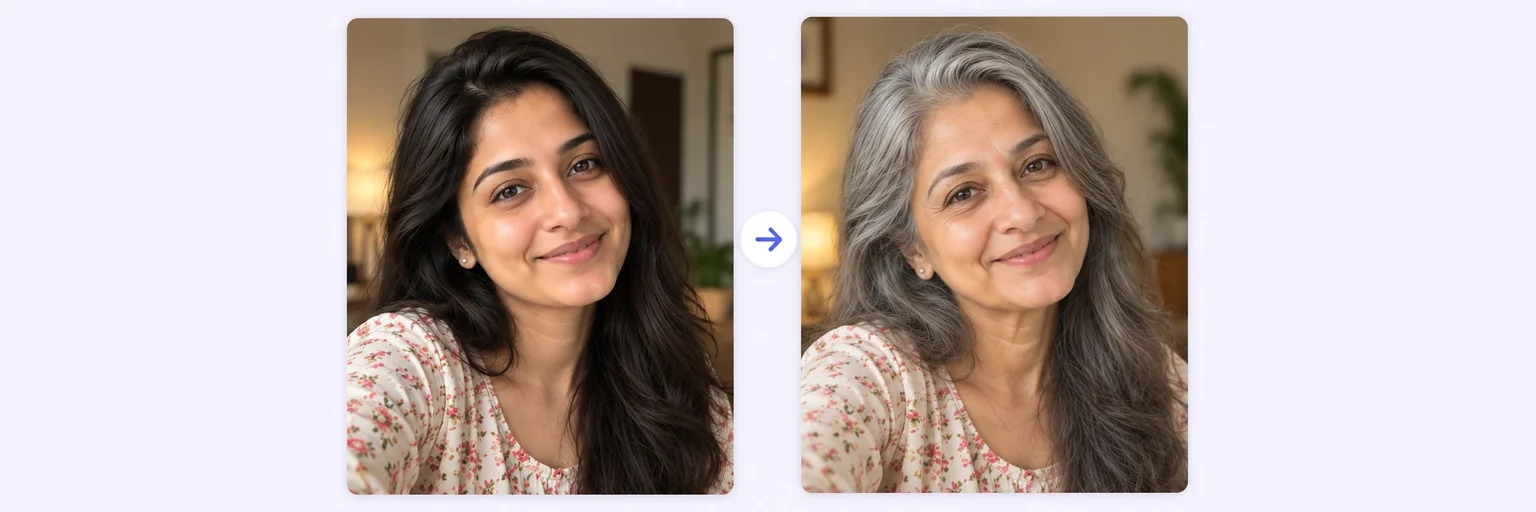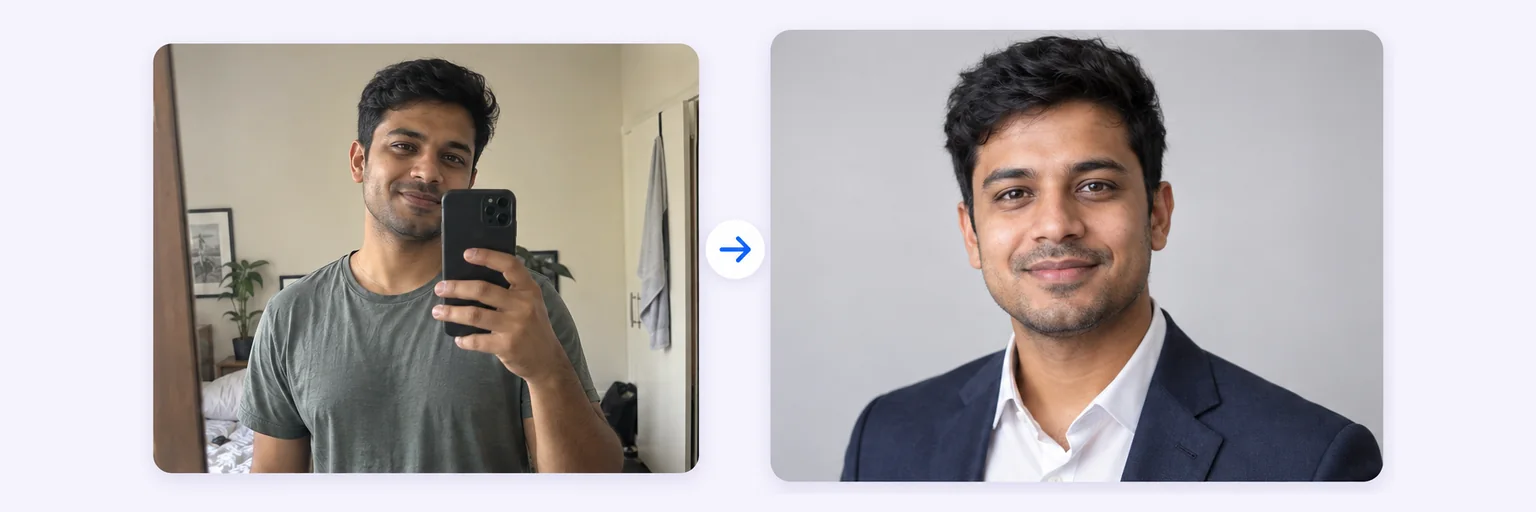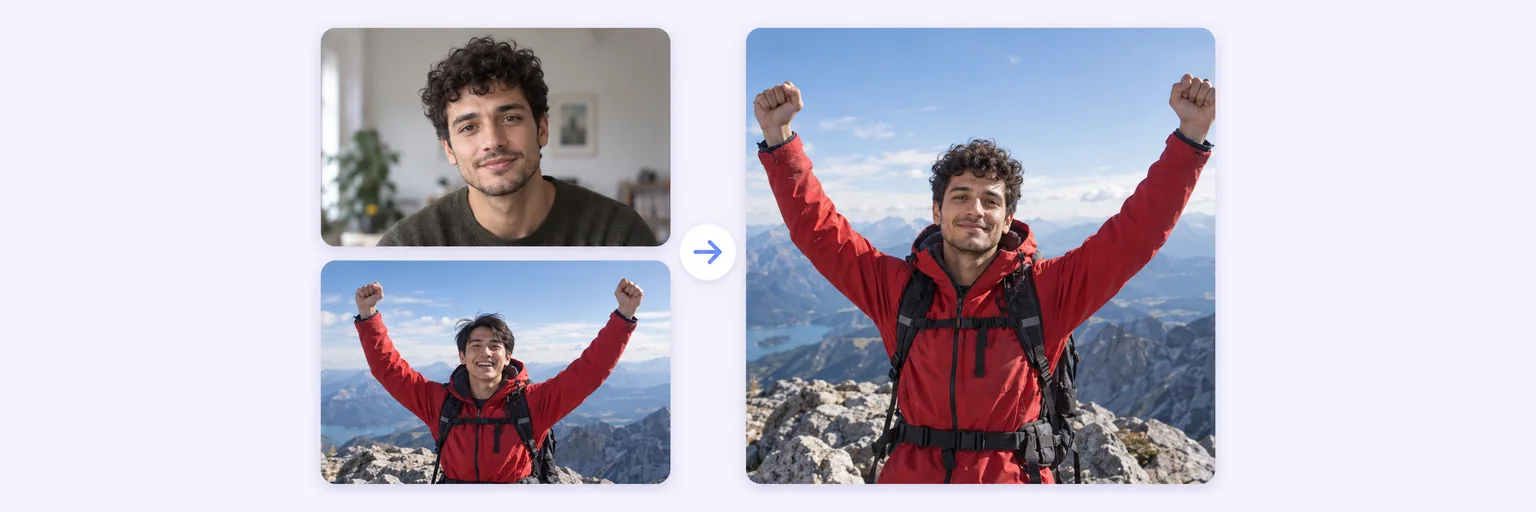
Your face in their photo — angle, light and skin tone matched.
Add a clear photo of a face and the photo you want it in. The AI swaps the face and matches the angle, skin tone, lighting and grain, keeping the body, hair, clothes and background exactly as they were. One free swap a day — no signup, no watermark.
Your face in their photo — angle, light and skin tone matched.
First the face you want to use, then the photo to put it in. JPG, PNG, WebP or iPhone photos.
Pick whose face to replace in photo 2, and the image quality.
Standard 1K costs 1 credit. 2K costs 2 credits and 4K costs 4 — you’ll be asked to confirm before a bigger image is generated.
10–40 seconds. Declined or failed swaps never cost a try or a credit.
No key yet? Get a credit pack — your key is shown on screen the moment you pay (and emailed as a backup). Credits never expire.
Your free daily blend and your credit key work on every one of them.
Tap 1 · The face and choose a clear, front-facing photo of the face you want to use — good light, no sunglasses.
Tap 2 · The photo and choose the picture to put it in. Use ⇄ if you picked them the wrong way round.
Choose whose face to replace (the main person, left, right or everyone) and, if you like, bring over the hairstyle too.
Tick the permission box and press 🎭 Swap faces. The result is ready in 10–40 seconds — download it or try again for a new variation.
💡 Tip: Best results come from two photos with a similar head angle. A face that is small in the target photo (a distant group shot) is harder — crop closer first.
Most face-swap apps paste a flat face mask on top of the target photo, which is why their results look stuck-on. AIMerger asks an image model to repaint the face into the target photo: it keeps the target’s head angle, expression, lighting direction, skin tone at the neck and ears, focus and grain, while keeping the facial features of the person in the first photo. Everything outside the face — hair (unless you choose to swap it too), body, clothes and background — stays exactly as it was.
Face swaps are for fun, creativity and your own photos. Only use photos you own or have permission to use, and never use a swap to deceive, harass, impersonate or embarrass someone. Swaps of public figures, children in sensitive contexts, or anything sexual, violent or humiliating are not allowed, and the AI declines them. Every result carries Google’s invisible SynthID watermark, which identifies it as AI-generated; please label it as AI when you share it. Report misuse on the contact page.
Your two photos are sent securely to the AI only to make your swap and are never stored by AIMerger. Want two people in one photo instead of a swapped face? Use Two People in One Photo. Want to blend two faces into a new one? That is the AI Face Merger.
Free forever. No watermark. No account. It just works.
Start swapping →Yes — you get one free AI swap or blend a day, with no signup and no watermark. Credit packs (which never expire) unlock more swaps and 2K/4K quality. Failed swaps never cost anything.
Upload a clear photo of the face you want, then the photo you want it in, tick the permission box and press Swap faces. The AI matches the angle, light and skin tone and keeps everything else the same.
Yes. Choose the person on the left or right, the main person, or everyone in the photo. Faces that are very small in the picture work less well — crop closer first.
No. Your two photos are sent securely to the AI only to create your swap and are not stored by AIMerger or shown to anyone.
Only use photos you own or have permission to use. Swaps of public figures, or anything sexual, violent, deceptive or humiliating, are not allowed and are declined by the AI.
The AI declines swaps it cannot do well (a hidden or tiny face) and swaps that break its safety rules. Try a clearer, front-facing face photo and a target where the face is visible. A declined swap never costs a credit or your free try.
Everything on AIMerger brings things together — here is what pairs with this one.