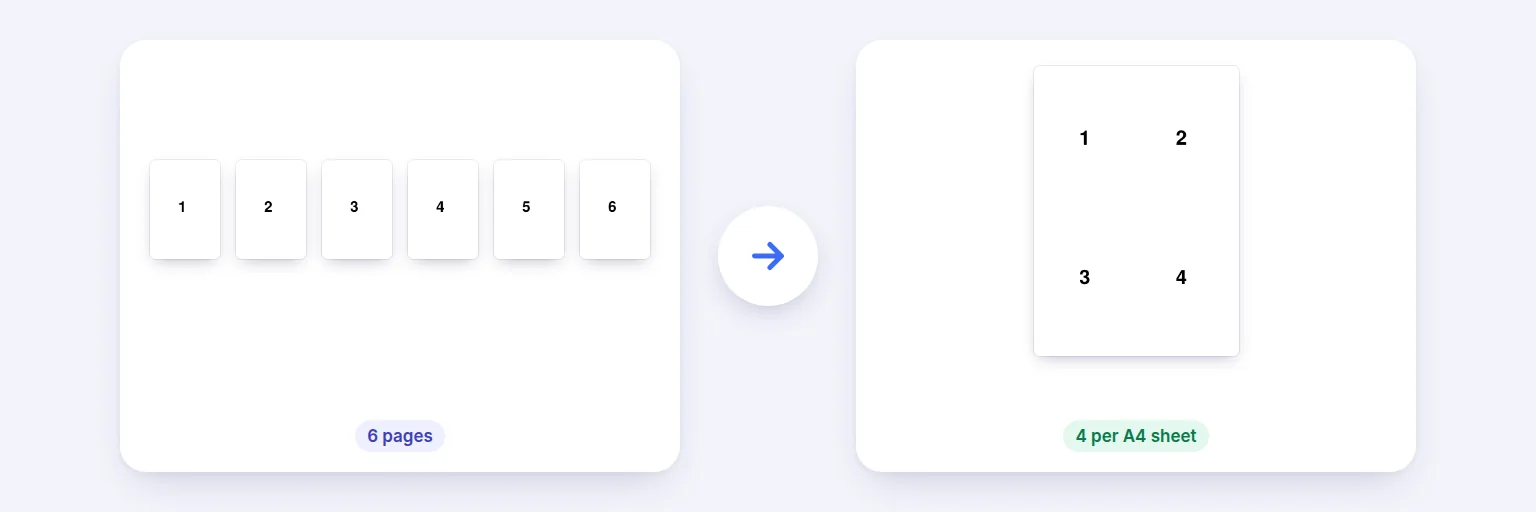
Six pages → four per A4 sheet, in reading order.
Save paper and make handouts: put 2, 4, 6, 8, 9 or 16 pages of a PDF on each sheet, in the order you choose, with margins, gaps and optional borders. Pages are placed as they are — text stays sharp and the file stays small — and you see the real result before downloading.
Pages keep their text and vector drawings — nothing is turned into pictures.
🗂️ Drop a PDF to put several pages on each sheet, or tap to choose
Several PDFs are combined in order first
The preview is the real result.
Print it at 100% (actual size).
🔒 Prepared on your device. Nothing is uploaded.
Up to about 1,500 pages on a computer, less on phones. Links and form fields inside the pages don’t survive N-up, booklet and fit-to-paper layouts (the pages are placed as drawings); splitting in half keeps them. Password-protected PDFs need the password removed first.
Six pages → four per A4 sheet, in reading order.
Add your PDF (add several to combine them first).
Choose pages per sheet, paper size and orientation — “Best fit” picks portrait or landscape to make the pages as large as possible.
Choose the order (across then down, down then across, or right to left), margins, gap and borders. The preview shows the first sheets.
Press Create PDF and download. Print at 100% / actual size.
💡 Tip: For slides as handouts, 6 per sheet on A4 portrait leaves room for notes; for reading on paper, 2 per sheet on A4 landscape keeps the text a comfortable size.
“N-up” printing puts N pages on one sheet. Printer dialogs can do it, but not every printer driver offers it, and you can’t send the result to someone else. This creates a real PDF: each page is placed on the sheet as vector content, so text and drawings stay sharp at any size and the file doesn’t balloon. Pages of different sizes are each scaled to fit their cell, centred, never distorted.
“Across, then down” fills rows left to right (like reading); “Down, then across” fills columns; “Right to left” suits right-to-left languages. Margins and gaps are in millimetres. Borders help when cutting cards or labels. Links and form fields inside pages don’t carry over in N-up layouts — keep the original for those.
Add the PDF, choose how many pages per sheet (2, 4, 6, 8, 9 or 16) and press Create PDF. Print the result at 100%.
A PDF where each sheet holds several of the original pages — 2-up, 4-up and so on.
No. Pages are placed as vector content, so text stays sharp; they’re just smaller.
Yes — A4, US Letter, A3 or US Legal, portrait, landscape or best fit.
No. Pages are arranged in your browser on your device.
Free tools that pair well with this one.