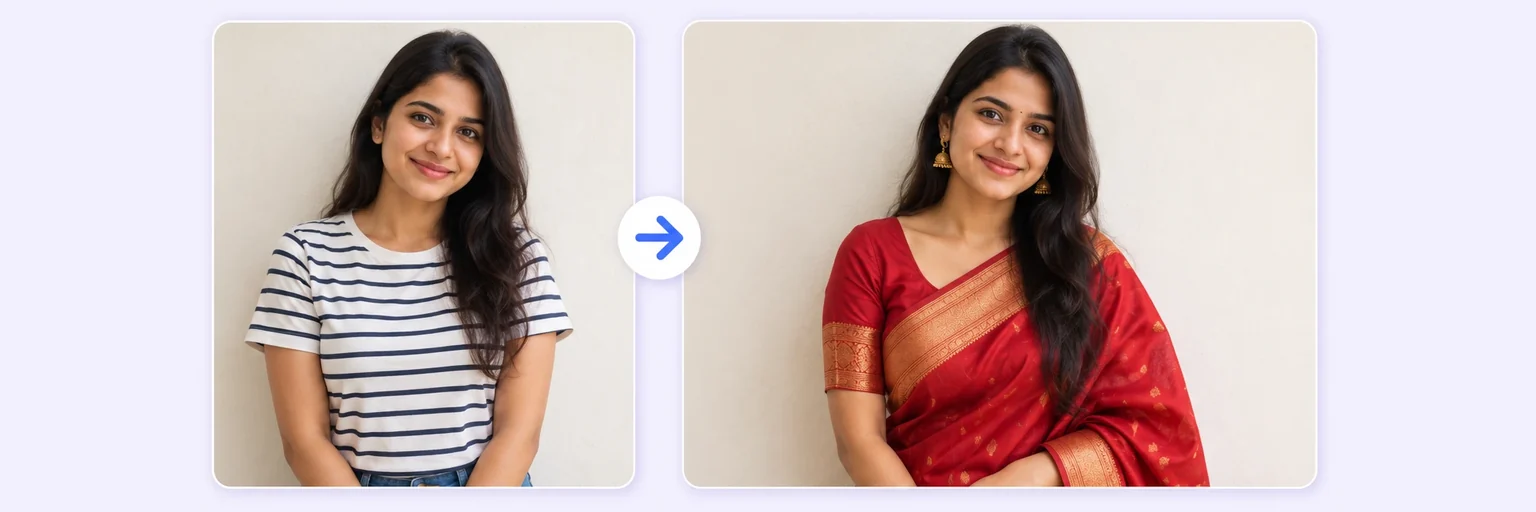
Try it on before you buy it.
A free online outfit changer and clothes swapper. Pick a look — a suit, saree, wedding dress or leather jacket — or copy an outfit from another photo, and AI changes your clothes (or hairstyle) while keeping you perfectly you.
Try it on before you buy it.
Drop in 2–8 pictures — merged instantly on your device, never uploaded.
📸 Drop 2–8 photos here, or click to choose
JPG, PNG or WebP · merged instantly in your browser · nothing is uploaded anywhere
Side-by-side, grid or collage — tweak spacing, corners and size live.
Full quality, no watermark — the button turns green when ready.
One photo + the options below works great — add 2+ when you want to truly merge people or images.
✨ Drop 1–4 photos here, or click to choose
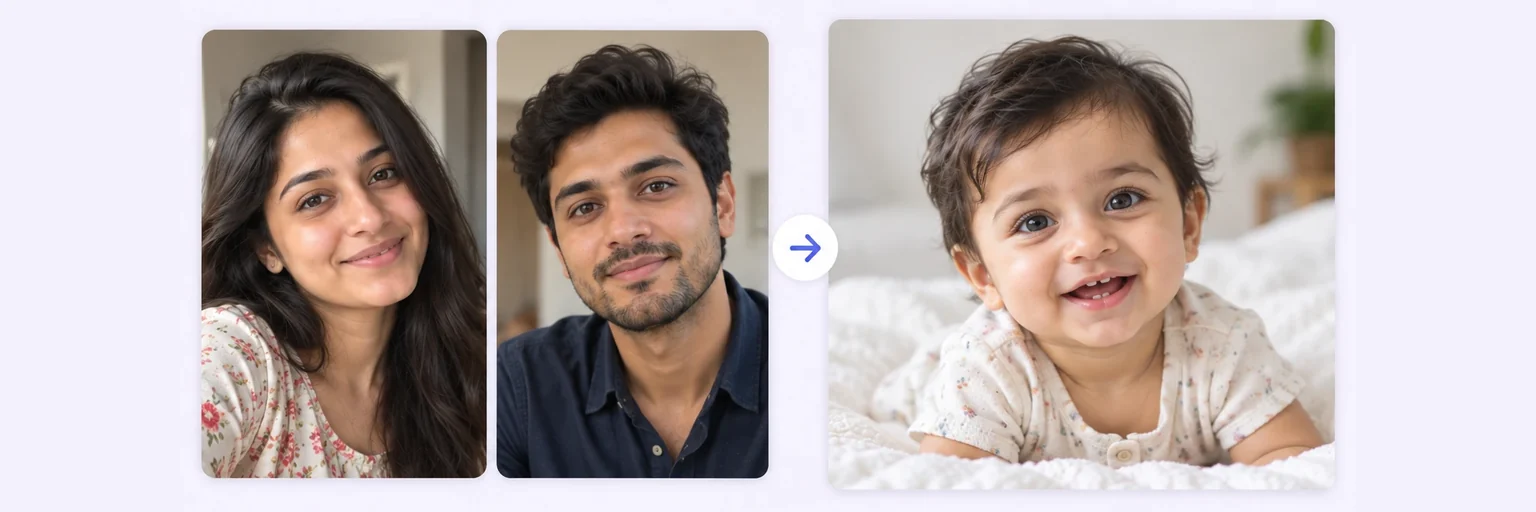
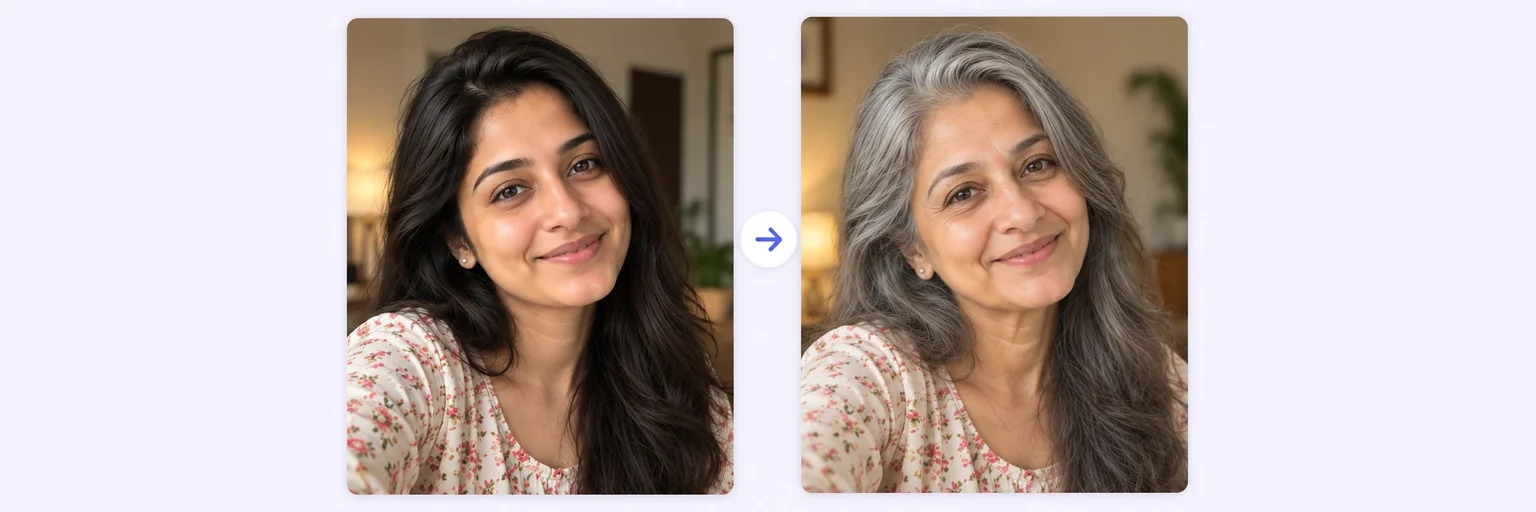
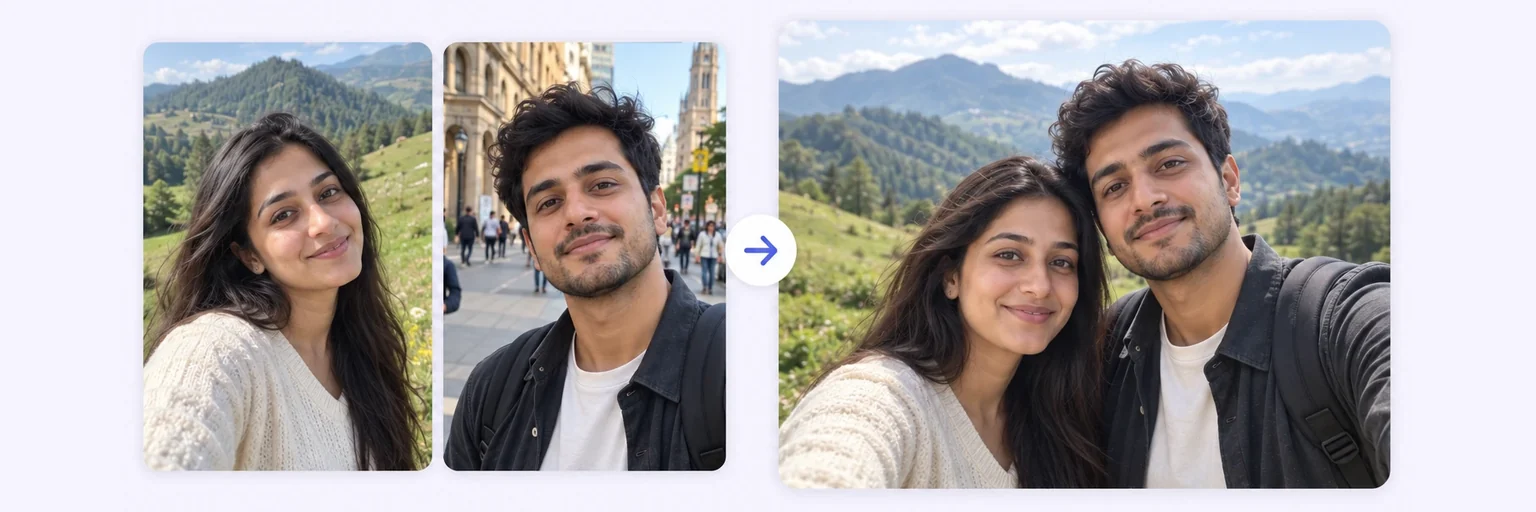
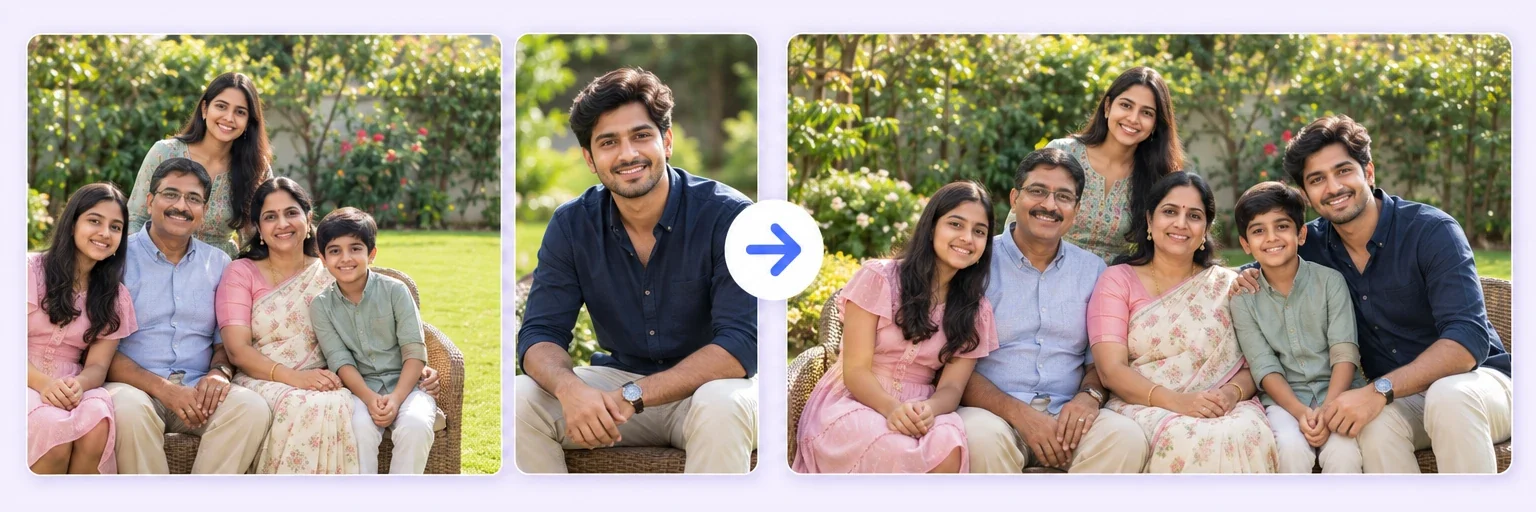
One photo: change outfits, hair, background, or see your future baby · Two+: merge people and scenes into one picture
One tap sets everything up — 23 styles, each with its own quick options.
Pick a scene, lighting and quality — or just describe what you imagine.
Standard 1K costs 1 credit. 2K costs 2 credits and 4K costs 4 — you’ll be asked to confirm before a bigger image is generated.
10–40 seconds. Failed merges never cost a try or a credit.
No key yet? Get a credit pack — your key is shown on screen the moment you pay (and emailed as a backup). Credits never expire.
Your free daily blend and your credit key work on every one of them.
Under Add 1–4 photos, drop one or two photos onto the box or click to choose. One photo of yourself — full or half body, standing naturally.
The ✨ AI Photo Blend tab opens automatically with the 👗 Outfit swap style already selected. Choose an Outfit style and Colour from the menus (no reference photo needed), or upload a second photo of the outfit you want. The 💇 Hairstyle swap chip works the same way for hair and beard.
Press ✨ Blend with AI. The result appears in about 10–20 seconds; failed generations are never counted.
Press ⬇️ Download result (no watermark) or 📤 Share. Not quite right? Change one thing and blend again.
💡 Tip: Plain backgrounds and good light make the new outfit look most convincing.
No reference photo needed: upload just one photo of yourself, pick a style, and choose from the quick options that appear — outfit type and color, hairstyle, hair color, even beard or mustache. Prefer to copy a specific look? Add a second reference image and the AI matches it exactly.
This tool answers three "what would I look like…" questions with one engine. Outfit swap: upload your photo plus a picture of clothing — from a store listing, a celebrity look, or another photo of yourself — and the AI dresses you in it with realistic fit, fabric and lighting. Hairstyle swap: upload a hairstyle reference and preview a new cut or color before you commit at the salon. Lifestyle change: pick a scene — beachside café, mountain trek, business gala — and see yourself living it, wardrobe and all.
The critical difference from novelty face-swap apps: your identity is preserved exactly. The AI is instructed to keep your face, features and body unchanged — only the requested element changes. That's what makes results useful for real decisions (does this jacket suit me?) and not just entertainment.
Add one photo of yourself in the tool above, then tap a look below — it writes the instructions for you. Press ✨ Blend with AI and the AI outfit changer dresses you in it with realistic fabric, fit and shadows, while your face, hair, body shape, pose and background stay the same.
Want another colour? Add it to the text before you blend, for example “in emerald green”.
Seen a jacket in a shop listing, a dress on a friend or a look from an old photo? Use AIMerger as a clothes swapper: add your photo first and the outfit photo second, keep the 👗 Outfit swap style, and blend. The AI copies the garment — cut, colour, pattern and fabric — onto you instead of pasting in the other person. Flat-lay product shots and photos of someone wearing the outfit both work.
AIMerger works in any browser on your phone or computer: nothing to install and no account to create. You get one free AI blend every day, credit packs never expire, and results download without a watermark in 1K, 2K or 4K.
It swaps one outfit for another — it never removes clothes or makes revealing edits, and requests like that are refused without using a try or credit. Use it on your own photos, or on photos of people who have said yes.
Free forever. No watermark. No account. It just works.
Start merging →Upload your photo and an image of the outfit in the tool above, choose the 'Outfit swap' style, and generate. The AI dresses you in the new clothing with realistic fit and lighting while keeping your face and body exactly the same.
Yes — upload your photo plus a reference picture of the style, pick 'Hairstyle swap', and preview the cut and color on yourself in about 20 seconds. It's the lowest-risk salon decision you'll ever make.
Yes — that's the core promise. The AI is explicitly instructed to preserve your face, features and identity; only the outfit, hair or scene changes. If a result drifts, 'Try again' generates a new variation free of charge.
You get free AI merges every day with no signup. Credit packs (from $4.99, never expiring) cover heavier use — 1 credit per 1K swap, 2 at 2K, 4 at 4K.
Yes. Add your photo first and the photo with the outfit second, keep the Outfit swap style and blend. The AI copies the garment’s cut, colour and pattern onto you while keeping your face and body the same.
Yes — type it in the box, for example “change only the shirt colour to olive green, keep everything else the same”, and blend. Short, specific instructions give the most natural results.
Yes. It runs in the browser on Android and iPhone, with no app to install: pick a photo, choose a look and download the result.
Everything on AIMerger brings things together — here is what pairs with this one.