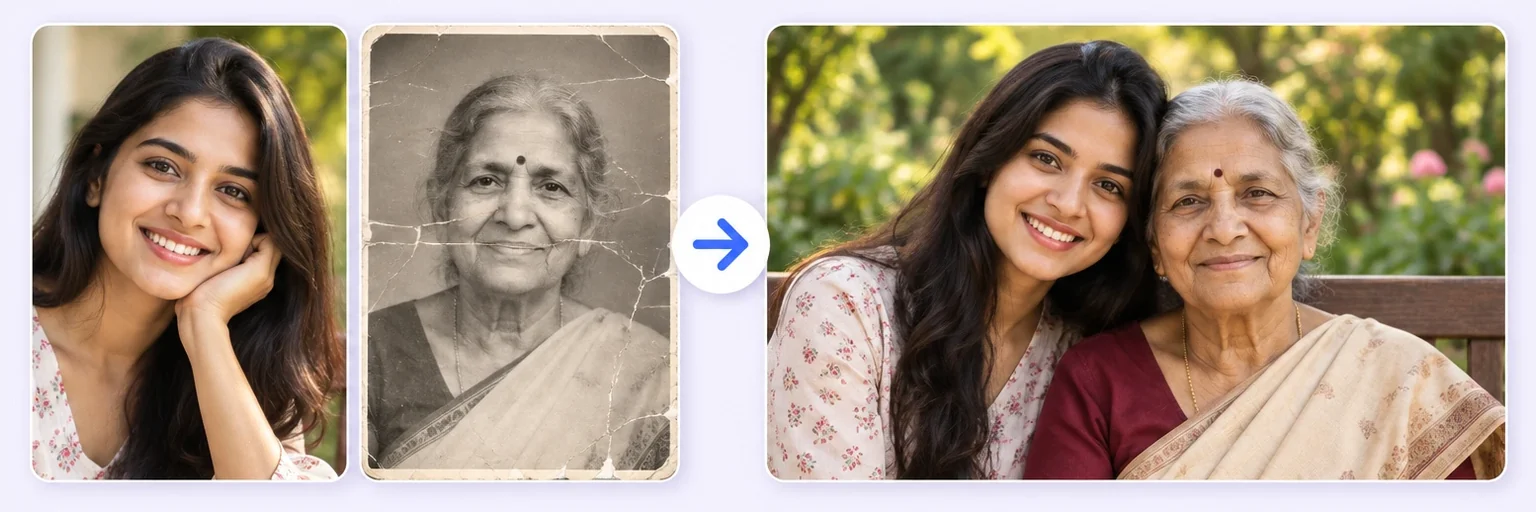
The photo that never got taken.
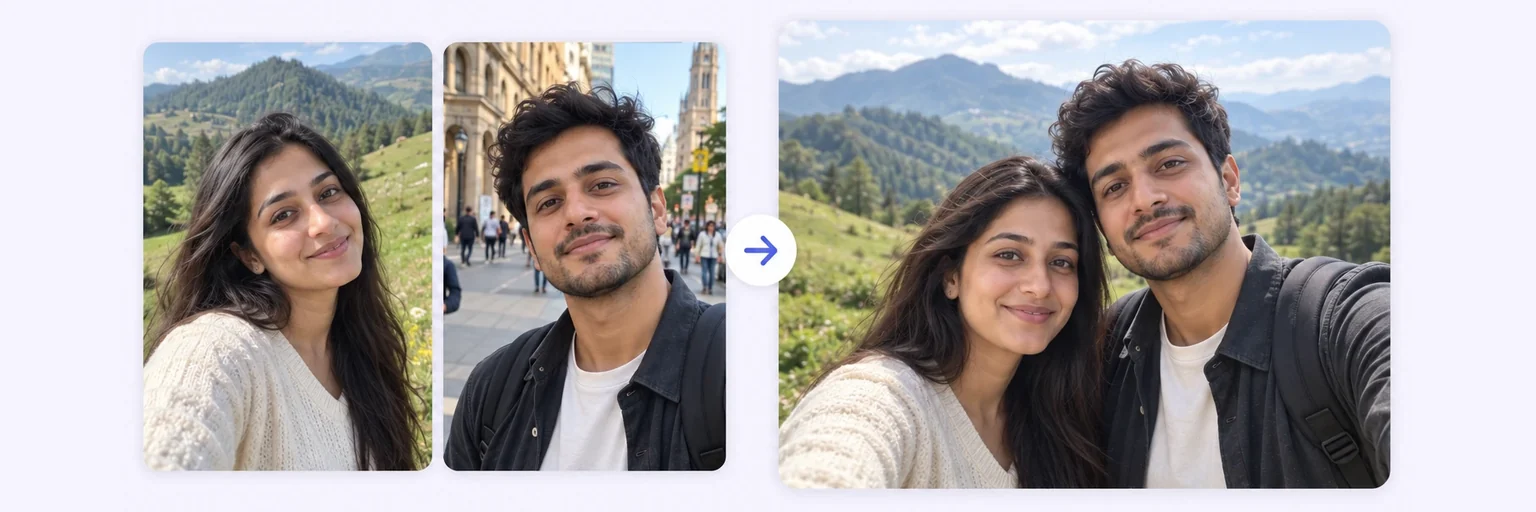
Some photos never got the chance to be taken. Gently merge a photo of a loved one with a recent one of you or your family — one respectful, natural picture together.
The photo that never got taken.
Drop in 2–8 pictures — merged instantly on your device, never uploaded.
📸 Drop 2–8 photos here, or click to choose
JPG, PNG or WebP · merged instantly in your browser · nothing is uploaded anywhere
Side-by-side, grid or collage — tweak spacing, corners and size live.
Full quality, no watermark — the button turns green when ready.
One photo + the options below works great — add 2+ when you want to truly merge people or images.
✨ Drop 1–4 photos here, or click to choose
One photo: change outfits, hair, background, or see your future baby · Two+: merge people and scenes into one picture
One tap sets everything up — 23 styles, each with its own quick options.
Pick a scene, lighting and quality — or just describe what you imagine.
Standard 1K costs 1 credit. 2K costs 2 credits and 4K costs 4 — you’ll be asked to confirm before a bigger image is generated.
10–40 seconds. Failed merges never cost a try or a credit.
No key yet? Get a credit pack — your key is shown on screen the moment you pay (and emailed as a backup). Credits never expire.
Your free daily blend and your credit key work on every one of them.
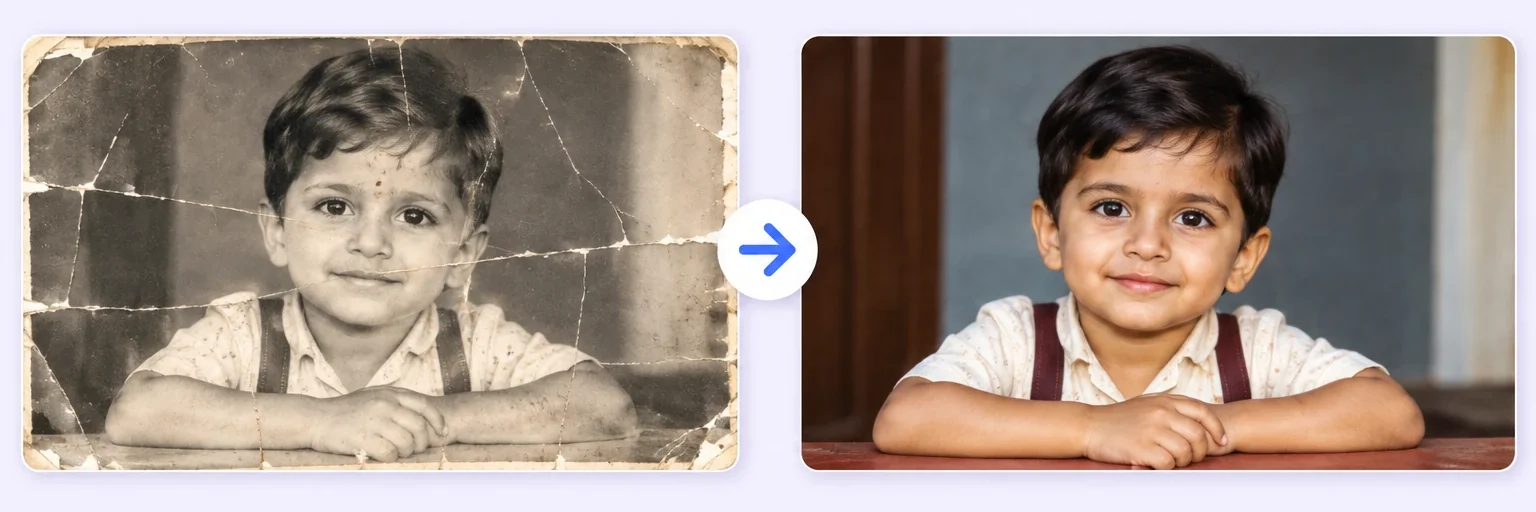 Restore & Merge Old PhotosRepair a damaged photo, then merge generationsTry it free →
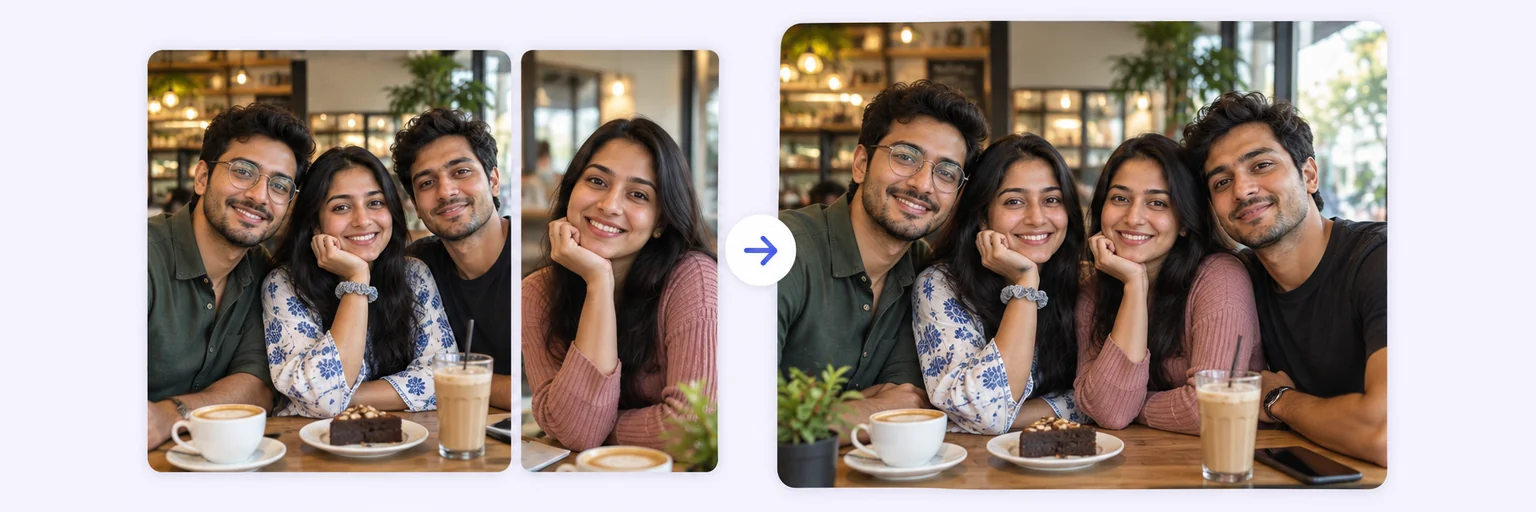 Group Photo GeneratorAdd the person who missed the group shotTry it free →
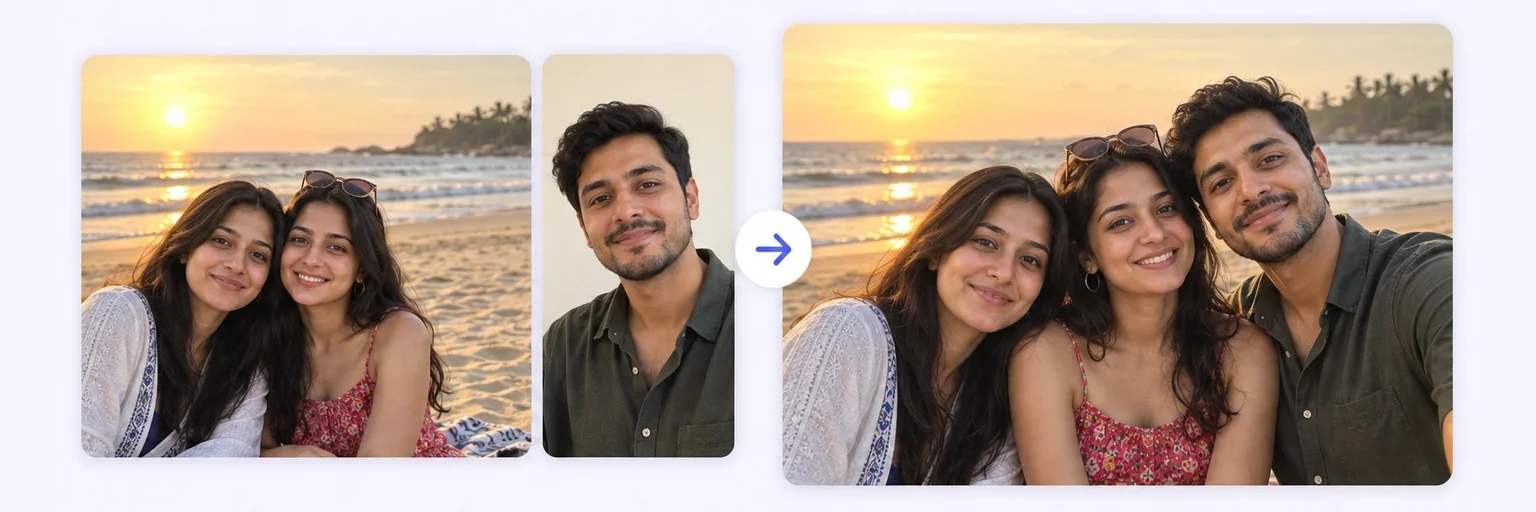 Add Person to PhotoDrop someone into an existing photo, lighting matchedTry it free →
 AI Photo MergerCombine any 2–8 photos into one pictureTry it free →
Under Add 1–4 photos, drop two photos onto the box or click to choose. A clear photo of your loved one (a photo of an old print taken with your phone is fine) and a recent photo of you or the family.
The ✨ AI Photo Blend tab opens automatically with the 🕊️ Memorial merge style already selected. Leave the options on auto for a soft, natural portrait, or choose a gentle Scene such as "green garden".
Press ✨ Blend with AI. The result appears in about 10–20 seconds; failed generations are never counted.
Press ⬇️ Download result (no watermark) or 📤 Share. Not quite right? Change one thing and blend again.
💡 Tip: Old photos are restored and colour-matched automatically. Take your time — you can blend as many times as you need.
Families come to this tool for the photo that never got taken: a grandmother beside the grandchild born after she passed, a father at a graduation he didn't get to see, siblings reunited across decades. Upload a clear photo of your loved one — an old print photographed with your phone works — together with a recent photo, choose Memorial merge, and the AI creates one soft, natural picture of everyone together.
The person you're remembering is never altered or reimagined: the AI is instructed to preserve their true appearance exactly as your photo shows them. If their photo is faded or damaged, the Restore & merge style repairs it first, then brings everyone together.
Take your time with the result. If it doesn't feel right, Try again creates a new version — failed or refused generations never use a try or a credit.
Free forever. No watermark. No account. It just works.
Start merging →Yes. Upload a clear photo of your loved one and a recent photo of you or your family, choose 'Memorial merge', and the AI gently combines them into one natural picture together — with their appearance preserved exactly.
Yes — use the 'Restore & merge' style instead: it first repairs, sharpens and colorizes the old photo, then merges everyone together. A phone photo of a printed picture works fine.
Photos are sent securely only for the seconds needed to generate your image, then discarded — never stored, never used for AI training. The AI is instructed to keep your loved one exactly as they appear.
You can try it free with no signup. If you need more attempts to get it just right, credit packs never expire — and failed generations never cost anything.
Everything on AIMerger brings things together — here is what pairs with this one.