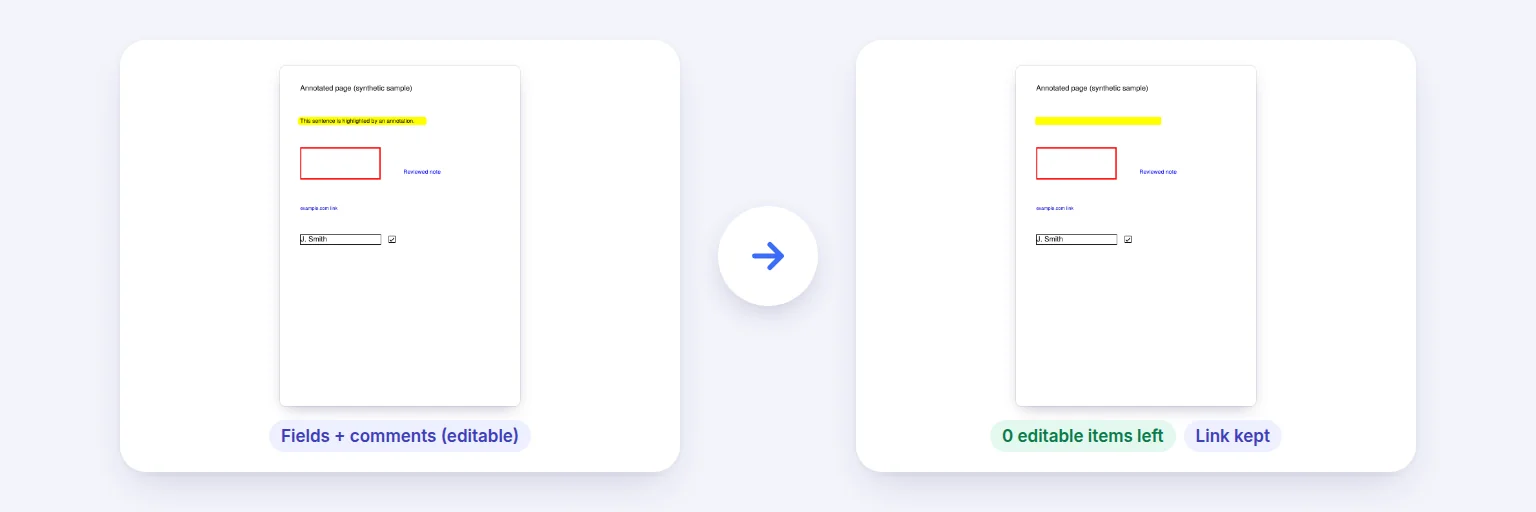
Editable form fields and comments → part of the page, with the link still working.
Filled a form or marked up a document? Flattening makes the answers, highlights, notes and stamps part of the page itself: they print and display the same in every app, and can no longer be changed or deleted by accident. Links keep working, and every result is checked to show nothing editable is left.
Each file shows how many form fields and markups it has.
🔒 Drop PDFs to flatten, or tap to choose
Filled forms, commented or marked-up PDFs — one or a batch
🔏 A digitally signed PDF is included: flattening changes the file, so its digital signature will no longer be valid.
Both are on by default.
Links keep working. Redaction marks are not applied — flattening doesn’t delete text, so use a PDF editor’s “Apply redactions” for that.
Every result is re-opened and counted, so you can see nothing editable is left.
🔒 Flattened on your device. Nothing is uploaded.
Up to 50 PDFs and about 500 MB in total on a computer, less on phones. Markups are flattened using the appearance saved in the file; the rare markup without one is left as a comment and reported. Password-protected PDFs need the password removed first.
Editable form fields and comments → part of the page, with the link still working.
Add one PDF or a batch. Each shows how many form fields and markups it has.
Choose what to flatten: form fields, comments and markups, or both (default).
Press Flatten. Each result lists what was flattened and what was kept — and how many fields or annotations are left after flattening.
Download each file, or all of them as a ZIP.
💡 Tip: Flatten a form after the last person has filled it and before you send or archive it — especially if it will be printed, uploaded to a portal or opened on a phone, where unflattened fields sometimes appear blank.
A filled form’s answers and a document’s comments live in separate layers on top of the page. Different apps draw them differently — some phone viewers and printers skip them entirely. Flattening draws each one into the page using the exact appearance saved in the file and then removes the editable layer, so what you see is what everyone sees.
Form fields with values the standard font can’t draw keep their existing appearance; markups without a saved appearance are left as comments and reported.
Add the PDF above, keep both options on and press Flatten. Download the flattened copy — free and without uploading.
It turns form fields and comments into part of the page content, so they can’t be edited and display the same in every PDF reader.
No — the answers are drawn into the page exactly as they look; only the ability to edit them is removed.
Yes. Add up to 50 and download them as one ZIP.
No. It never removes text under a black box or redaction mark; use a PDF editor’s “Apply redactions” for that.
No. Flattening happens in your browser on your device.
Free tools that pair well with this one.