
One photo. Any age you choose.
Works both ways — type 5, 16, 25, 40 or 60, or go backwards in time.
How will your baby look at 16? At 25? How will you look at 60? Upload one photo, type any age, and AI shows the same person — unmistakably them, just older or younger.
One photo. Any age you choose.
Works both ways — type 5, 16, 25, 40 or 60, or go backwards in time.
Drop in 2–8 pictures — merged instantly on your device, never uploaded.
📸 Drop 2–8 photos here, or click to choose
JPG, PNG or WebP · merged instantly in your browser · nothing is uploaded anywhere
Side-by-side, grid or collage — tweak spacing, corners and size live.
Full quality, no watermark — the button turns green when ready.
One photo + the options below works great — add 2+ when you want to truly merge people or images.
✨ Drop 1–4 photos here, or click to choose
One photo: change outfits, hair, background, or see your future baby · Two+: merge people and scenes into one picture
One tap sets everything up — 23 styles, each with its own quick options.
Pick a scene, lighting and quality — or just describe what you imagine.
Standard 1K costs 1 credit. 2K costs 2 credits and 4K costs 4 — you’ll be asked to confirm before a bigger image is generated.
10–40 seconds. Failed merges never cost a try or a credit.
No key yet? Get a credit pack — your key is shown on screen the moment you pay (and emailed as a backup). Credits never expire.
Your free daily blend and your credit key work on every one of them.
 Cartoon in Your Photoa robot cat, a cartoon duo or a cat-and-mouse pair, standing next to youTry it free →
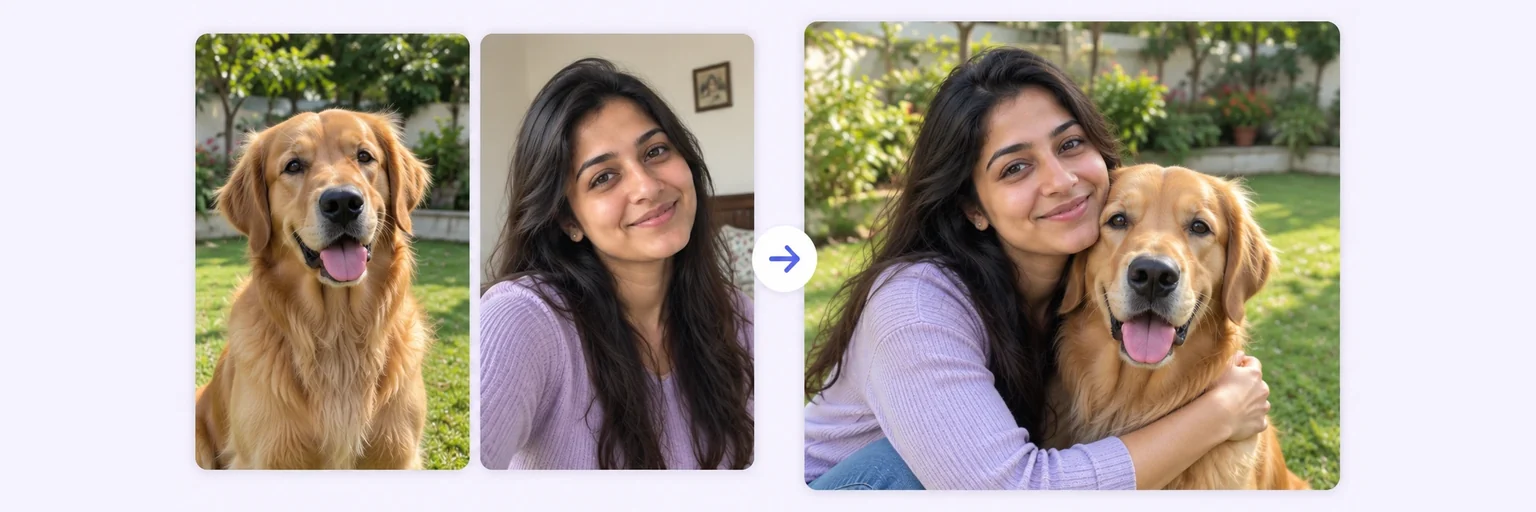 Pet Photo MergerThe portrait your pet would never sit still forTry it free →
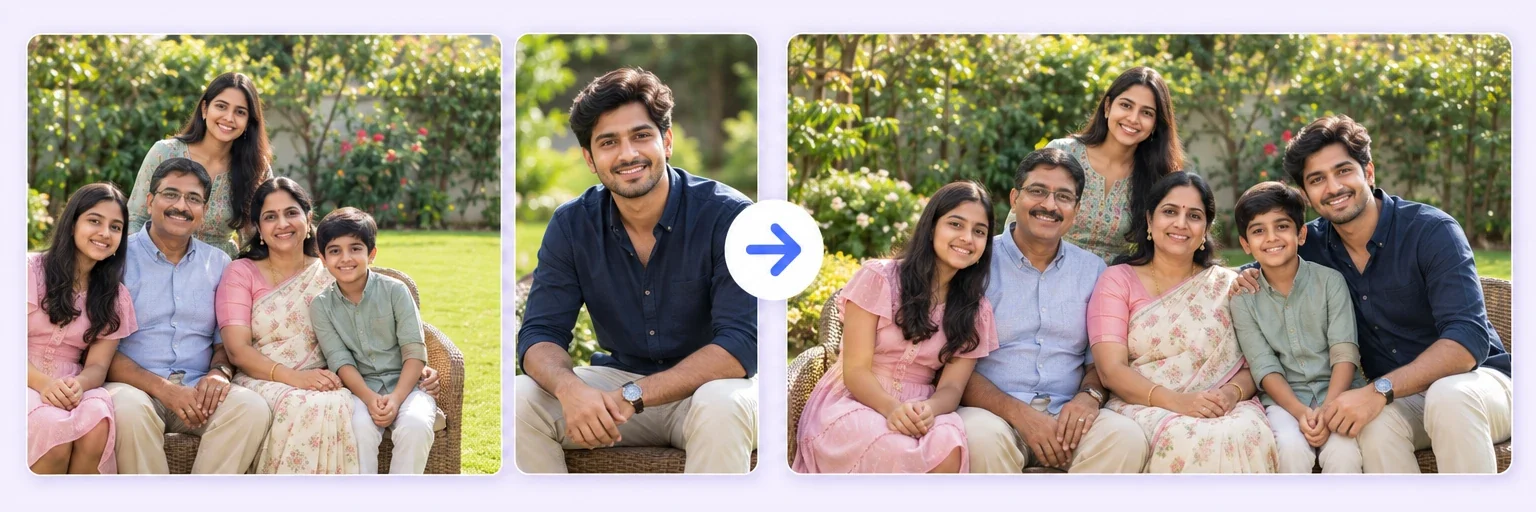 2K & 4K Photo MergeThe same blend, sharp enough to print and frameTry it free →
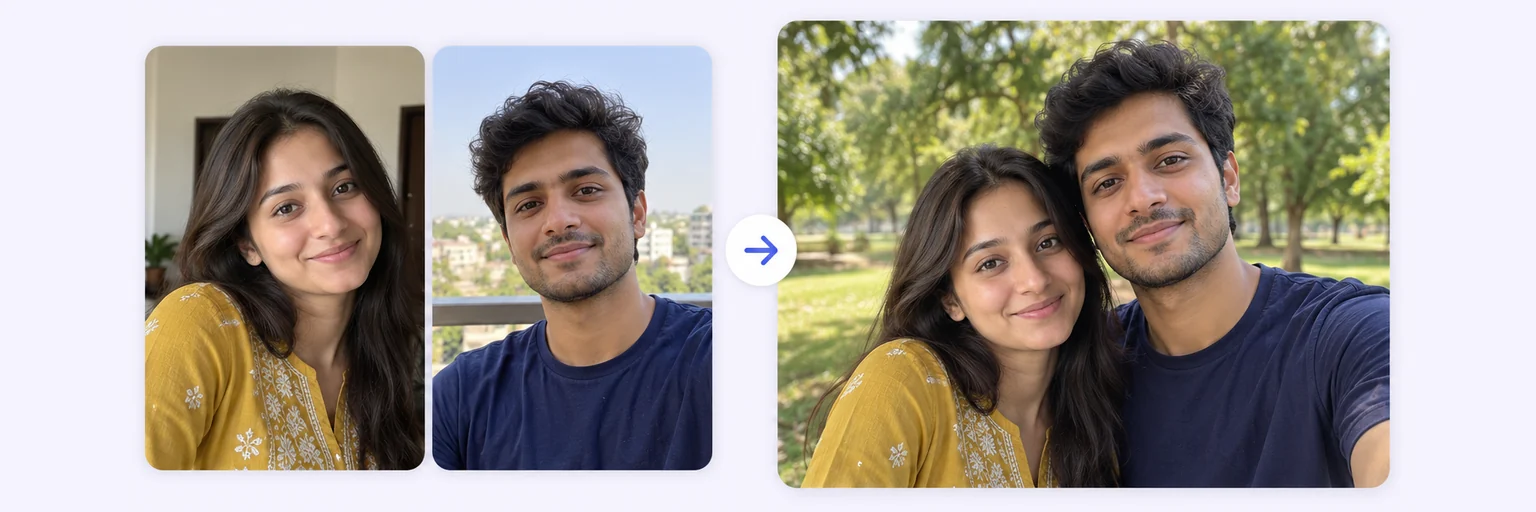 Two People in One PhotoPut two people side by side who were never togetherTry it free →
Under Add 1–4 photos, drop one photo onto the box or click to choose. One clear photo of the person — the newer, the better.
The ✨ AI Photo Blend tab opens automatically with the ⏳ Age transform style already selected. Type the target age in Show them at age (16, 25, 40, 60 — any number) and pick a Setting if you like.
Press ✨ Blend with AI. The result appears in about 10–20 seconds; failed generations are never counted.
Press ⬇️ Download result (no watermark) or 📤 Share. Not quite right? Change one thing and blend again.
💡 Tip: For "what did they look like young" type a lower age — it works backwards too.
Every parent has wondered it while watching their baby sleep: what will this little face look like at sixteen? At their wedding? And everyone has wondered about themselves: what will I look like at sixty? Age progression used to be something only forensic artists could do. Now it's one photo and one number: upload the picture, type any age into the box — 5, 16, 25, 40, 60, 90 — and the AI shows the same person at that age.
The key word is same person. The AI is instructed to preserve identity above everything — the eyes, the distinctive features, the expression that makes them them — while aging skin, hair, face shape and build naturally for the target age. It works in both directions: age a baby photo forward, or show grandpa as the young man in no photos that survived.
Free forever. No watermark. No account. It just works.
Start merging →Upload a clear photo of your child, choose the 'Age transform' style, and type the age you want to see — 16, 25, 40, anything. The AI shows the same child at that age, keeping them completely recognizable.
Yes — both directions work. Type 60 to meet your future self, or 20 to revisit your younger one. The AI ages or de-ages skin, hair and features naturally while keeping your identity exact.
You can enter any age from 0 to 120 — there are no preset steps. Popular choices are 16, 18, 25, 40 and 60, and you can also pick a setting like graduation day or wedding day.
It's a realistic, well-informed prediction based on the face you upload — not a guarantee. Lifestyle, health and time all shape a real face. Think of it as a loving glimpse, not a forecast.
Everything on AIMerger brings things together — here is what pairs with this one.