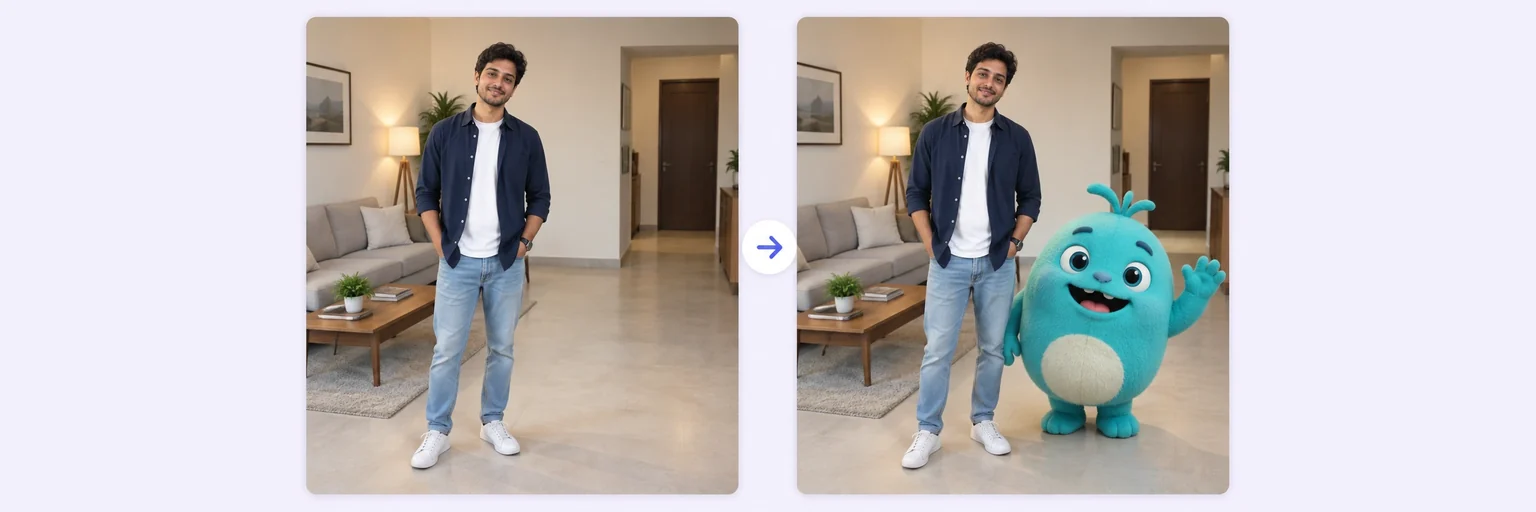
You stay real — the cartoon joins your photo.
The viral trend, made easy: upload your photo, pick Motu & Patlu, a robot cat, a cat-and-mouse duo or any favourite — and get a realistic photo of you together, cartoon and all.
🎬 For entertainment only — cartoon characters belong to their creators, and AIMerger is not affiliated with or endorsed by them. Please keep your pictures personal and non-commercial.
You stay real — the cartoon joins your photo.
Drop in 2–8 pictures — merged instantly on your device, never uploaded.
📸 Drop 2–8 photos here, or click to choose
JPG, PNG or WebP · merged instantly in your browser · nothing is uploaded anywhere
Side-by-side, grid or collage — tweak spacing, corners and size live.
Full quality, no watermark — the button turns green when ready.
One photo + the options below works great — add 2+ when you want to truly merge people or images.
✨ Drop 1–4 photos here, or click to choose
One photo: change outfits, hair, background, or see your future baby · Two+: merge people and scenes into one picture
One tap sets everything up — 23 styles, each with its own quick options.
Pick a scene, lighting and quality — or just describe what you imagine.
Standard 1K costs 1 credit. 2K costs 2 credits and 4K costs 4 — you’ll be asked to confirm before a bigger image is generated.
10–40 seconds. Failed merges never cost a try or a credit.
No key yet? Get a credit pack — your key is shown on screen the moment you pay (and emailed as a backup). Credits never expire.
Tap a character — it is selected in the tool above, then just add your photo.
Want something else? Describe the character you have in mind in the prompt box — “a friendly cartoon dragon”, “a superhero in a green cape” — and the AI draws an original one to match.
Your free daily blend and your credit key work on every one of them.
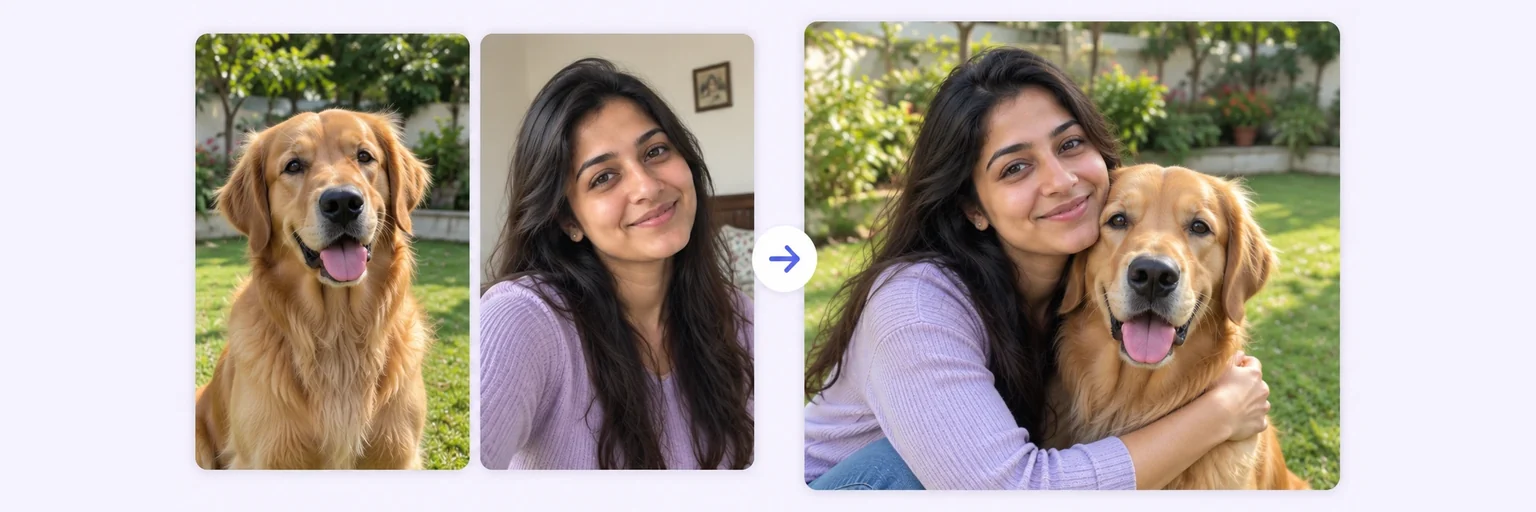 Pet Photo MergerThe portrait your pet would never sit still forTry it free →
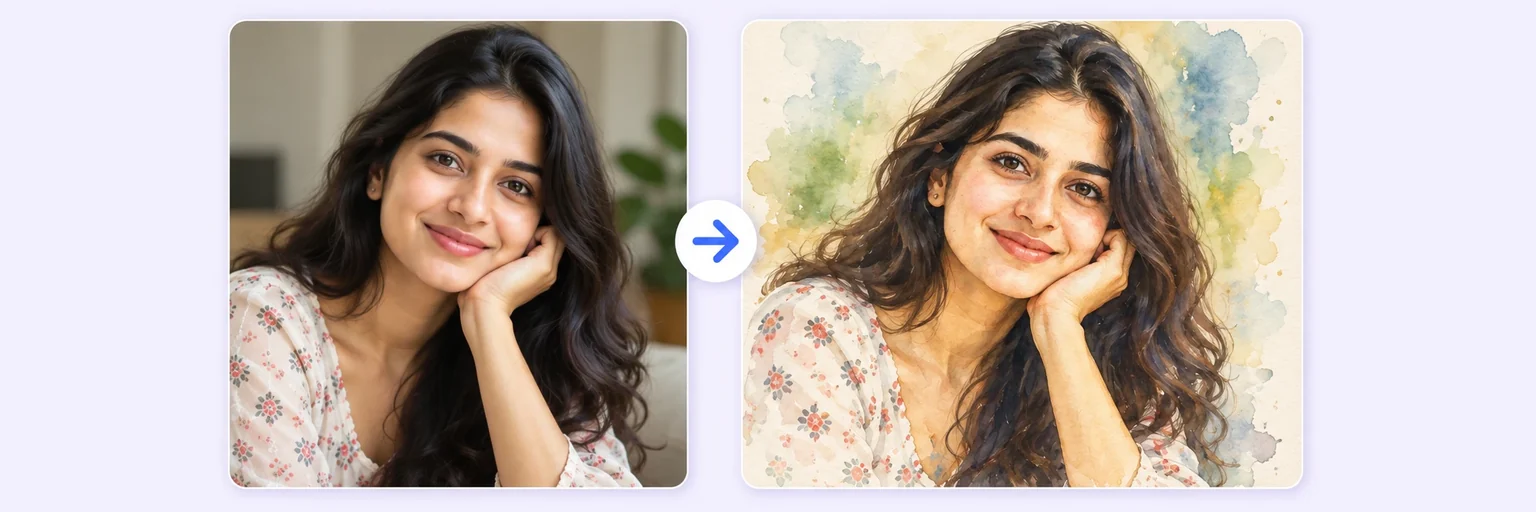 AI Style MergeYour photo as watercolour, anime or Van GoghTry it free →
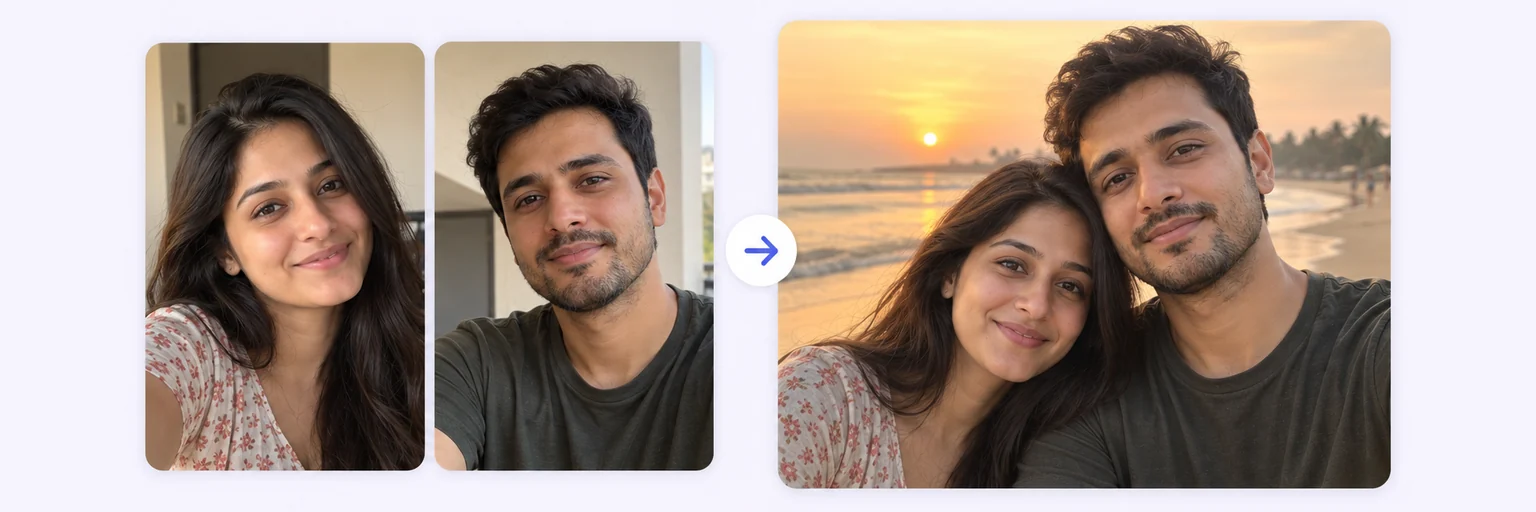 Couple Photo MergeOne natural photo of you both, from two selfiesTry it free →
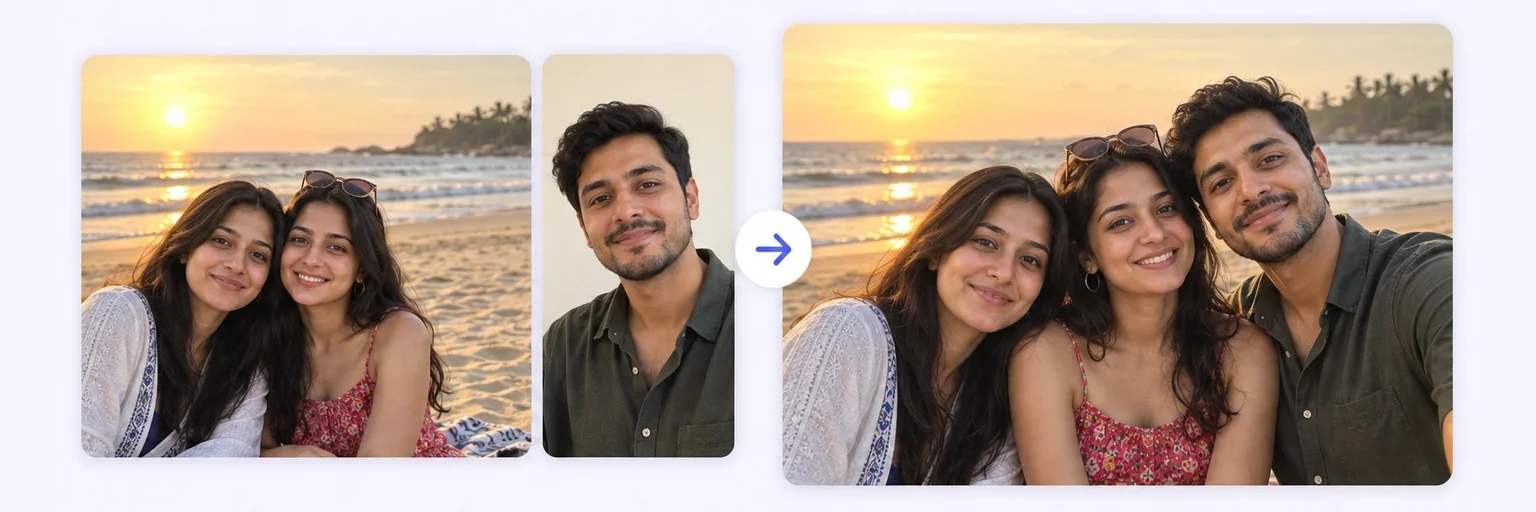 Add Person to PhotoDrop someone into an existing photo, lighting matchedTry it free →
Under Add 1–4 photos, drop in your real photo — you stay exactly as you are.
Tap a style in the Pick your cartoon tiles, type your own description in the prompt box, or choose one from the Cartoon character menu; then set Doing what (high-five, hugging, selfie…) and a Cartoon look — 3D lifelike for the viral video style, or classic 2D. Any other character? Name it in the description box.
Press ✨ Blend with AI. The result appears in about 10–20 seconds; failed generations are never counted.
Press ⬇️ Download result (no watermark) or 📤 Share. Not quite right? Change one thing and blend again.
💡 Tip: Leave some empty space beside you in the photo so the character has room to stand.
Everyone who grew up with cartoons has imagined it: a cartoon duo walking down your street, a robot cat sitting at your desk, a cat chasing a mouse through your living room. That's exactly the videos going viral on YouTube and Instagram right now — real people, real places, cartoon characters dropped in so naturally it feels like they finally stepped out of the TV.
This tool makes that image in about 20 seconds. Upload your photo, pick a style from the list — a cheerful duo, a village hero, a robot cat, a cheeky toddler, a cat-and-mouse pair, a vintage mouse, a sailor duck, a yellow square, an electric critter, goggle helpers, a mystery dog, a witty rabbit — choose what you're doing together (high-five, selfie, dancing…), and generate. You stay perfectly real and photographic; the character keeps their authentic cartoon look. That contrast is the whole magic of the trend.
Free forever. No watermark. No account. It just works.
Start merging →Character names are trademarks of their respective owners. AIMerger is not affiliated with or endorsed by them; results are for personal use.
You choose. The default keeps the character in its original cartoon style, drawn into your real photo with matching light and a shadow on the ground. Add “3D” to the prompt for a Pixar-style rendered version.
Twelve cartoon styles are one tap away — a robot cat, a cat-and-mouse duo, a vintage mouse, an electric critter, a village hero and more. You can also describe any character you like in your own words in the prompt box.
Yes. Your face, clothes and background are kept photorealistic; only the character is cartoon. That contrast is what makes the trend work.
Two AI merges a day are free with no signup. Credit packs start at $4.99 for 20 if you are making a series for Reels or Shorts.
For personal and fan content, yes — it is exactly what the trend is. Character names and likenesses belong to their owners, so avoid using them to sell products or services.
Very obscure characters, or names spelled unusually, can confuse the model. Use the common name, keep one character per merge, and use Try again — every generation is new and failed ones are never charged.
Everything on AIMerger brings things together — here is what pairs with this one.