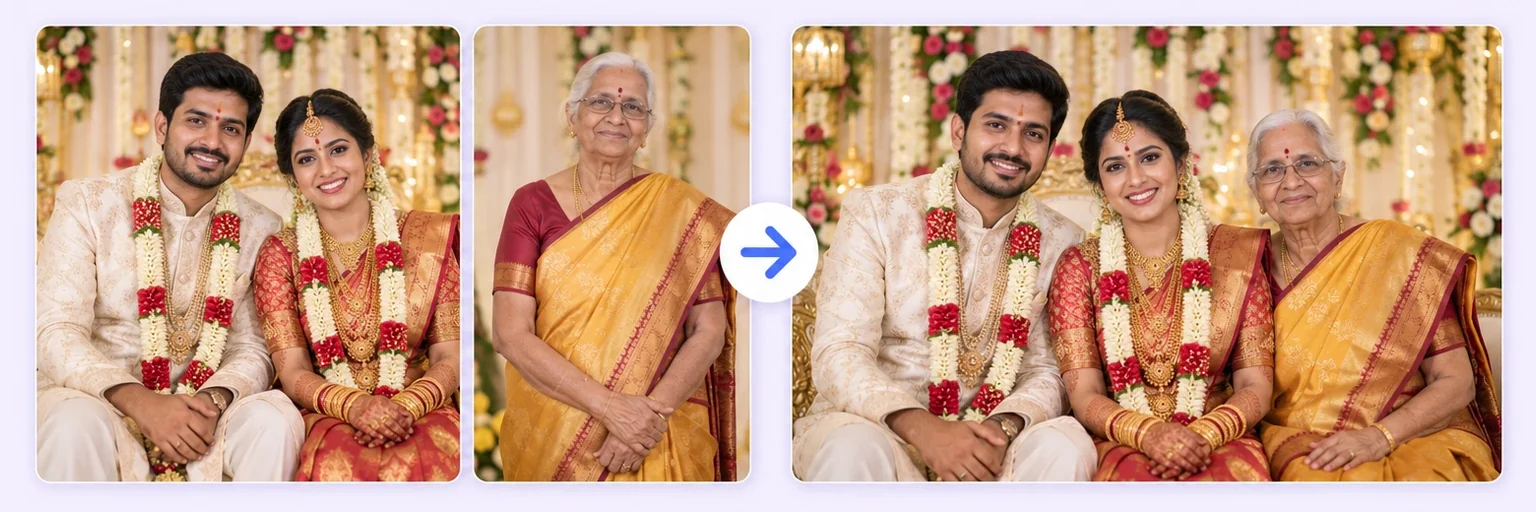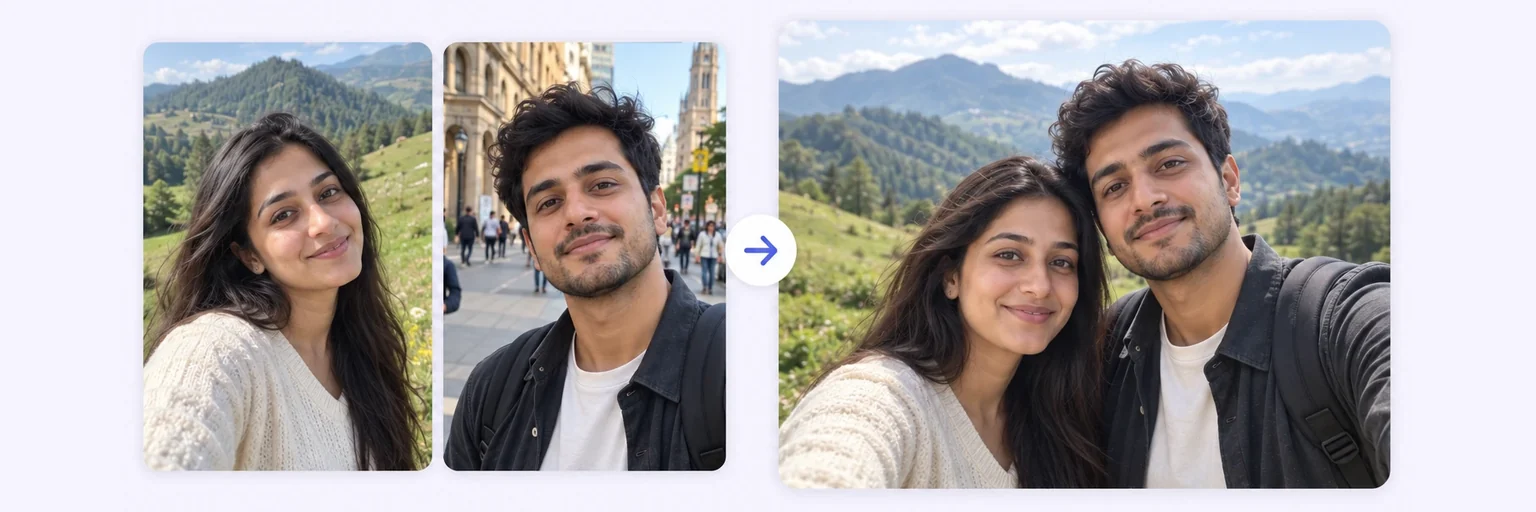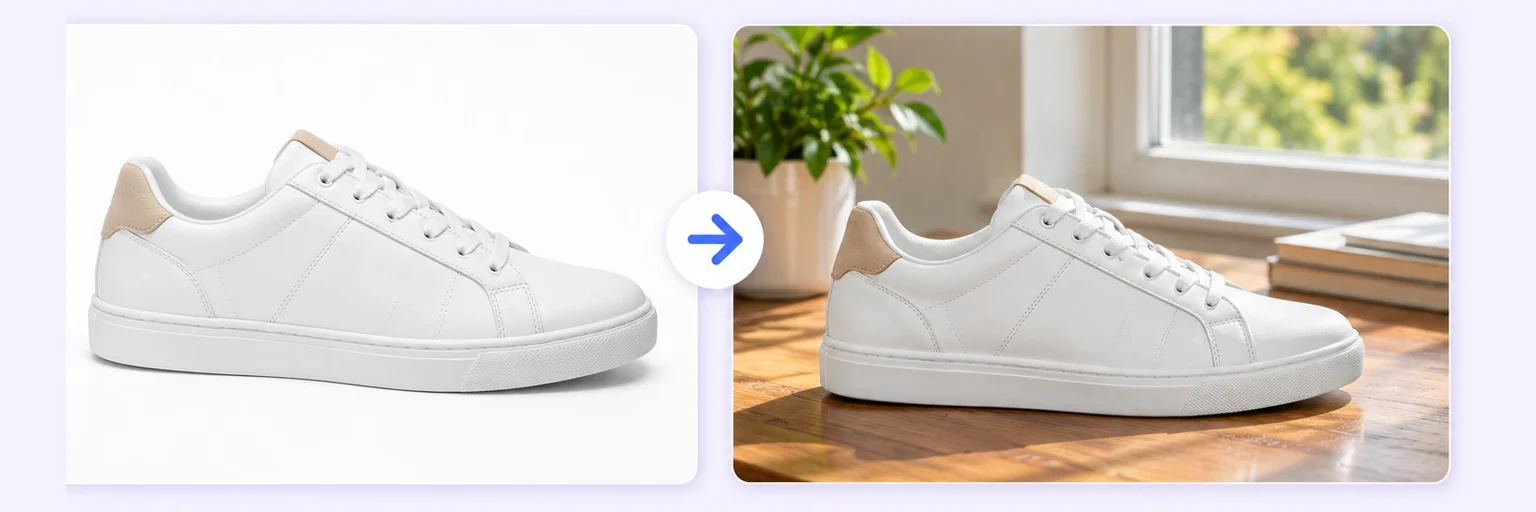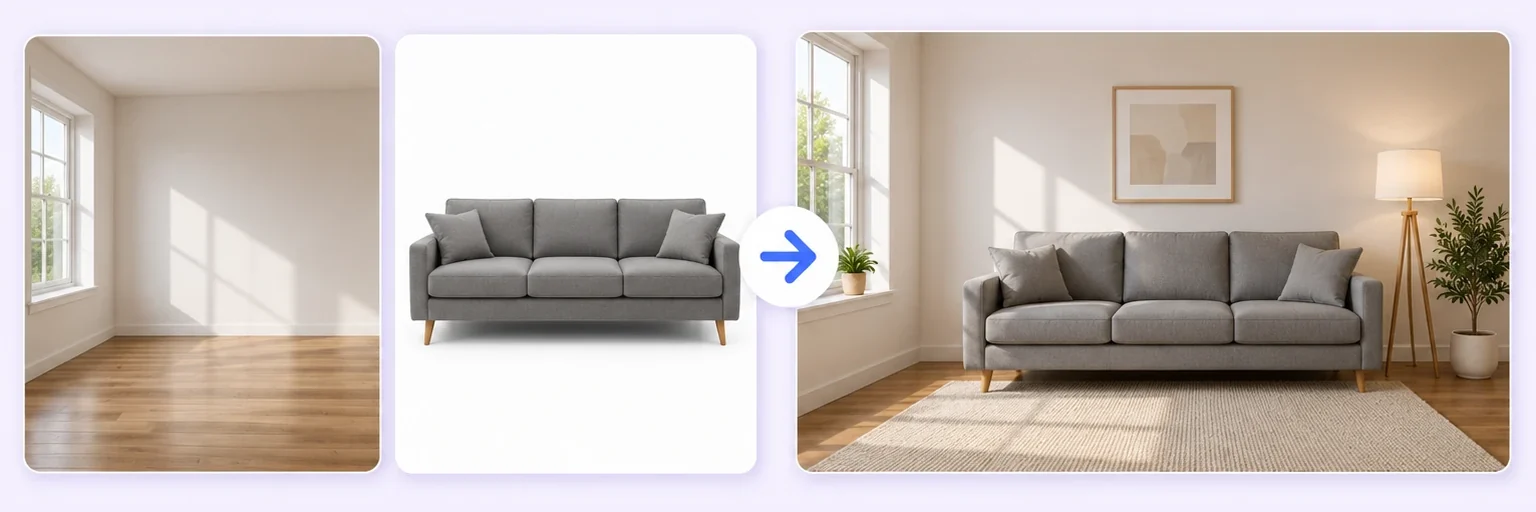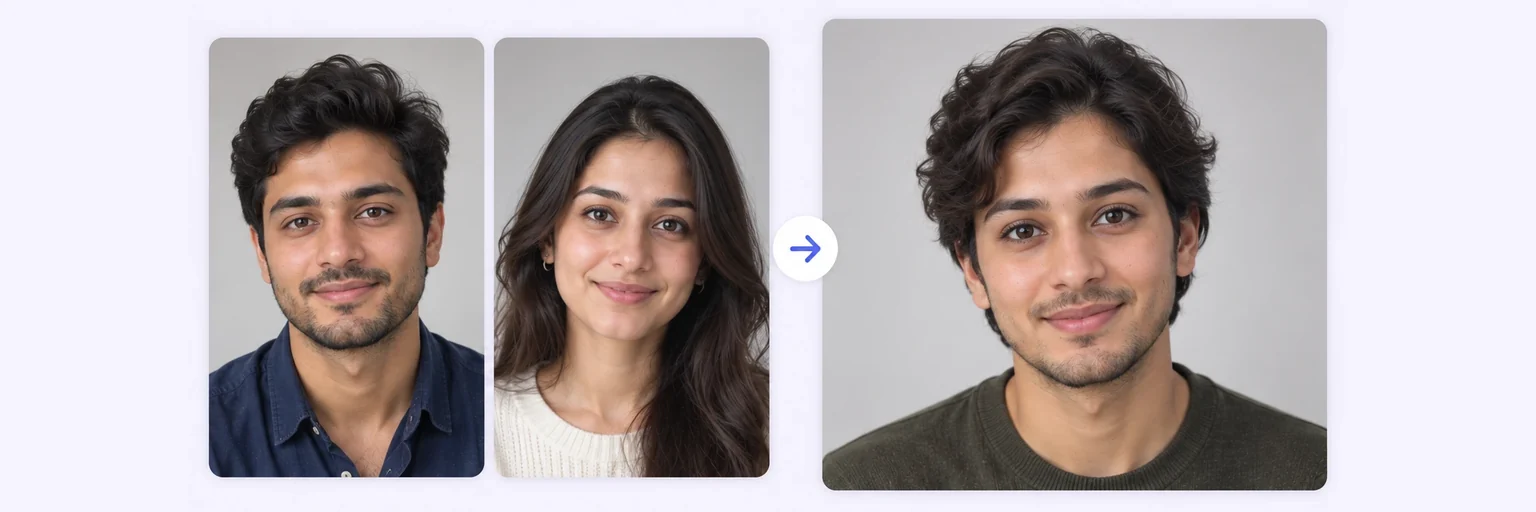
Two faces. One person.
Blend two faces into one realistic new face — see what you and your partner "combined" would look like, morph friends, or mix features for creative projects.
Two faces. One person.
Drop in 2–8 pictures — merged instantly on your device, never uploaded.
📸 Drop 2–8 photos here, or click to choose
JPG, PNG or WebP · merged instantly in your browser · nothing is uploaded anywhere
Side-by-side, grid or collage — tweak spacing, corners and size live.
Full quality, no watermark — the button turns green when ready.
One photo + the options below works great — add 2+ when you want to truly merge people or images.
✨ Drop 1–4 photos here, or click to choose
One photo: change outfits, hair, background, or see your future baby · Two+: merge people and scenes into one picture
One tap sets everything up — 23 styles, each with its own quick options.
Pick a scene, lighting and quality — or just describe what you imagine.
Standard 1K costs 1 credit. 2K costs 2 credits and 4K costs 4 — you’ll be asked to confirm before a bigger image is generated.
10–40 seconds. Failed merges never cost a try or a credit.
No key yet? Get a credit pack — your key is shown on screen the moment you pay (and emailed as a backup). Credits never expire.
Your free daily blend and your credit key work on every one of them.
Under Add 1–4 photos, drop two photos onto the box or click to choose. Two front-facing portraits, faces well lit and not covered by glasses or hair.
The ✨ AI Photo Blend tab opens automatically with the 🧬 Face merge style already selected. Leave the options on auto for a natural blend, or choose a Look such as "studio portrait".
Press ✨ Blend with AI. The result appears in about 10–20 seconds; failed generations are never counted.
Press ⬇️ Download result (no watermark) or 📤 Share. Not quite right? Change one thing and blend again.
💡 Tip: The blend is roughly 50/50. Write "closer to the first face" in the description box to bias it.
The face merger answers the internet's favourite questions: what would our baby look like? What if you crossed me with my best friend? Which parent do I actually resemble? Upload two clear face photos, pick the Face merge style, and the AI produces a single realistic face that blends both people's features — eye shape, skin tone, bone structure and expression — into one believable person.
Unlike the old face-morph apps that produced smeared, uncanny halfway images, a modern image model understands facial anatomy. The result looks like a photograph of a real (if brand-new) human.
A face merge is a dial, not a switch. Say so in the prompt box and the result changes completely: “blend both faces equally, 50/50” gives the classic morph, while “keep the first face, take only the eyes and hair from the second” keeps one person recognisable and borrows a feature. Three phrasings cover almost everything people ask for:
Whatever you ask for, the merge builds one new face — it is not a side-by-side collage and not a filter laid over a photo. If you want two whole people standing together in a scene instead, that is Two People in One Photo.
Couples. The most common request is a face blend of two partners — a keepsake, an anniversary card, or simply curiosity. Use an even blend and two front-facing photos taken in similar light. If you want a child's face rather than a merged adult one, the AI baby generator is built for exactly that and handles age properly.
Friends and teams. Mixing two friends' faces makes a reliably funny group-chat image. Faces with different hairstyles blend more visibly than faces with similar ones, so pick the two most different people in the room for the strongest effect.
Family resemblance. Merging a parent and a grandparent shows what the family line has in common. Use photos taken at roughly the same age for a result that reads as one plausible person rather than an age-morph; for deliberate age changes, use AI age progression.
An AI face combiner does not paste one face over another. It reads the shape, skin tone, eyes, nose and jawline of both photos and builds one new face that keeps a believable amount of each — which is why the result looks like a real person and not a filter. Upload two clear, front-facing photos, choose an even or weighted blend, and the face merger returns one photo in about 20 seconds. The same engine powers the AI baby generator and age progression.
Free forever. No watermark. No account. It just works.
Start merging →Upload one clear photo of each face in the AI tool above, choose the 'Face merge' style, and generate. In about 20 seconds you get one realistic face blending both people's features.
Yes — free merges are included daily with no signup, and credit packs that never expire cover more.
Describe it in the prompt — e.g. 'mostly the first face, with the second person's eyes and smile'. The AI follows feature-level instructions surprisingly well.
Photos are sent securely only to generate your result and are never stored or used for training. Please only merge faces of people who consent.
Yes. Write it in the prompt box — “blend equally”, “70% the first face”, or “keep face one and take only the eyes from face two”. The AI follows the ratio you describe.
No. A face swap puts one person’s face onto another person’s body. A face merge creates one new face that carries features from both people. If you want a swap, describe it in the prompt box instead.
Two works best and is what the tool is tuned for. You can add up to four photos, but with three or more the result drifts towards a generic face rather than a recognisable mix.
Yes. The blend keeps skin tone and texture natural rather than averaging everyone into one shade. Photos taken in similar lighting give the most believable result.
Everything on AIMerger brings things together — here is what pairs with this one.