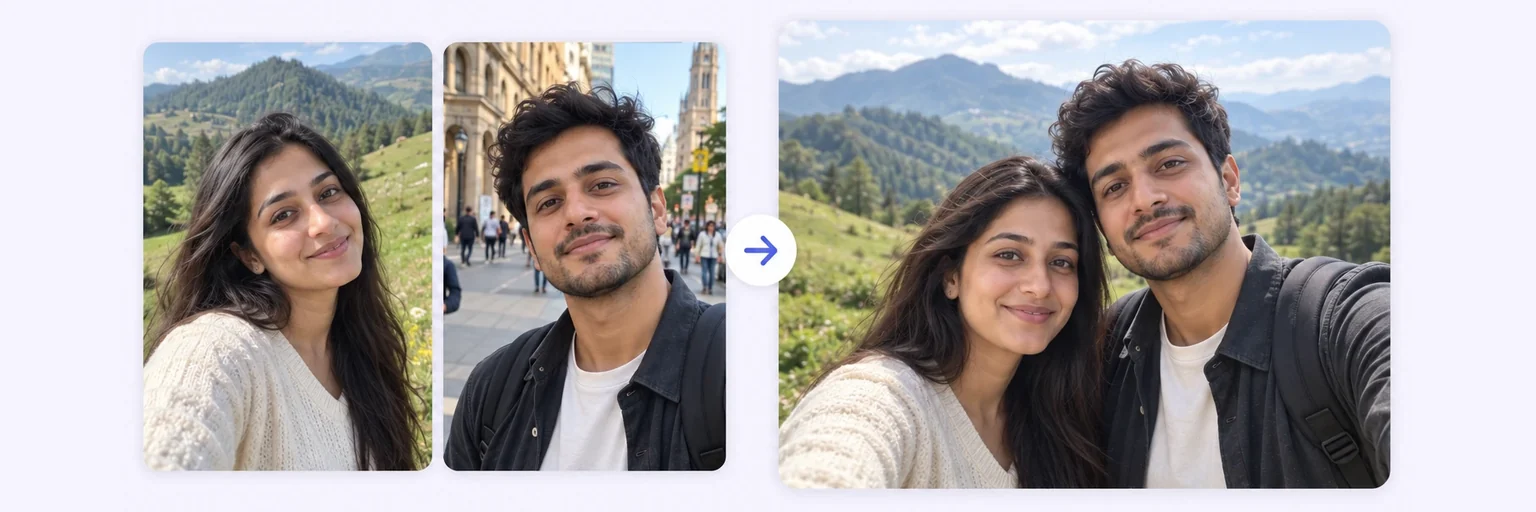
Two photos. One memory.
Combine two or more photos into one — free, instant and watermark-free. Merge side by side, stack, grid, or let AI blend people into one realistic picture.
Two photos. One memory.
Drop in 2–8 pictures — merged instantly on your device, never uploaded.
📸 Drop 2–8 photos here, or click to choose
JPG, PNG or WebP · merged instantly in your browser · nothing is uploaded anywhere
Side-by-side, grid or collage — tweak spacing, corners and size live.
Full quality, no watermark — the button turns green when ready.
One photo + the options below works great — add 2+ when you want to truly merge people or images.
✨ Drop 1–4 photos here, or click to choose
One photo: change outfits, hair, background, or see your future baby · Two+: merge people and scenes into one picture
One tap sets everything up — 23 styles, each with its own quick options.
Pick a scene, lighting and quality — or just describe what you imagine.
Standard 1K costs 1 credit. 2K costs 2 credits and 4K costs 4 — you’ll be asked to confirm before a bigger image is generated.
10–40 seconds. Failed merges never cost a try or a credit.
No key yet? Get a credit pack — your key is shown on screen the moment you pay (and emailed as a backup). Credits never expire.
Your free daily blend and your credit key work on every one of them.
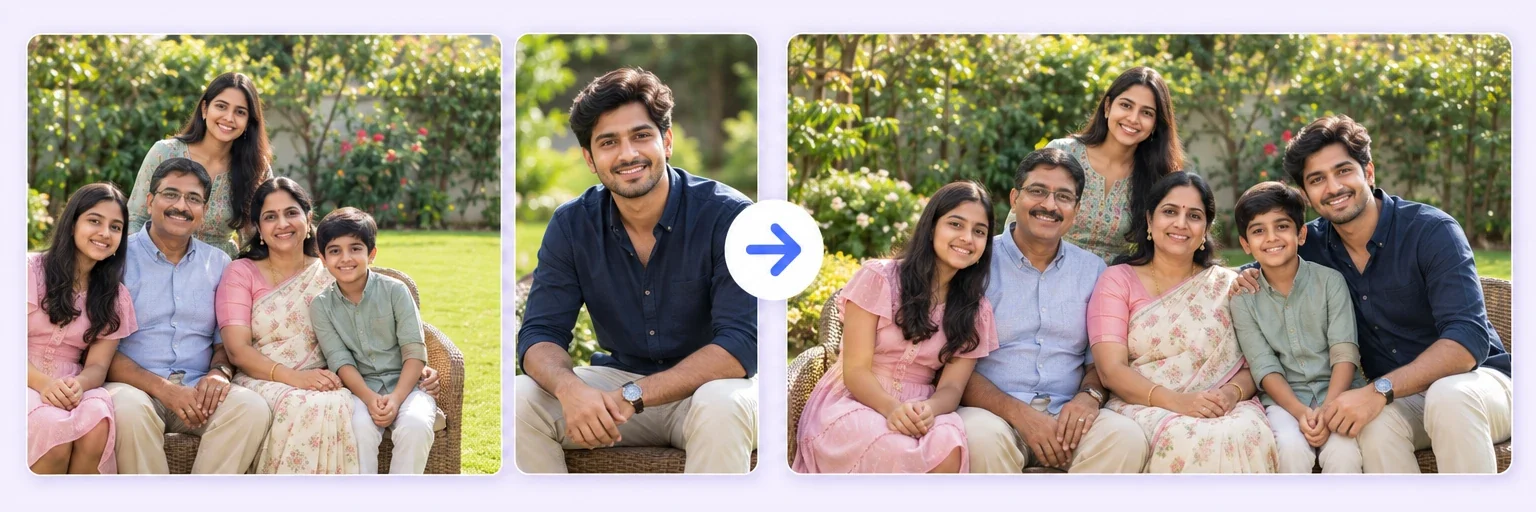 2K & 4K Photo MergeThe same blend, sharp enough to print and frameTry it free →
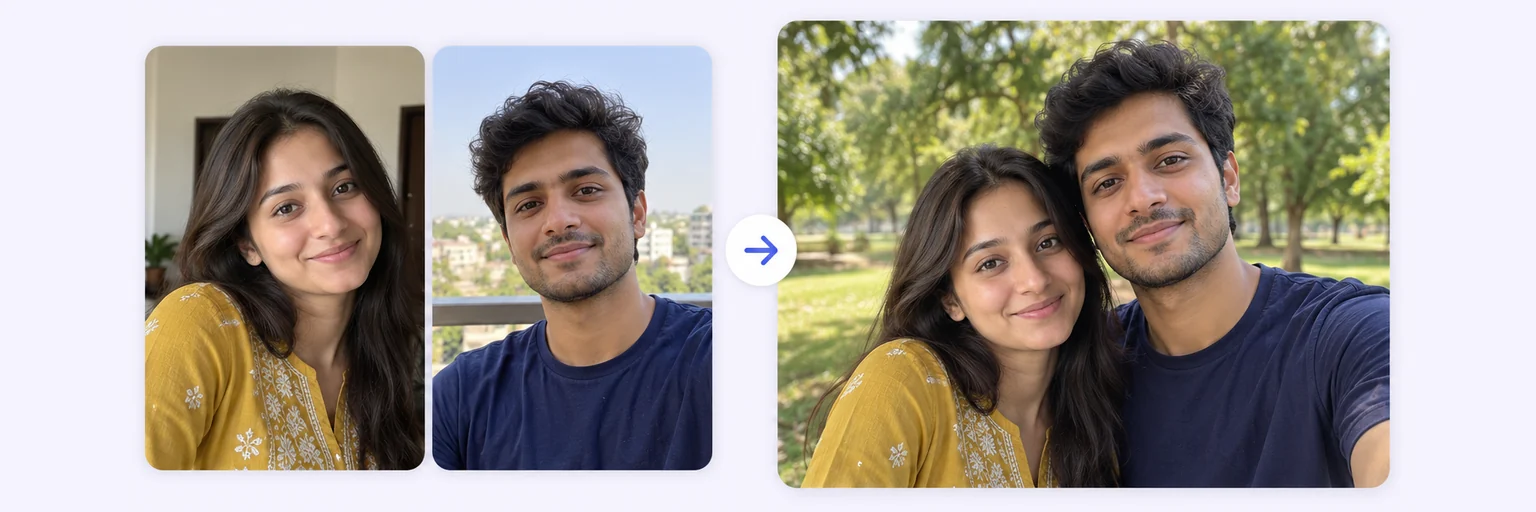 Two People in One PhotoPut two people side by side who were never togetherTry it free →
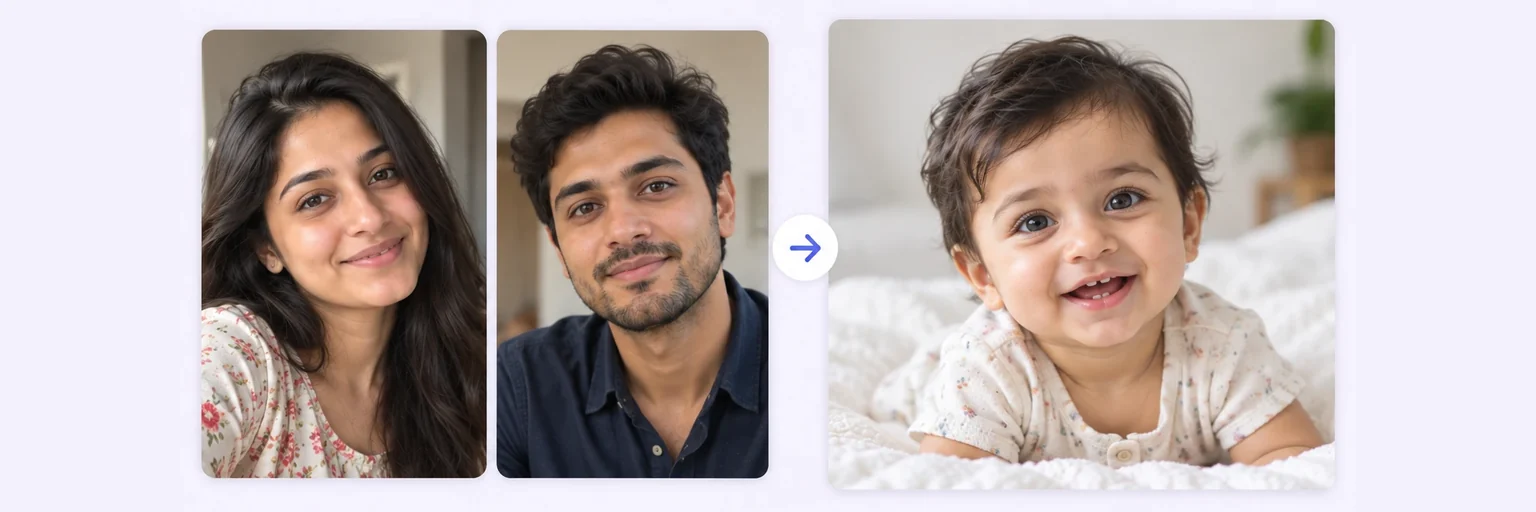 AI Baby GeneratorSee what your future baby might look likeTry it free →
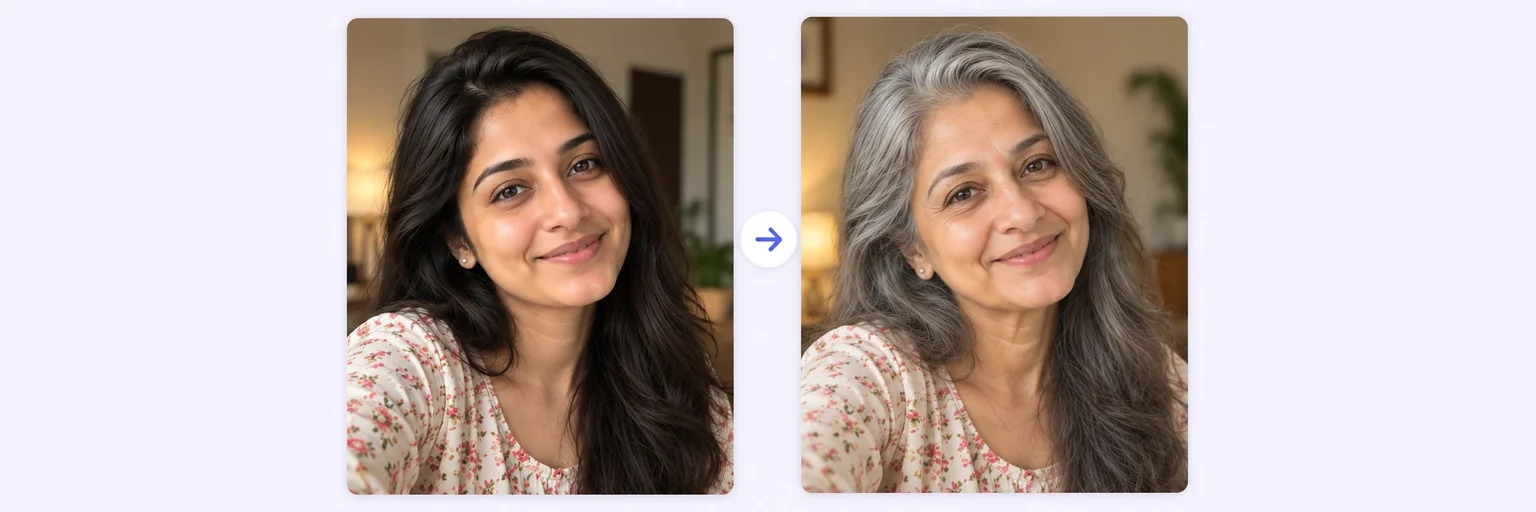 AI Age ProgressionThe same face at 16, 25, 40 or 60Try it free →
Tap Add photos or drop them in — 2 to 8 pictures.
For an instant collage use the 🖼️ Free Layout Merger tab: pick side-by-side, stacked or grid, set spacing, corners and background, and press 🔀 Merge photos.
For one realistic picture switch to ✨ AI Photo Blend, pick a style chip (two people, group, person into scene…) and press ✨ Blend with AI.
Download — no watermark on either tab. The layout merger is unlimited; AI blending gives free tries every day.
💡 Tip: Clear, front-facing photos with similar lighting blend best.
Most "free" photo mergers charge you in other ways: a watermark across your picture, a forced signup, or your photos quietly uploaded to someone's server. AIMerger's photo merger does none of that. The layout merger runs entirely inside your browser — your photos are processed on your own device, merged in under a second, and downloaded in full quality.
Need more than a layout? Switch to AI Photo Blend and the AI merges your photos into a single natural scene — two people who were never in the same room, a group shot rebuilt from separate pictures, or a person placed into a completely new background with matching light and shadows.
Drag in 2–8 pictures — JPG, PNG or WebP. Nothing is uploaded: the free merger runs entirely inside your browser.
Choose side-by-side, stacked, grid or auto collage — or switch to AI Photo Blend to merge people into one realistic scene.
Export PNG, JPG or WebP up to 4096px wide. No watermark, no signup, no catch.
Free forever. No watermark. No account. It just works.
Start merging →Yes — the Quality box sets the output size before you blend: Standard 1K (1 credit), 💎 Best 2K (2 credits) or 🏆 Ultra 4K (4 credits), with a confirmation before the bigger sizes. More on 4K merging. Free daily tries run at 1K.
Drop both photos into the merger above, choose a layout (side by side, stacked or collage), and click Merge. Download your combined image instantly — free, full quality, no watermark.
Yes. The AI Photo Blend mode analyses faces, lighting, shadows and perspective, then generates a single seamless photo rather than placing images next to each other.
Up to 8 photos in the free layout merger and up to 4 in AI blend mode — more than most tools, which typically stop at 2.
AIMerger never watermarks layout merges. What you create is fully yours, including for commercial use.
Everything on AIMerger brings things together — here is what pairs with this one.