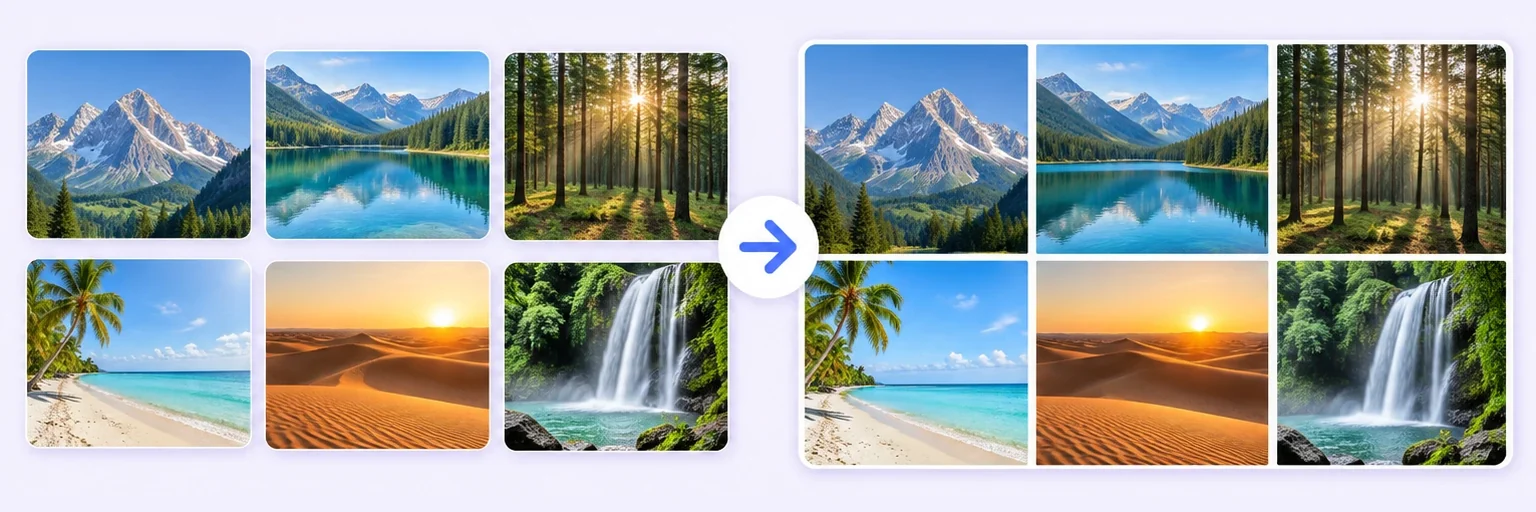
Any number of images. One picture.
Combine two images into one — or up to eight. Free instant combining in your browser, plus AI that merges images into one seamless picture from a simple prompt.
Any number of images. One picture.
Drop in 2–8 pictures — merged instantly on your device, never uploaded.
📸 Drop 2–8 photos here, or click to choose
JPG, PNG or WebP · merged instantly in your browser · nothing is uploaded anywhere
Side-by-side, grid or collage — tweak spacing, corners and size live.
Full quality, no watermark — the button turns green when ready.
One photo + the options below works great — add 2+ when you want to truly merge people or images.
✨ Drop 1–4 photos here, or click to choose
One photo: change outfits, hair, background, or see your future baby · Two+: merge people and scenes into one picture
One tap sets everything up — 23 styles, each with its own quick options.
Pick a scene, lighting and quality — or just describe what you imagine.
Standard 1K costs 1 credit. 2K costs 2 credits and 4K costs 4 — you’ll be asked to confirm before a bigger image is generated.
10–40 seconds. Failed merges never cost a try or a credit.
No key yet? Get a credit pack — your key is shown on screen the moment you pay (and emailed as a backup). Credits never expire.
Your free daily blend and your credit key work on every one of them.
Tap Add photos and choose 2–8 images (JPG, PNG, WebP, HEIC).
In 🖼️ Free Layout Merger choose Layout (side by side, stacked, 2-column grid…), then spacing, rounded corners, background colour, width and format.
Press 🔀 Merge photos — the combined image appears instantly.
Press ⬇️ Download. Want the images blended into one scene instead of a grid? Use the ✨ AI Photo Blend tab with the Creative blend chip.
💡 Tip: Use the same orientation (all portrait or all landscape) for the neatest grid.
The instant combiner joins your images into side-by-side layouts, stacks and grids — rendered on your own device in milliseconds, downloaded without watermarks. It's quick because there's no upload at all: your files never travel anywhere.
The AI combiner goes further. Give it two images and a sentence — "put this chair in this living room", "blend these two skylines at dusk", "place her next to him on the beach" — and it generates one coherent picture with balanced lighting, scale and perspective. Preset styles cover the most common merges so you don't need to write anything.
“Combine two images” means two different things, and choosing the wrong one is why most results disappoint. AIMerger does both, and both are on this page.
| What you want | Use | Cost | Result |
|---|---|---|---|
| Both pictures visible, side by side or stacked | Layout merge (the free tab) | Free, unlimited | A clean two-up image — nothing invented, both originals intact |
| One believable new picture containing elements of both | AI blend | 1 credit at 1K | A single photograph with matched light, shadows and scale |
The free layout merge runs entirely in your browser — the images are never uploaded anywhere. The AI blend sends them to generate the result and keeps nothing afterwards.
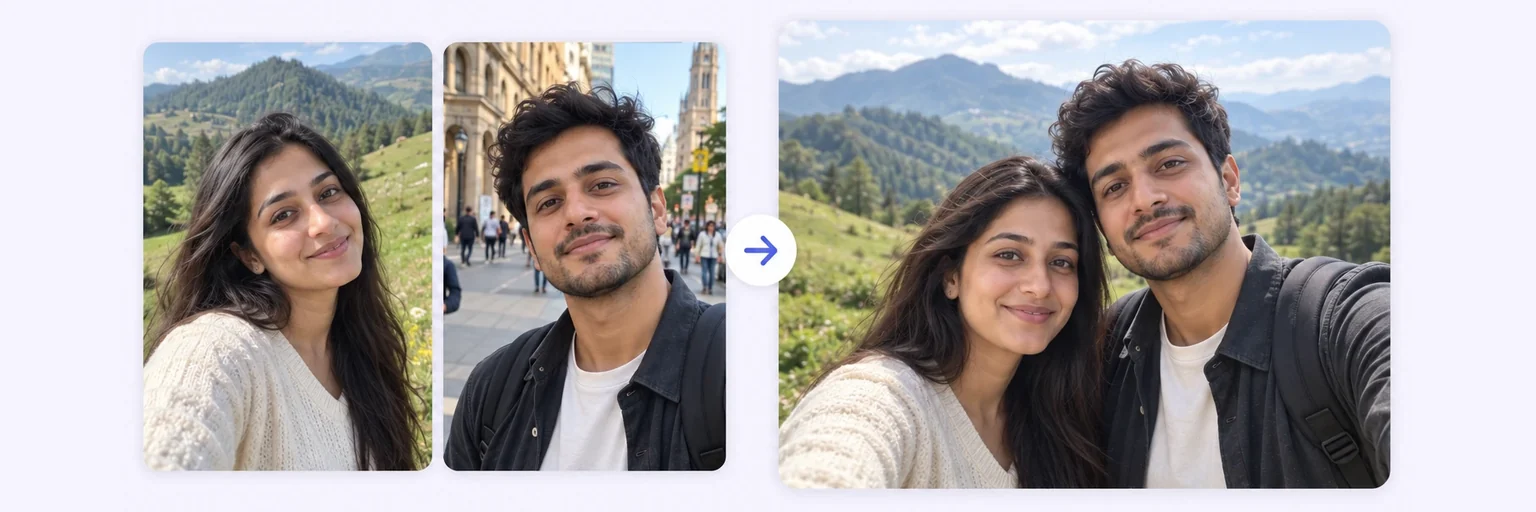
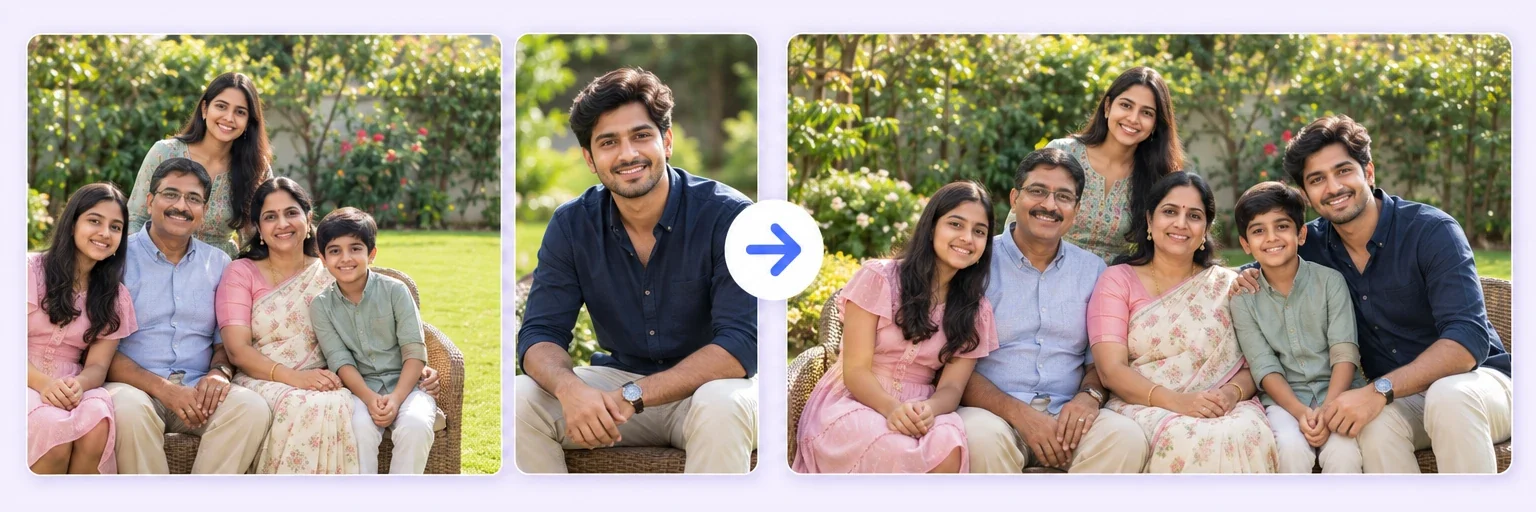
Two photos of people — the most common job by far. Upload one picture of each person and the AI places them in one scene with consistent lighting. There is a dedicated page for this with better presets: combine two people in one photo.
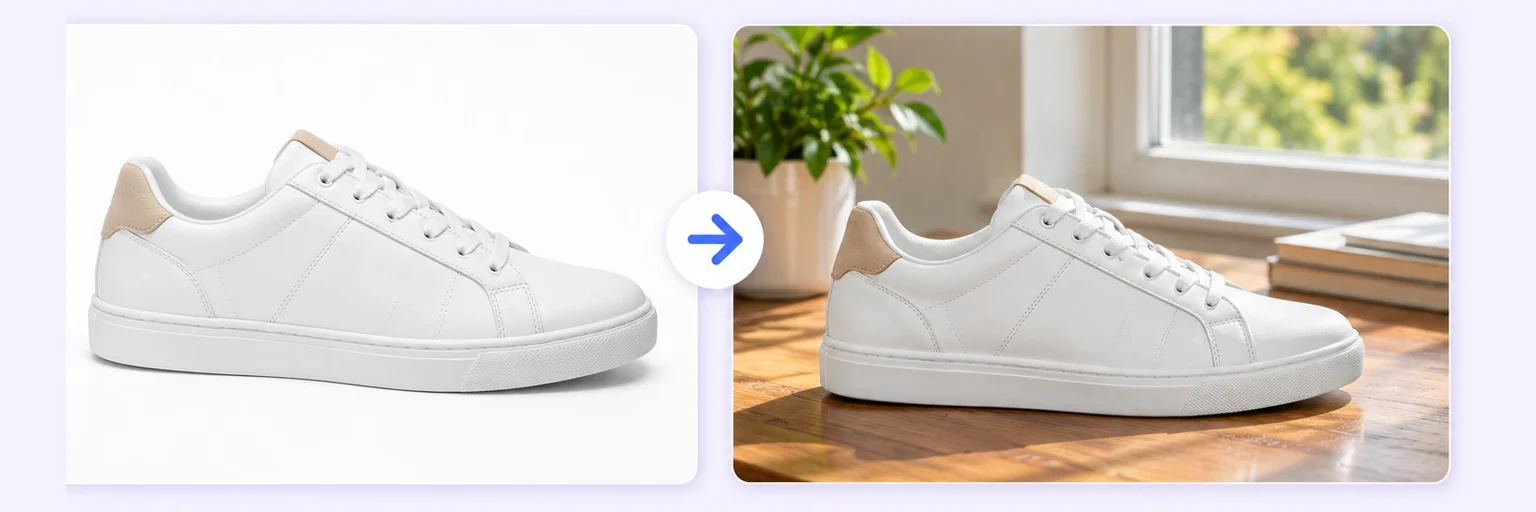
A product and a scene — put a product photo onto a kitchen counter, a desk or a gift table for a listing image. Product mockups takes this further.
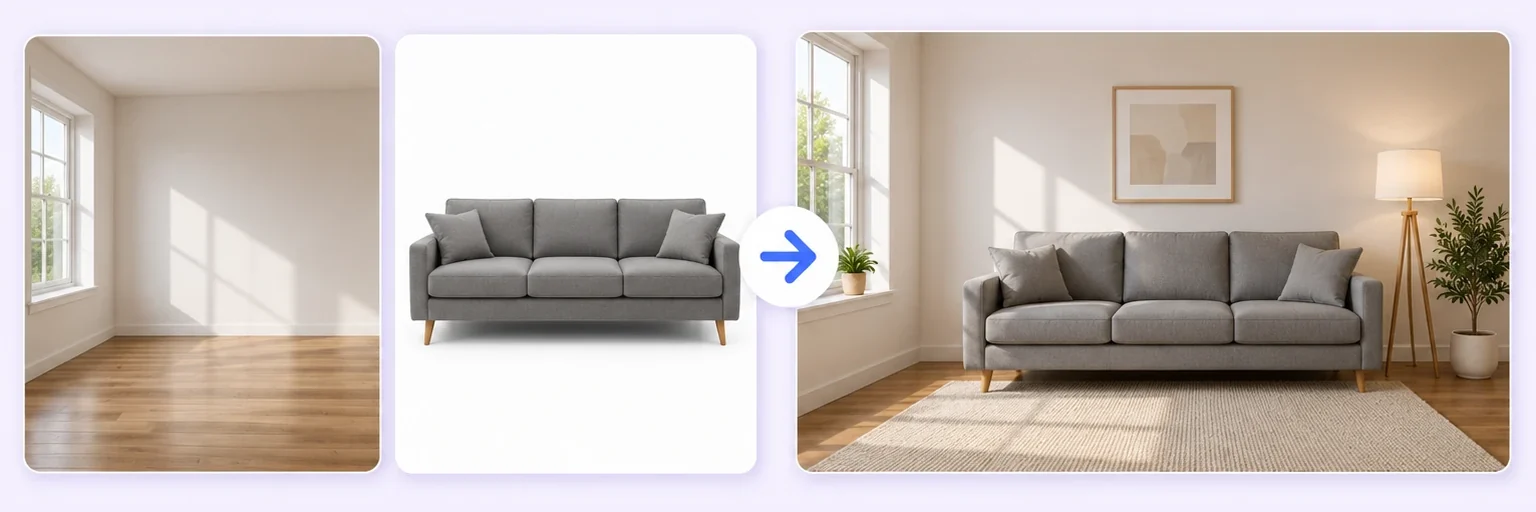
Furniture and a room — see whether a sofa fits your living room before buying, via room preview.
A photo and an art style — repaint a picture as watercolour, anime or oil with style merge.
An old picture and a new one — join generations into one frame with restore & merge old photos.
Every one of them runs from the same box at the top of this page: add the images, describe the result you want, and pick your output size — 1K for sharing, 2K or 4K for printing.
People search for an AI image merger and an image combiner and mean the same two things. If you want two whole pictures joined edge to edge — a before/after, a comparison, a collage — use the free Side by side tab above: it runs in your browser and nothing is uploaded. If you want the AI to merge images into one scene — two people together, a person added to a place, an object dropped into a room — use AI Photo Blend. This page does both, so you never have to guess which tool is the right one.
Free forever. No watermark. No account. It just works.
Start merging →Upload both images above. For a clean layout, click Merge — done. For a seamless single picture, switch to AI Photo Blend, optionally describe the result, and generate. Both options are free to use.
Yes — layout combining is unlimited and free with no account and no watermark. AI blending includes free tries with no signup either.
Yes. Type what you want — 'merge these into one photo at golden hour, cinematic' — and the AI follows your description while keeping subjects recognisable.
A classic combiner arranges images next to each other in layouts. An AI image combiner generates one new, seamless image from your inputs — merging subjects, lighting and backgrounds like a photographer would.
Use the layout merge tab: add both images, pick side-by-side, stacked or grid, and download. It is unlimited, has no watermark and runs entirely in your browser. The AI blend, which creates one new photograph instead of a layout, includes free tries every day.
Yes — that is what the AI blend does. It matches lighting, shadows, scale and perspective so the result reads as a single photograph rather than a cut-and-paste collage.
JPG, PNG and WebP, up to four images per merge and about 3.5MB each. The result downloads as a PNG with no watermark at any size.
The layout merger takes 2 to 8 images and is unlimited. The AI blend takes up to 4 images per merge, because beyond four the model starts losing the likeness of each person.
Everything on AIMerger brings things together — here is what pairs with this one.