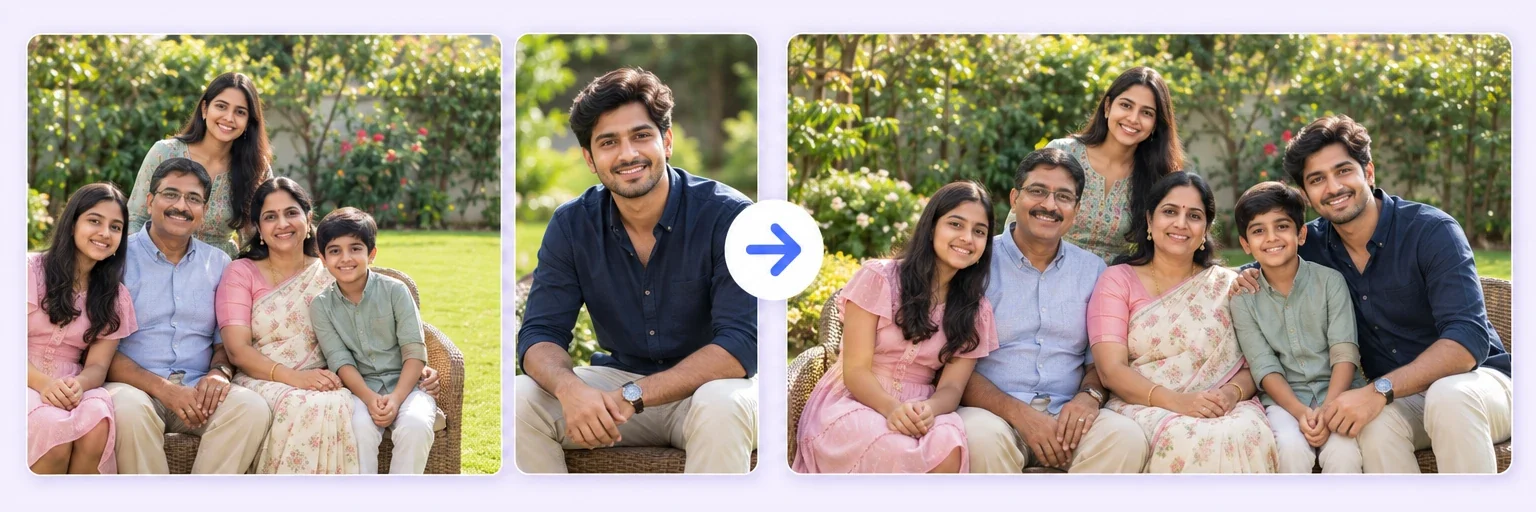
Two photos. One memory.
Most AI mergers hand you a small image that falls apart the moment you print it. AIMerger lets you choose the resolution before you blend — 1K for sharing, 2K for photo prints, and true 4K for posters and framed work.
Two photos. One memory.
Drop in 2–8 pictures — merged instantly on your device, never uploaded.
📸 Drop 2–8 photos here, or click to choose
JPG, PNG or WebP · merged instantly in your browser · nothing is uploaded anywhere
Side-by-side, grid or collage — tweak spacing, corners and size live.
Full quality, no watermark — the button turns green when ready.
One photo + the options below works great — add 2+ when you want to truly merge people or images.
✨ Drop 1–4 photos here, or click to choose
One photo: change outfits, hair, background, or see your future baby · Two+: merge people and scenes into one picture
One tap sets everything up — 16 styles, each with its own quick options.
Pick a scene, lighting and quality — or just describe what you imagine.
Standard 1K costs 1 credit. 2K costs 2 credits and 4K costs 4 — you’ll be asked to confirm before a bigger image is generated.
10–40 seconds. Failed merges never cost a try or a credit.
No key yet? Get a credit pack — your key is shown on screen the moment you pay (and emailed as a backup). Credits never expire.
Your free daily tries and your credit key work on every one of them.
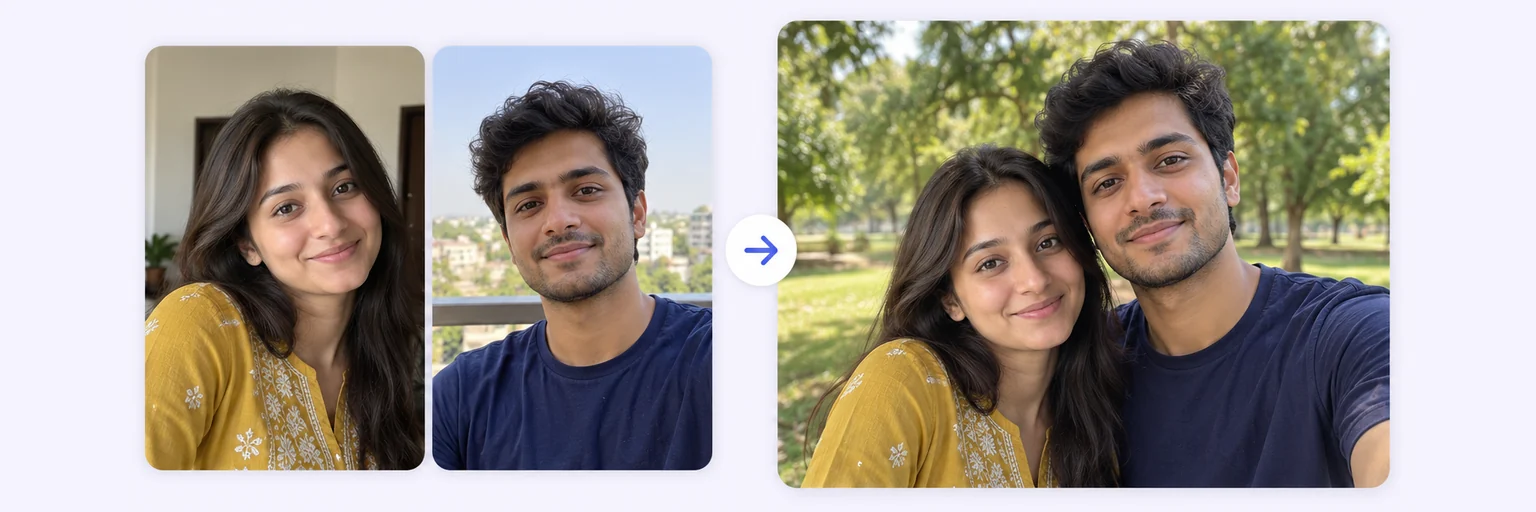 Two People in One PhotoPut two people side by side who were never togetherTry it free →
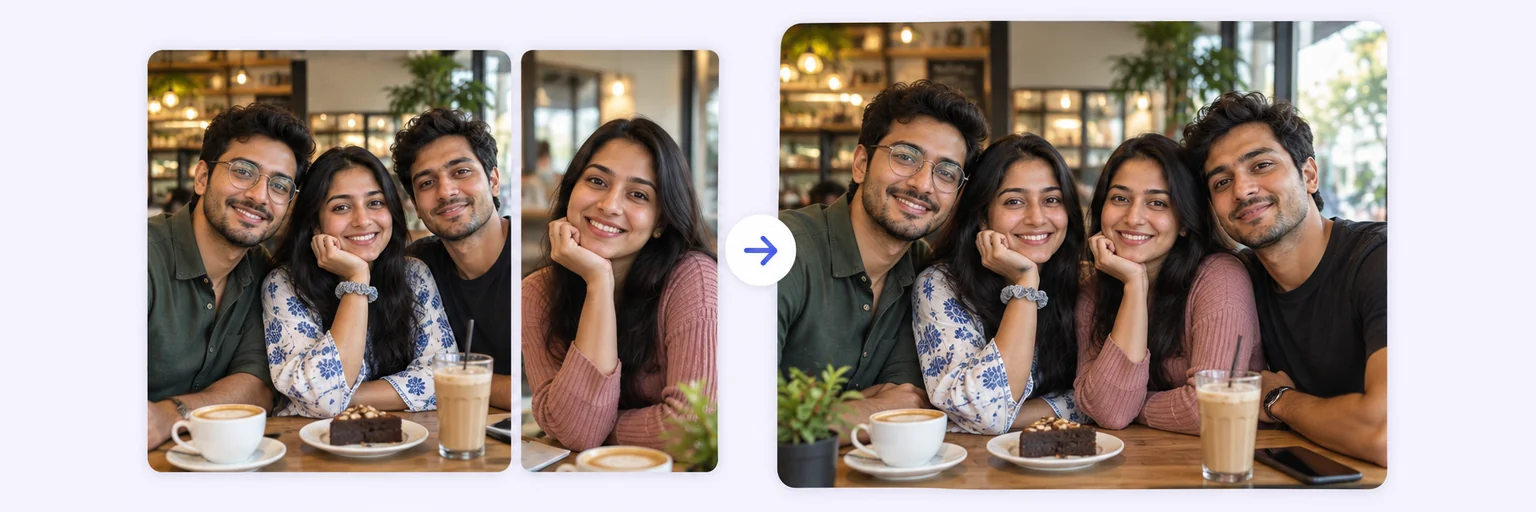 Group Photo GeneratorAdd the person who missed the group shotTry it free →
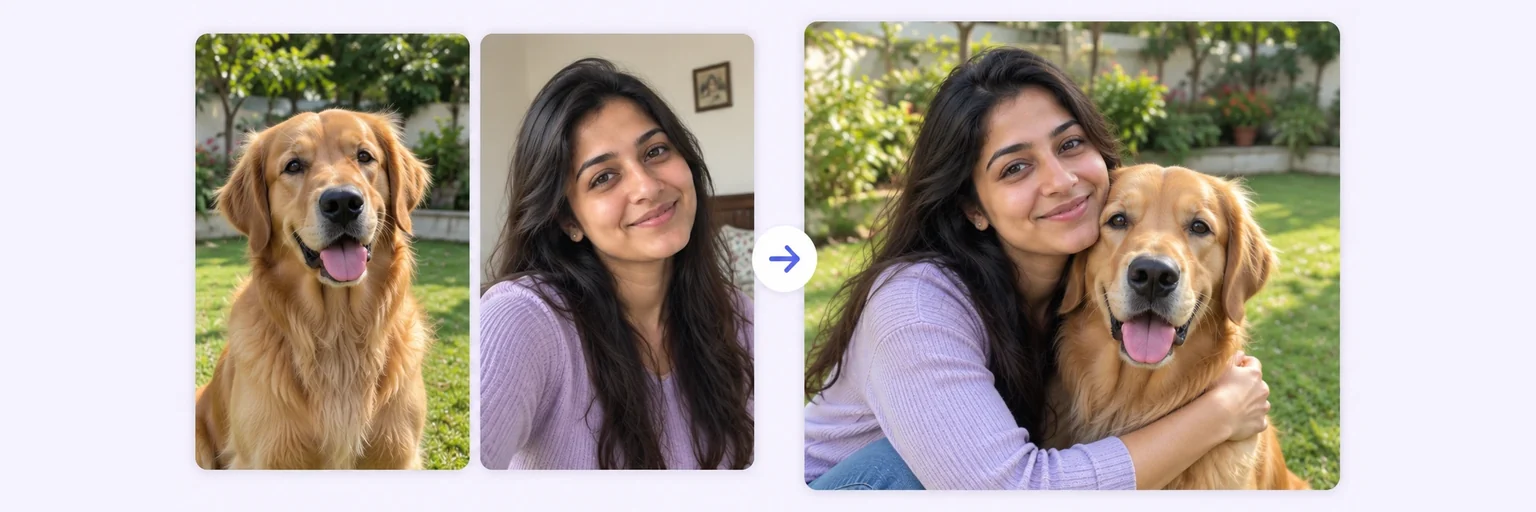 Pet Photo MergerThe portrait your pet would never sit still forTry it free →
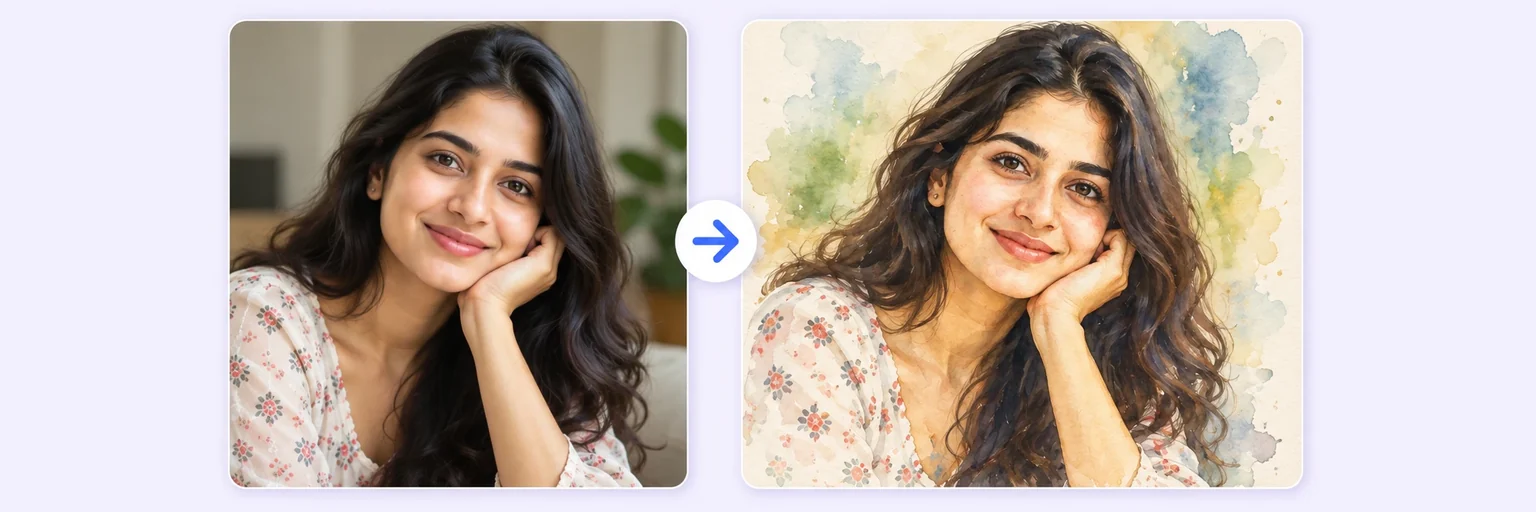 AI Style MergeYour photo as watercolour, anime or Van GoghTry it free →
The Quality box above the Blend button sets the size of the image the AI actually generates — this is real generated detail, not an upscale of a small picture. Pick the size for the job:
| Quality | Long edge | Credits | Prints well up to | Best for |
|---|---|---|---|---|
| ⚡ Standard | about 1024px (1K) | 1 | 4×6 in | WhatsApp, Instagram, everyday sharing — and every free daily try |
| 💎 Best | about 2048px (2K) | 2 | 8×10 in | Group photos, faces you will zoom into, photo-lab prints |
| 🏆 Ultra | about 4096px (4K) | 4 | 13×19 in and beyond | Posters, framed wall art, product photography, anything above A4 |
The price is shown on the Blend button before you press it, and 2K and 4K ask you to confirm — so a bigger image is never charged by surprise. If a generation comes back smaller than you asked for, you are only charged for the size actually delivered.
A 4K merge is roughly 4096 pixels on the long edge — about 12 megapixels, comparable to a good phone camera. At the 300 DPI that photo labs print at, that is a sharp 13×19 inch print; at the 150 DPI large posters are usually printed at, it stretches past two feet wide. A 1K image at the same 300 DPI covers barely 3.5 inches, which is why AI merges from most tools look soft the moment they leave the screen.
If the picture is going onto a phone screen, a story or a chat, 1K is genuinely enough and costs a quarter as much. Use the free daily tries at 1K to get the composition and the prompt right, then spend the credits on one 2K or 4K run once you know the result is the one you want. Failed generations never cost a credit at any size.
Upscalers guess at pixels that were never generated, which is why enlarged AI images often look waxy or over-sharpened around faces. Choosing 2K or 4K here asks the model to compose at that size from the start, so the extra pixels carry real detail — skin texture, fabric weave, hair, the edges of a product. It costs more because it genuinely costs us more to generate.
Yes. Set Quality to 🏆 Ultra — 4K before blending and the AI generates at roughly 4096px on the long edge. It costs 4 credits, and you confirm before it runs.
A Standard 1K image costs 1 credit, a 💎 Best 2K image costs 2, and a 🏆 Ultra 4K image costs 4 — because generating at those sizes costs about two and four times as much.
Free daily tries always run at Standard 1K. 2K and 4K need a credit pack, which starts at $4.99 for 20 credits and never expires.
About 13×19 inches at photo-lab quality (300 DPI), or considerably larger for a wall poster viewed from a distance. A 2K image is comfortable up to 8×10 inches.
Upscaling invents pixels from a finished small picture and often softens faces. Generating at 2K or 4K composes at that size from the start, so the detail is real.
A little — usually 20–60 seconds rather than 10–30. The result downloads as a full-resolution file with no watermark.
Everything on AIMerger brings things together — here is what pairs with this one.