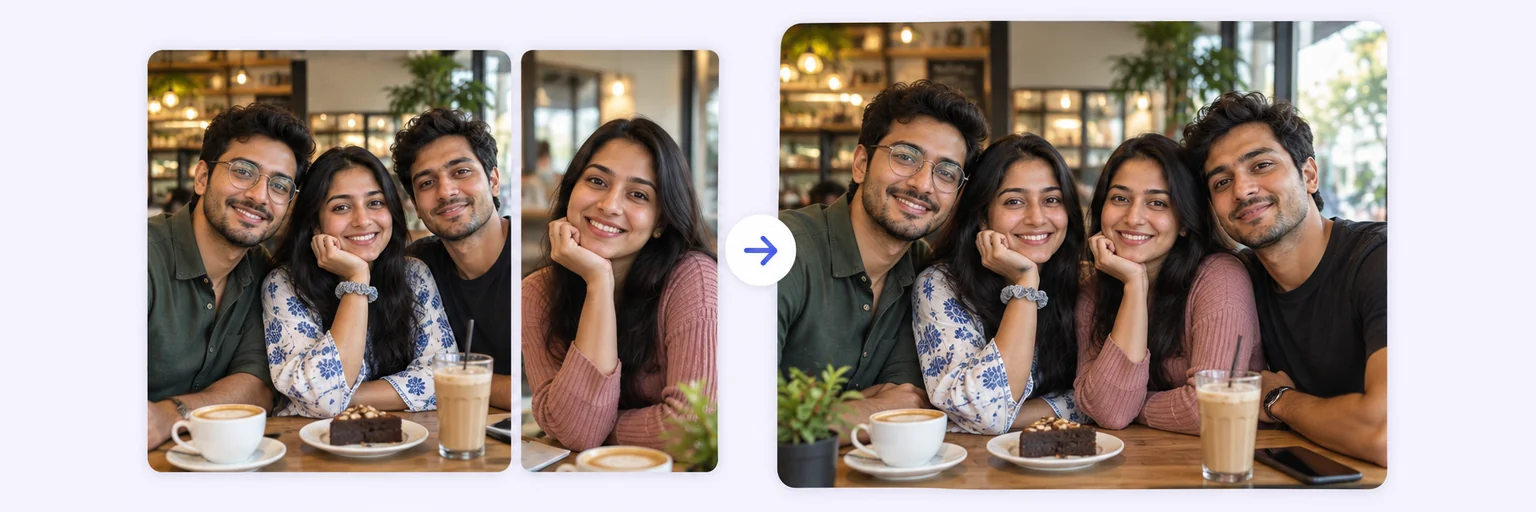
Nobody left out.
Someone always misses the group photo. Upload separate pictures — up to 4 per blend, more in rounds — and AI merges everyone into one natural group shot with matching light and scale.
Nobody left out.
Drop in 2–8 pictures — merged instantly on your device, never uploaded.
📸 Drop 2–8 photos here, or click to choose
JPG, PNG or WebP · merged instantly in your browser · nothing is uploaded anywhere
Side-by-side, grid or collage — tweak spacing, corners and size live.
Full quality, no watermark — the button turns green when ready.
One photo + the options below works great — add 2+ when you want to truly merge people or images.
✨ Drop 1–4 photos here, or click to choose
One photo: change outfits, hair, background, or see your future baby · Two+: merge people and scenes into one picture
One tap sets everything up — 23 styles, each with its own quick options.
Pick a scene, lighting and quality — or just describe what you imagine.
Standard 1K costs 1 credit. 2K costs 2 credits and 4K costs 4 — you’ll be asked to confirm before a bigger image is generated.
10–40 seconds. Failed merges never cost a try or a credit.
No key yet? Get a credit pack — your key is shown on screen the moment you pay (and emailed as a backup). Credits never expire.
Your free daily blend and your credit key work on every one of them.
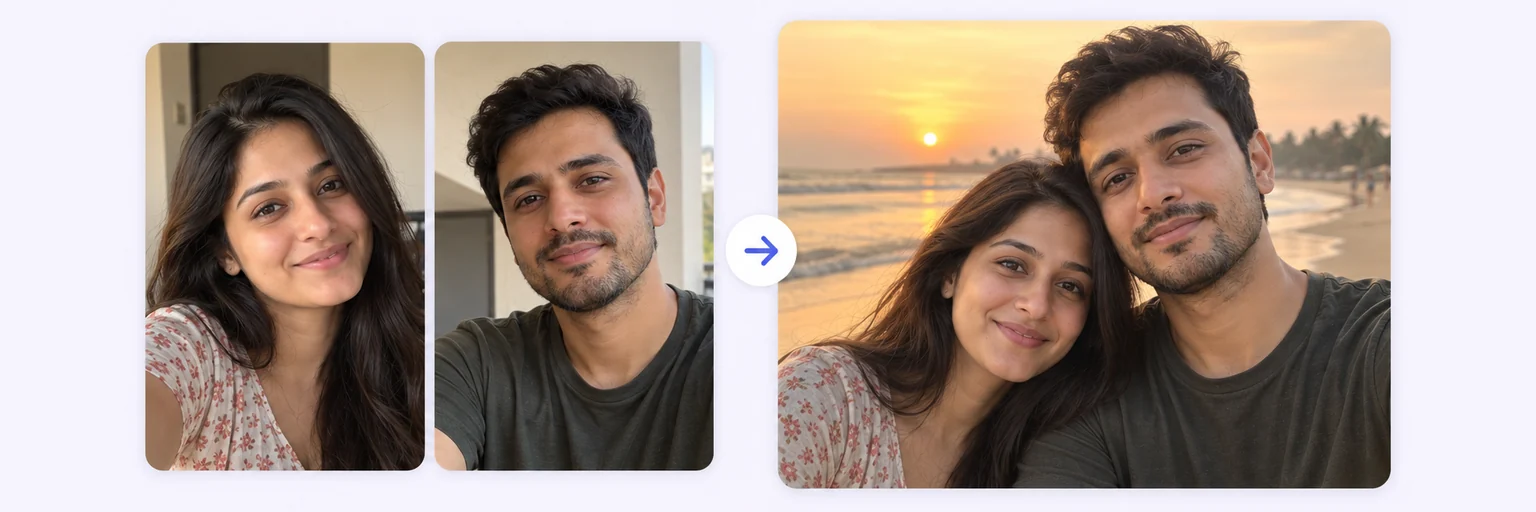 Couple Photo MergeOne natural photo of you both, from two selfiesTry it free →
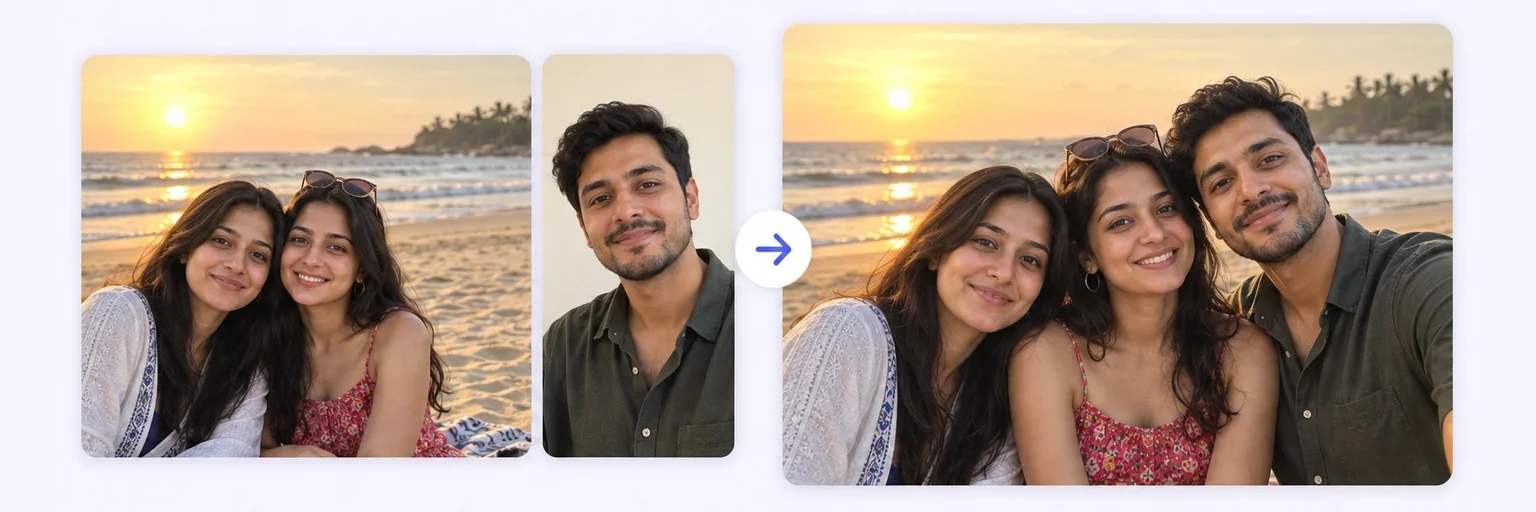 Add Person to PhotoDrop someone into an existing photo, lighting matchedTry it free →
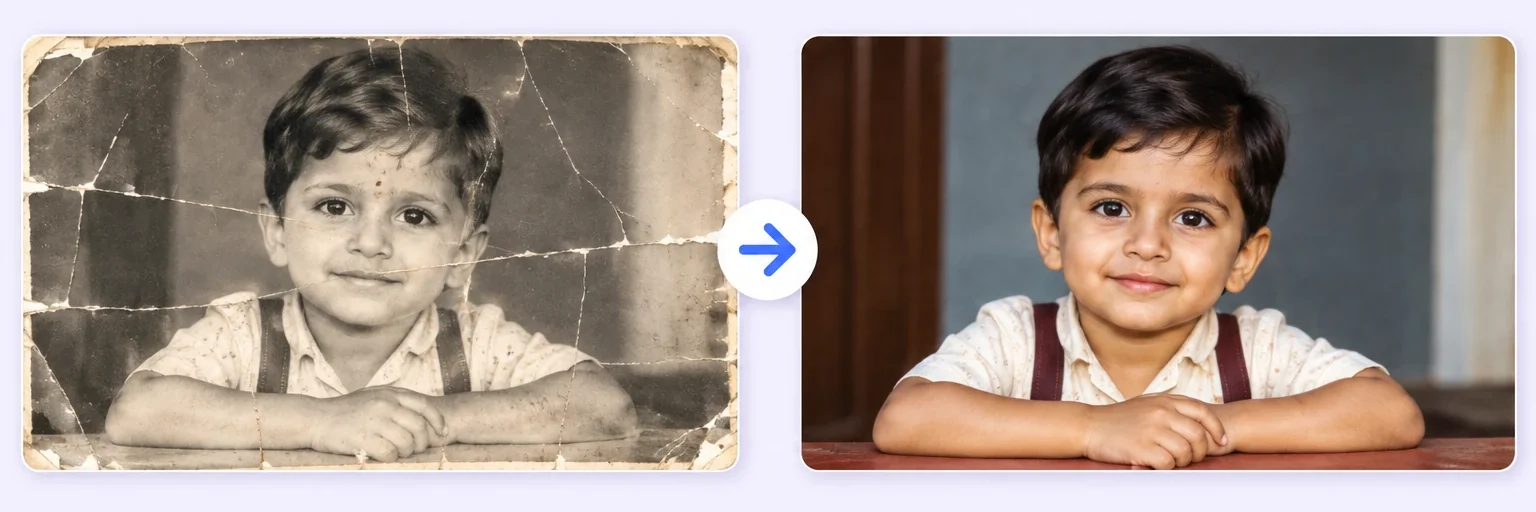 Restore & Merge Old PhotosRepair a damaged photo, then merge generationsTry it free →
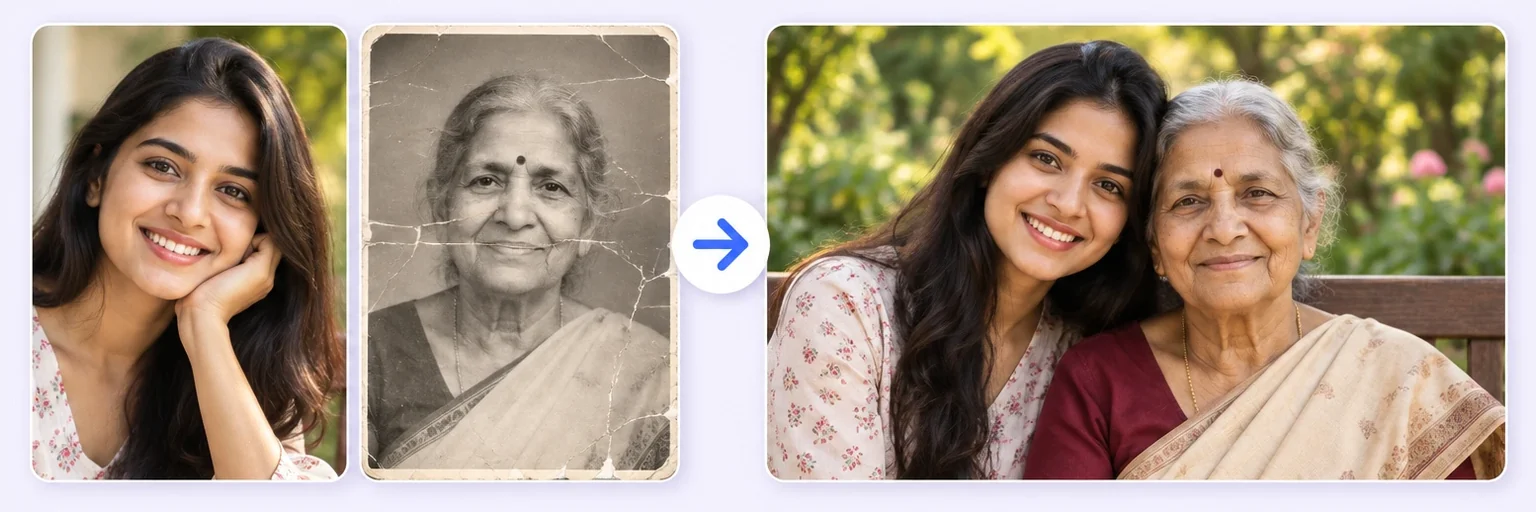 Memorial Photo MergeA gentle photo together with someone you lostTry it free →
Under Add 1–4 photos, drop your photos onto the box or click to choose. Up to 4 photos: the group shot plus the people who missed it, or everyone separately.
The ✨ AI Photo Blend tab opens automatically with the 👨👩👧 Group photo style already selected. Choose a Scene if you want a new background; otherwise the first photo's setting is kept.
Press ✨ Blend with AI. The result appears in about 10–20 seconds; failed generations are never counted.
Press ⬇️ Download result (no watermark) or 📤 Share. Not quite right? Change one thing and blend again.
💡 Tip: Put the main group photo first — the AI uses it as the base and adds everyone else into it.
Weddings, reunions, team offsites, graduation day: there's always one person missing from the group photo. Traveling, sick, on a call, or holding the camera. AIMerger rebuilds the complete shot: upload the group photo plus a separate picture of the missing person (or several separate portraits), and the AI generates one coherent group photo with everyone present.
Unlike most tools that only merge two images, AIMerger blends up to 4 photos in one run — and you can feed the result back in with the next photos to build a bigger group.
To create a group photo from individual photos, upload one clear picture of each person (up to four per run), pick Group photo and describe the setting — “office lobby”, “beach at sunset”, “in front of the school gate”. The AI matches size, light and camera angle so everyone looks photographed together. For five or more people, build the picture in rounds: merge the first result with the next photos. The step-by-step version is in the guide How to make a group photo from individual photos.
Adding just one person to an otherwise finished picture? Add Person to Photo is tuned to leave the original untouched.
This page gives you both. The 🖼️ Free Layout Merger tab is a free group photo maker for collages: up to 8 photos side by side or in a grid, made instantly in your browser with nothing uploaded. The ✨ AI Photo Blend tab creates one real-looking group picture where everyone shares the same scene — use it when the photo should look as if it was taken together.
Free forever. No watermark. No account. It just works.
Start merging →Upload the individual photos in the AI Photo Blend tab, pick the 'Group photo' style, optionally describe the setting, and generate. The AI arranges everyone naturally in one scene with consistent lighting.
Up to 4 photos per AI blend. For bigger groups, merge in rounds: blend the first four, then add the result plus the next photos. The free layout collage on this page takes up to 8 photos at once.
Yes — upload the group photo plus a clear photo of the missing person, and ask the AI to add them naturally to the group.
Yes — you get one free AI blend every day with no signup, and the free layout collage on the same page is unlimited. Credit packs from $4.99, which never expire, cover bigger projects.
No. The AI rebuilds the picture as one photograph — it matches size, light direction, shadows and camera angle instead of cutting people out. Photos taken in similar light give the most natural result.
Everything on AIMerger brings things together — here is what pairs with this one.