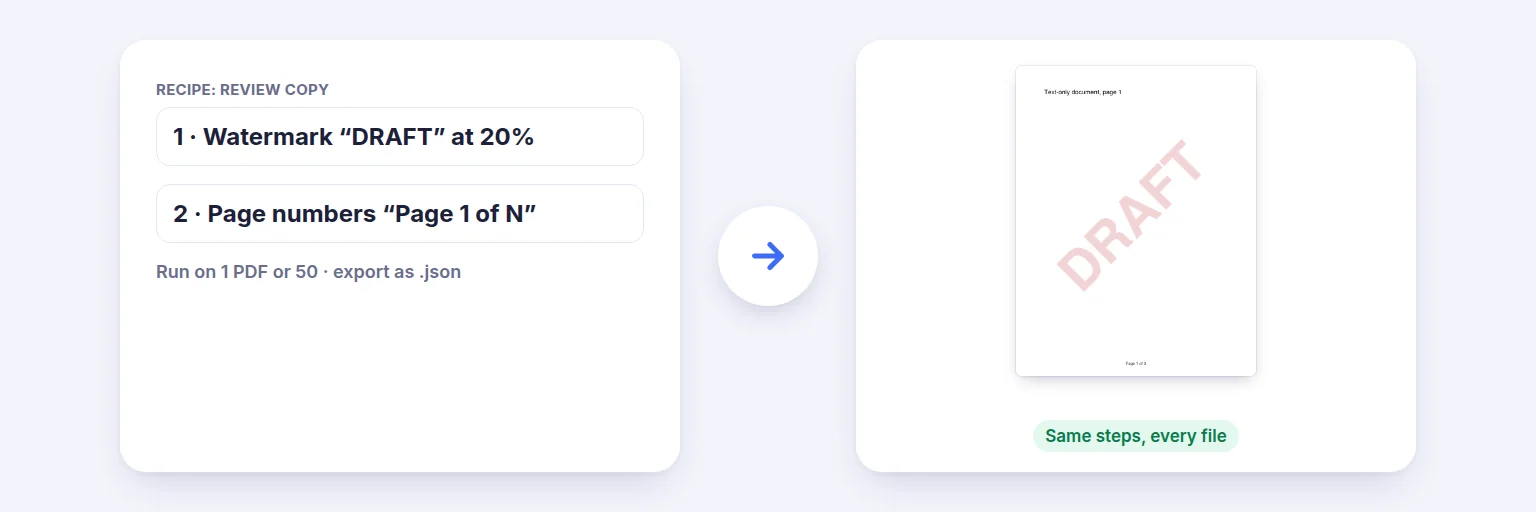
A saved recipe (watermark + page numbers) → the same steps applied to every file.
Do the same things to PDFs every week? Put the steps in a recipe once — for example “remove blank pages → add page numbers → compress to 2 MB” — and run it on one file or fifty. Start from a ready-made recipe, export it for colleagues, import theirs. Only safe, built-in operations can be used, and everything runs on your device.
Steps run top to bottom. Every setting is checked before anything runs.
The recipe runs on each file separately.
🧪 Drop the PDFs to run the recipe on, or tap to choose
One PDF or up to 50 — every file gets the same steps
Each file shows what the recipe did.
🔒 Recipes run on your device. Your PDFs and your recipes are never uploaded.
Up to 20 steps per recipe and 50 PDFs per run. Only the listed operations exist — a recipe is a list of settings, never code, and imported recipes are validated and shown before anything runs. “Split into files” must be the last step. Text in watermarks and stamps uses the standard PDF fonts.
A saved recipe (watermark + page numbers) → the same steps applied to every file.
Pick a ready-made recipe (Ready to email, Review copy, Print handout, Clean up a scan) — or add your own steps from the list.
Adjust each step’s settings. The line under the steps describes the whole recipe in plain words and flags anything that isn’t allowed.
Add the PDFs and press Run recipe. Each file shows what was done; download them one by one or as a ZIP.
Want it next time? Tick Remember my recipes in this browser and press Save — or Export the recipe as a small .json file to share.
💡 Tip: Put “Compress to a size” near the end (after watermarks and numbers) and “Split into files” last — the tool enforces the second.
Fourteen built-in operations: rotate pages, remove pages, keep only some pages, remove blank pages, reverse the order, add page numbers, add a text watermark, add a stamp badge, put several pages on one sheet, fit pages to a paper size, flatten forms and comments, remove hidden details, set the title, compress photos and scans to a size, and split into files. Each runs exactly as the matching AIMerger tool does — content is added or pages rearranged, never turned into pictures.
A recipe is plain data — a list of operation names and settings — never code. Every recipe, including one you import, is checked against a strict list: unknown operations, unknown settings and out-of-range values are refused with a clear message, and an imported recipe is only shown, never run, until you press Run. Recipe files are limited to 64 KB.
By default a recipe lasts only while the page is open. Tick “Remember my recipes in this browser” to keep them in this browser’s storage on this device; untick it and they are deleted. Nothing — not the recipes, not your PDFs — is sent to a server.
Build a recipe from the built-in steps (or start from a ready-made one), add your PDFs and press Run recipe. Save it to rerun next time.
Yes — up to 50 PDFs per run. Each file is processed separately and you can download all results as a ZIP.
Yes. Export it as a .json file; anyone can import it on this page. Imported recipes are validated and shown before anything runs.
No. Only the built-in PDF operations exist, with checked settings. Recipes can’t contain code and nothing is uploaded.
Only in this browser on this device, and only if you tick “Remember my recipes”. Unticking deletes them.
No. Recipes run in your browser on your device.
Free tools that pair well with this one.