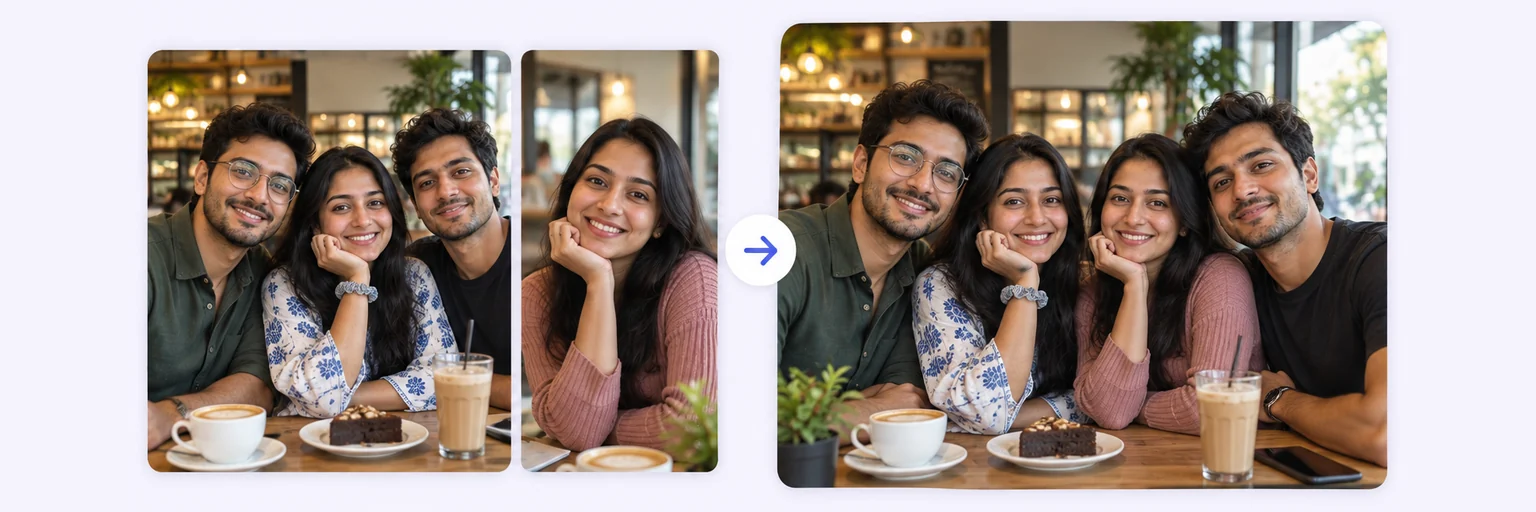
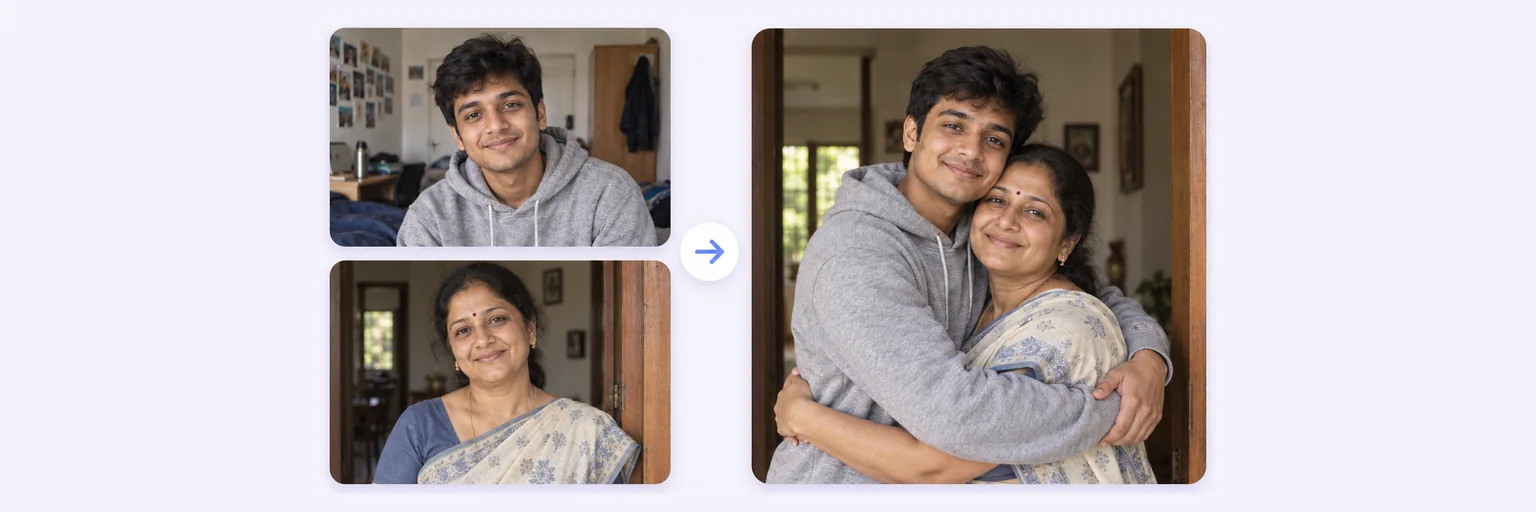
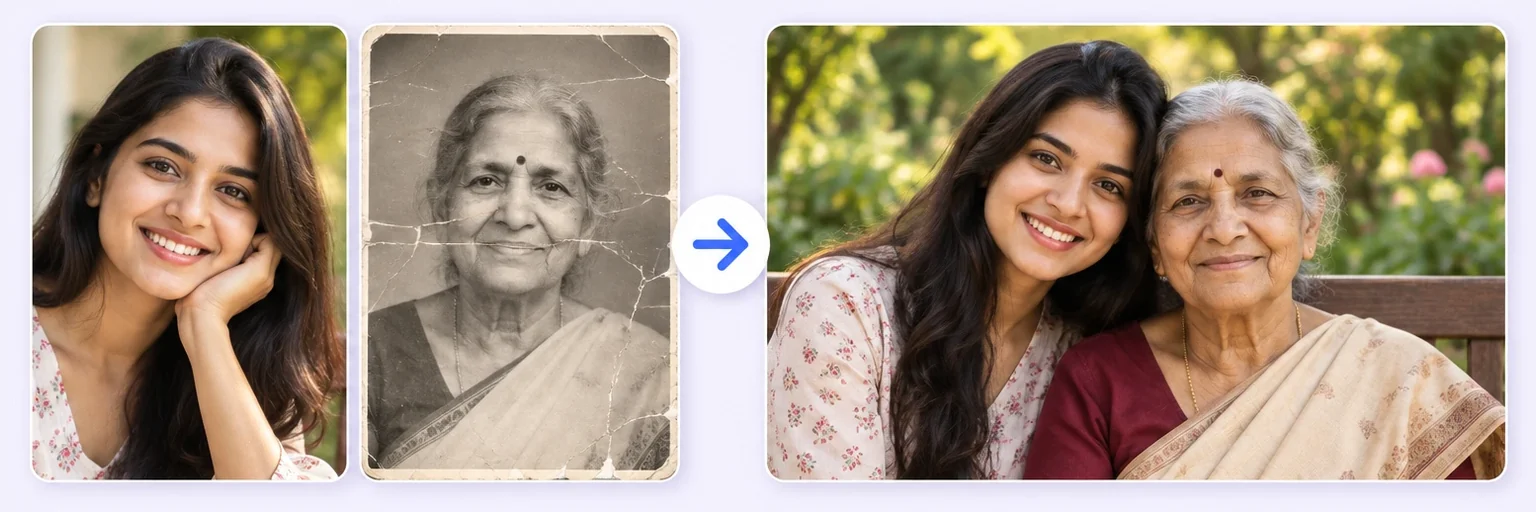
Upload your photos and get a real-looking Christmas picture of the same people — by the tree, in matching pyjamas, in the snow or with Santa. Bring the whole family together even if they are miles apart, and keep every face exactly as it is.
Drop in 2–8 pictures — merged instantly on your device, never uploaded.
📸 Drop 2–8 photos here, or click to choose
JPG, PNG or WebP · merged instantly in your browser · nothing is uploaded anywhere
Side-by-side, grid or collage — tweak spacing, corners and size live.
Full quality, no watermark — the button turns green when ready.
One photo + the options below works great — add 2+ when you want to truly merge people or images.
✨ Drop 1–4 photos here, or click to choose
Up to 4 photos · each photo can contain several people · mix old prints and new selfies
One tap sets everything up — 24 styles, each with its own quick options.
Pick a scene, lighting and quality — or just describe what you imagine.
Standard 1K costs 1 credit. 2K costs 2 credits and 4K costs 4 — you’ll be asked to confirm before a bigger image is generated.
10–40 seconds. Failed merges never cost a try or a credit.
No key yet? Get a credit pack — your key is shown on screen the moment you pay (and emailed as a backup). Credits never expire.
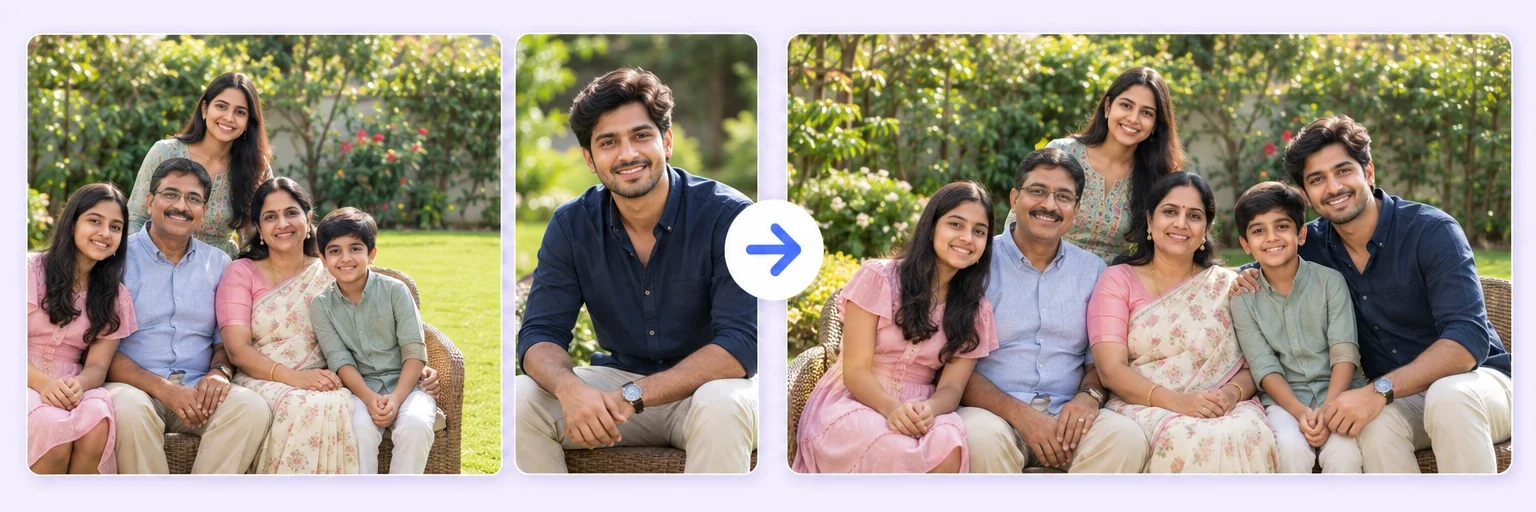
Under Add 1–4 photos, add your photos — a family picture, selfies, someone who lives far away. Each photo can hold several people.
The 🎄 Christmas photo style is already selected. Tap a scene — tree, fireplace, snow, Santa, Christmas card — and choose outfits and style.
Press ✨ Blend with AI. Your Christmas photo appears in 10–40 seconds; failed blends never count.
Press ⬇️ Download result. For printed cards, blend again at 2K or 4K.
💡 Tip: Put the photo with the most people first — the AI builds the scene around it and adds everyone else.
Getting everyone in one place, dressed, looking at the camera at the same moment is the hard part of every Christmas photo. Here you start with the photos you already have — a selfie, last summer’s family picture, a photo of the cousin who lives abroad — and the AI turns them into one festive picture: by a lit Christmas tree, in front of the fireplace, in the snow or next to Santa.
Everyone keeps their own face. The AI changes the setting, the light and, if you choose, the clothes — matching red pyjamas, knitted Christmas jumpers or Santa hats — and leaves the people recognisably themselves.
Pick a scene from the gallery under the style, or describe your own in the box — “on a snowy balcony in Goa”, “in a cosy cabin with a dog by the fire”.
Families are spread across cities and countries. Add one photo from each household and the AI composes them into a single Christmas portrait — the kind you would have taken if everyone had made it home. It is also a gentle way to include a grandparent in this year’s photo. For a year-round family portrait, see the AI Family Photo Generator; to add just one person to a photo you already love, use Add Person to Photo.
The free blend is Standard 1K — perfect for WhatsApp, Instagram and a phone wallpaper. For printing, choose a larger size before you blend:
If a blend comes back smaller than you asked for, you only pay for the size you received.
1 free AI blend a day · HD packs from $4.99
Start merging →Yes — you get one free AI blend a day with no signup and no watermark. For more photos, retries and print-quality 2K or 4K images there are credit packs from $4.99, and credits never expire.
Yes. Add up to 4 photos — each one can already contain several people — and the AI places everyone together in one Christmas scene. Put the photo with the most people first; it becomes the anchor of the picture.
That is the main instruction the AI gets: same faces, same features, same skin tone. Clear, well-lit photos where faces are not too small give the most faithful results. If a face drifts, blend again — failed blends never cost a credit.
Yes — choose the Christmas card scene for a card-style layout with snow and room for a greeting, then print it. For printing, blend at 2K (about 2048 px, good for 6 × 4 inch cards) or 4K (about 4096 px, good up to A4).
Yes. Add their photo alongside the others and the AI puts them in the same scene. For someone who has passed away, Memorial Photo Merge is made to handle it gently.
No. Your photos are sent securely to the AI only to create your picture and are not stored by AIMerger. The free layout tools on the page run entirely on your device.
Everything on AIMerger brings things together — here is what pairs with this one.